How to Bridge BNB to opBNB (Official Bridge)
2 min read · · Korean original
Contents 5
BNB Smart Chain is already fast enough, but there is a Layer 2 solution that is even faster and cheaper: opBNB. In this post, we'll look at what opBNB is and how to move your BNB to opBNB using the official bridge.

What is opBNB?
opBNB is a Layer 2 solution that makes BNB Smart Chain faster and cheaper to use. Transactions created on opBNB are sent to and recorded on the parent chain, Binance Smart Chain (BSC), using Optimism's OP Stack technology.
Introducing the opBNB Bridge
The opBNB bridge lets you transfer BNB and BEP-20 tokens from Binance Smart Chain to opBNB. The best-known bridges are the opBNB Binance Bridge and zkBridge.
The main assets currently supported on opBNB are BNB, BTCB, ETH, FDUSD, and USDT. More tokens will continue to be added, and you can check the officially supported assets on the GitHub page.
Moving BNB Smart Chain Assets to opBNB
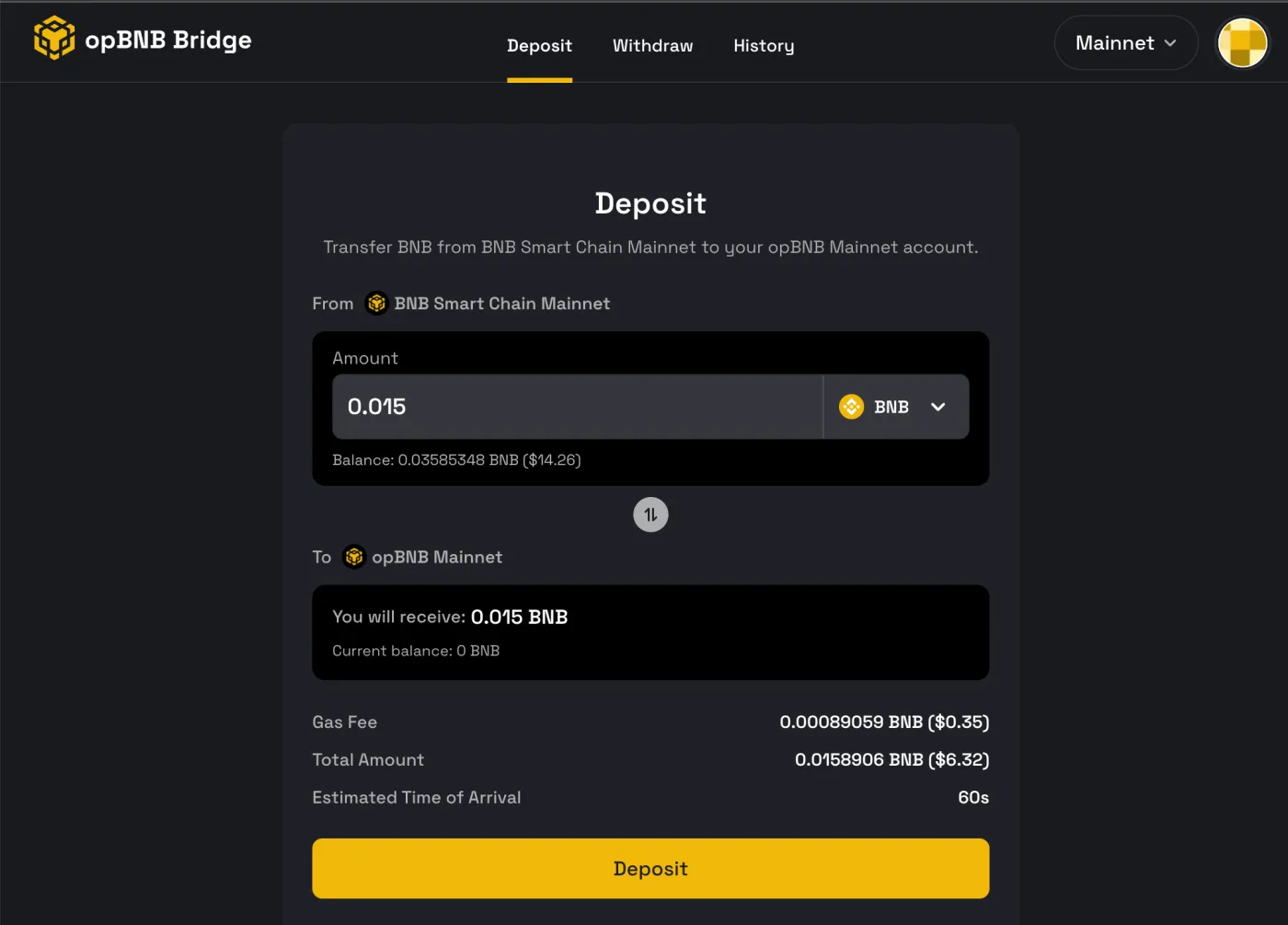
You can use the opBNB bridge to move assets from Binance Smart Chain to opBNB. To move your assets, connect your wallet to the bridge and then press the [Deposit] button. Make sure you hold a small amount of BNB to pay the required gas fee. Transactions are processed in roughly 10 seconds.
Moving Back from opBNB to BNB Smart Chain
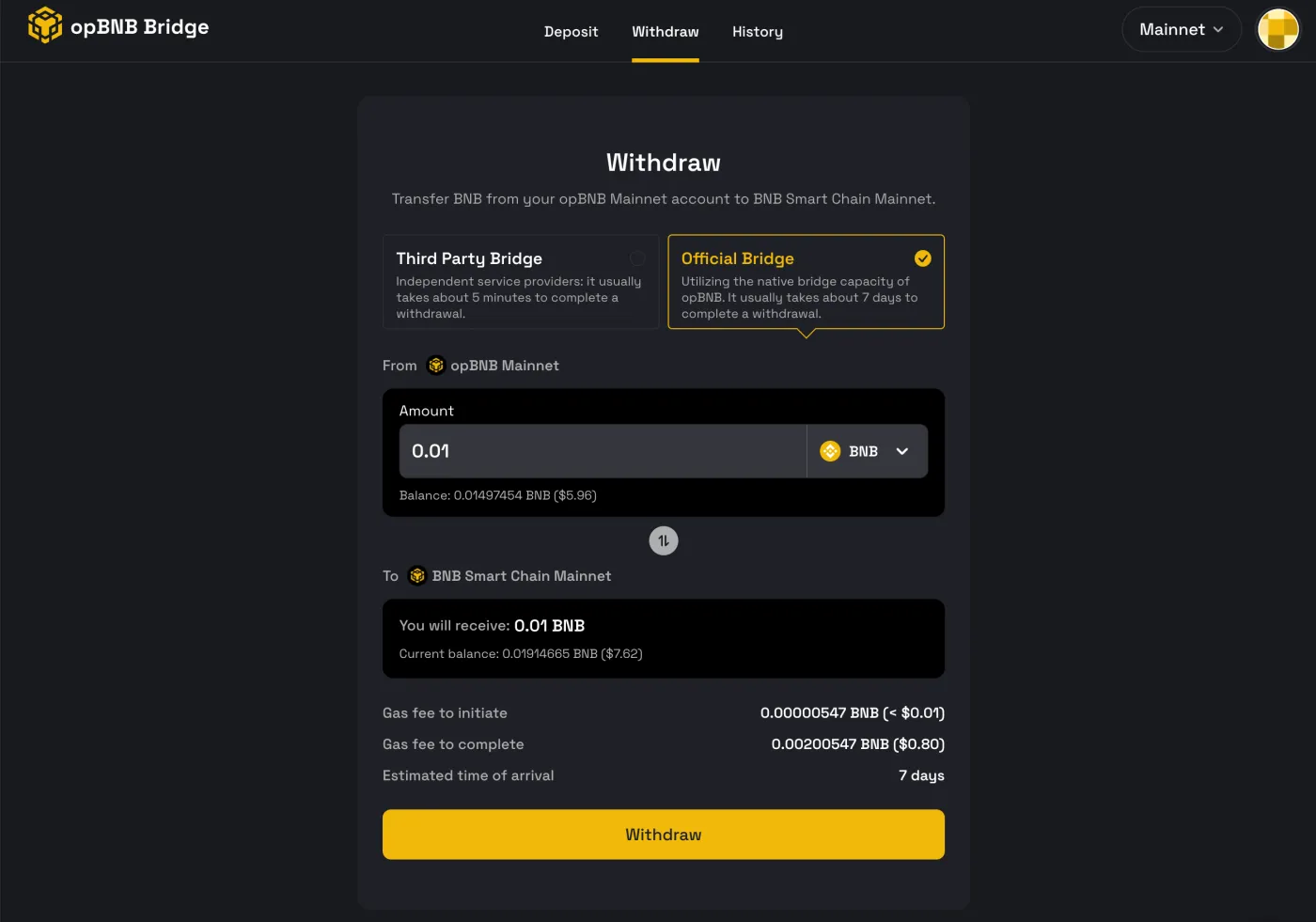
To move back from opBNB to BNB Smart Chain, you need to use the [Withdraw] function. This takes about 7 days, and you need to complete the following 3 steps.
- Start the withdrawal on the opBNB bridge
- Approve the withdrawal after 2 hours
- Complete the withdrawal after 7 days
On the opBNB mainnet, moving back to BNB Smart Chain and withdrawing your assets takes about 7 days, while on the opBNB testnet it takes about 2 hours.
How to Get Free BNB Testnet Tokens
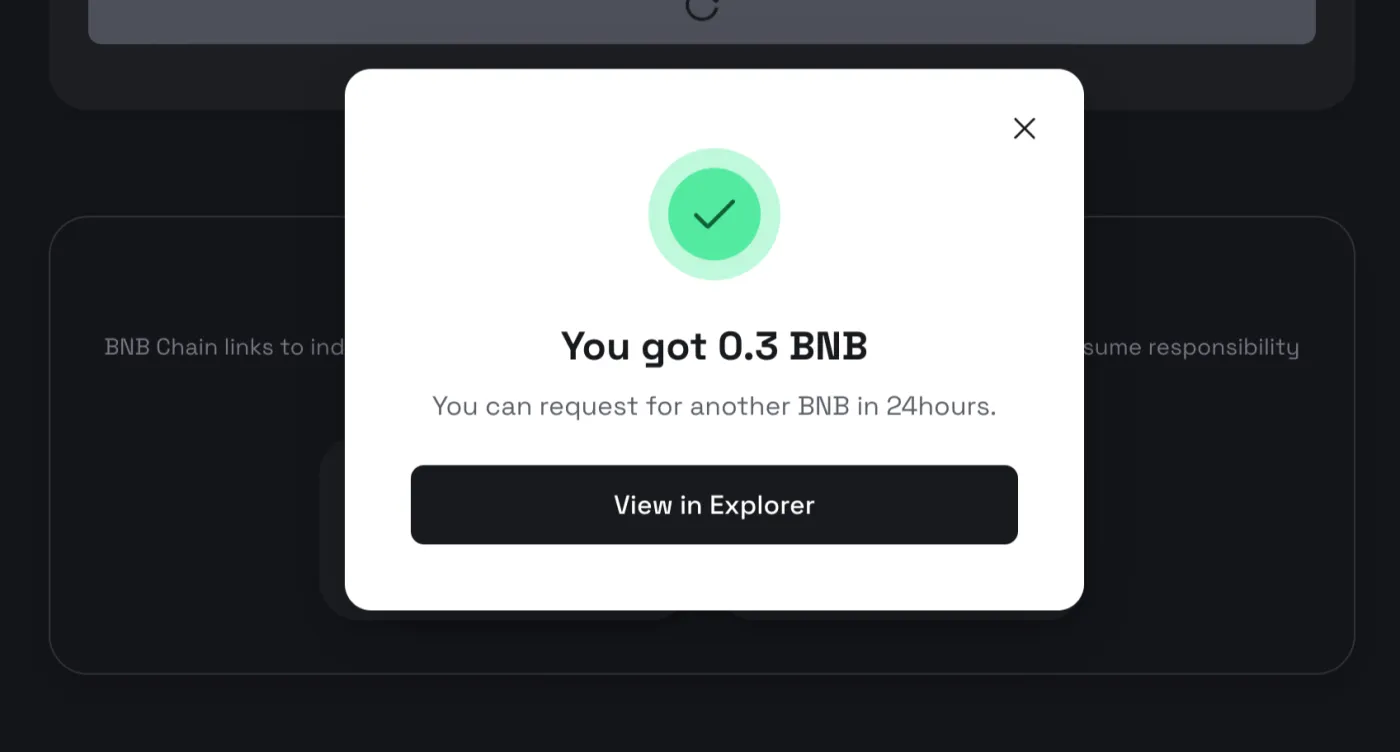
If you'd like to get BNB testnet tokens and try out the bridge, you can use the website below. You can get testnet tokens from the faucet for free once every 24 hours.