[Steemit] How to Request Recovery of STEEM Sent to Upbit with the Wrong Memo (How to Find Your TxID)
2 min read · · Korean original
Contents 3

On Steemit, you need to use an exchange to convert STEEM or Steem Dollars. The exchange receives STEEM/Steem Dollars into its own exchange account and then credits them to each user's account based on the deposit memo. So you can only receive your STEEM/Steem Dollars if both the deposit address and the deposit memo are correct. Every now and then, though, people make a mistake and enter one of them wrong. And that's exactly what happened to me yesterday.
1. What KakaoTalk Support Said
Here's what KakaoTalk support told me. To explain it in a bit more detail for anyone who might come across this post, if you entered the deposit address itself incorrectly, recovery is impossible. If you send to an upbit account, only the owner of that account has access to it, so recovery simply isn't possible. However, if you entered the deposit memo incorrectly, (in Upbit's case) they will recover it through their mis-deposit process. The only condition is that the memo you used must not have been issued to another user.
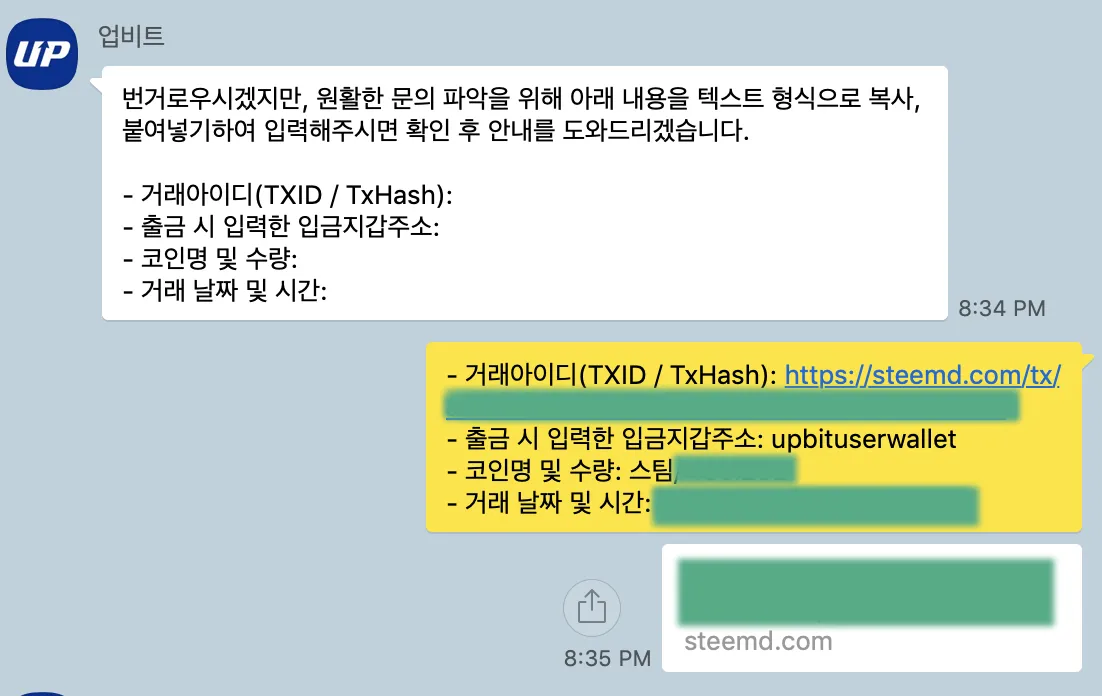
When I asked about the recovery procedure for mis-deposits, I received the information below. In reality, though, this step was completely pointless, because mis-deposit recovery has to be requested separately.
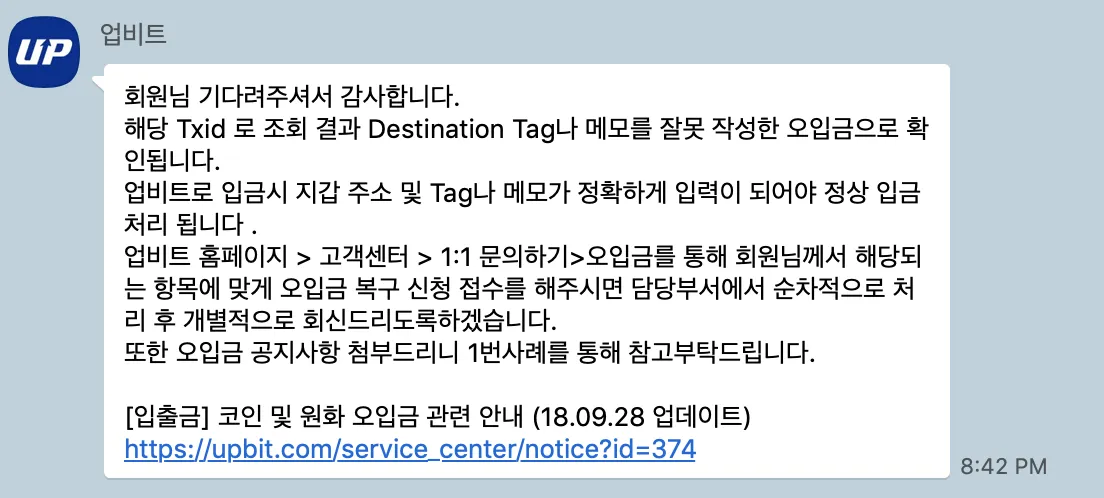
This link explains that for mis-deposits, you need to request recovery using a separate application form. For coins that use a memo or tag, such as Ripple, STEEM, Steem Dollars, Stellar and EOS, they recover the funds without any extra fee. It reportedly takes about 5 business days.
2. Filling Out the Mis-Deposit Recovery Form
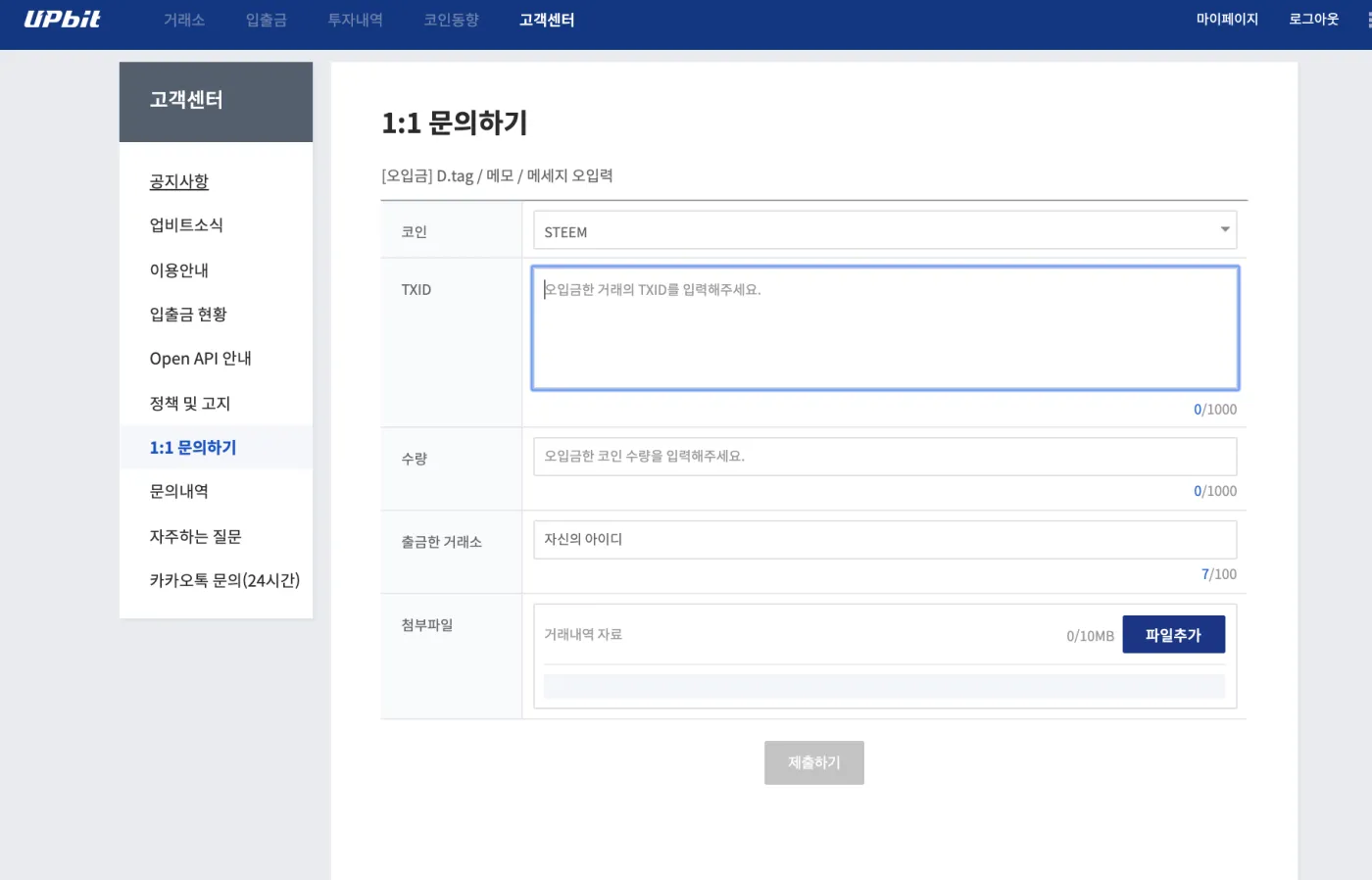
Go to the Upbit Customer Center, open 1:1 Inquiry, and then go to the D.tag/Memo Entry Error tab under the Mis-deposit tab.
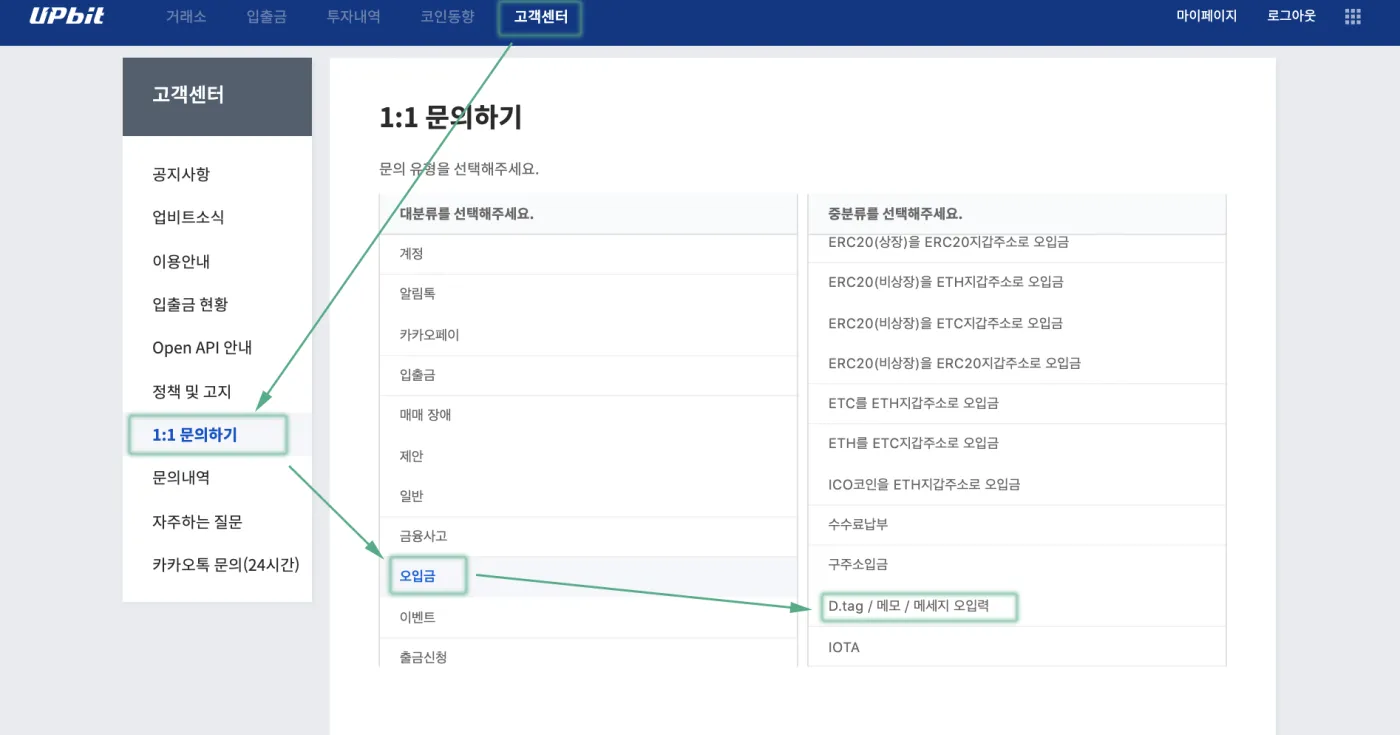
Under the mis-deposited coin, select STEEM, then enter the TXID and the amount. In the "withdrawing exchange" field, enter the account you sent from, or the STEEM wallet ID of the exchange you withdrew from. For the attachment, attach a record of the transfer.
3. How to Find Your STEEM TxID
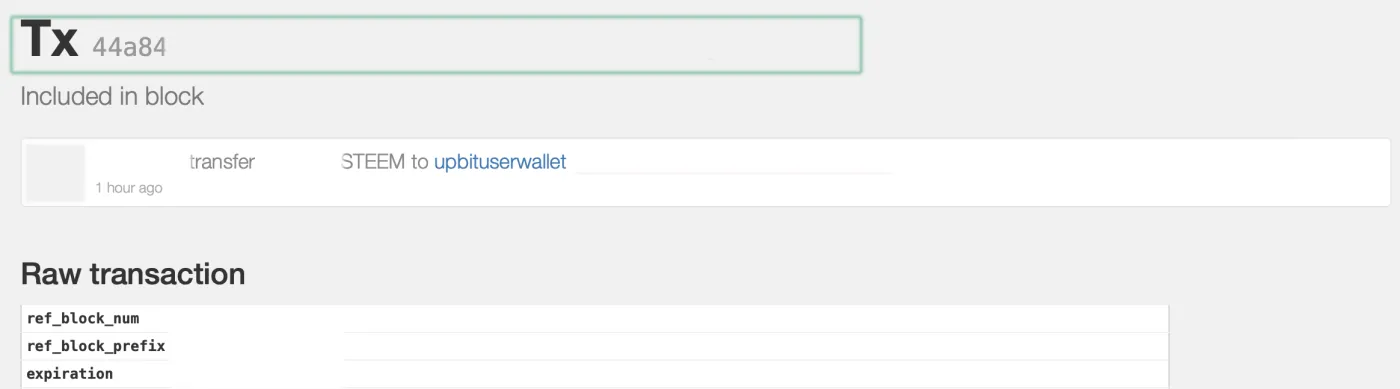
You can find your TxID on the steemd site for your account. If you go to https://steemd.com/@your ID, you can find it next to your transfer history, as shown below. Click the link made of numbers and letters at the far right and you'll be taken to a page where you can view the Tx, like this.

As shown here, the combination of numbers and letters written after Tx is the TxID of that transaction. Just enter it into the Upbit form. You can check how your mis-deposit is being processed in the <Inquiry History> tab.