[Steemit] How to Check Your Steem Power Delegations
1 min read · · Korean original

In the last post, we looked at how to delegate Steem Power. If you delegate to several people, it can get confusing to keep track of how much you have delegated. I still wonder why Steemit doesn't have its own built-in delegation feature, but either way, delegation is one of Steemit's key features and at the same time not easy to get to.
 [Steemit] How to Lease (Delegate) Steem Power2 min read
To check your delegations, go to http://www.steemreports.com/delegation-info/ and enter the account you want to check in the Account Name field. Then just click the View Delegation Info button.
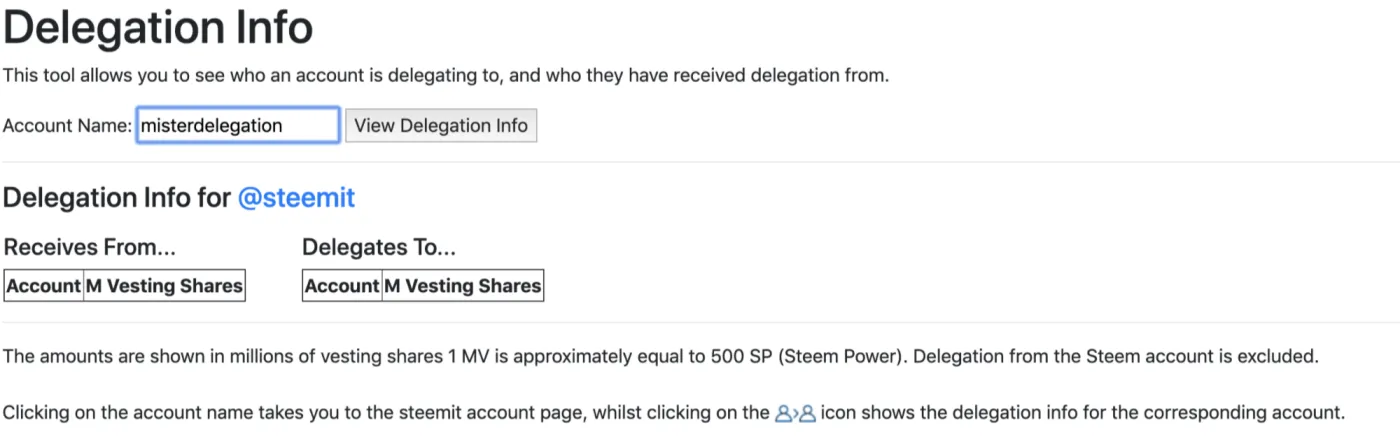
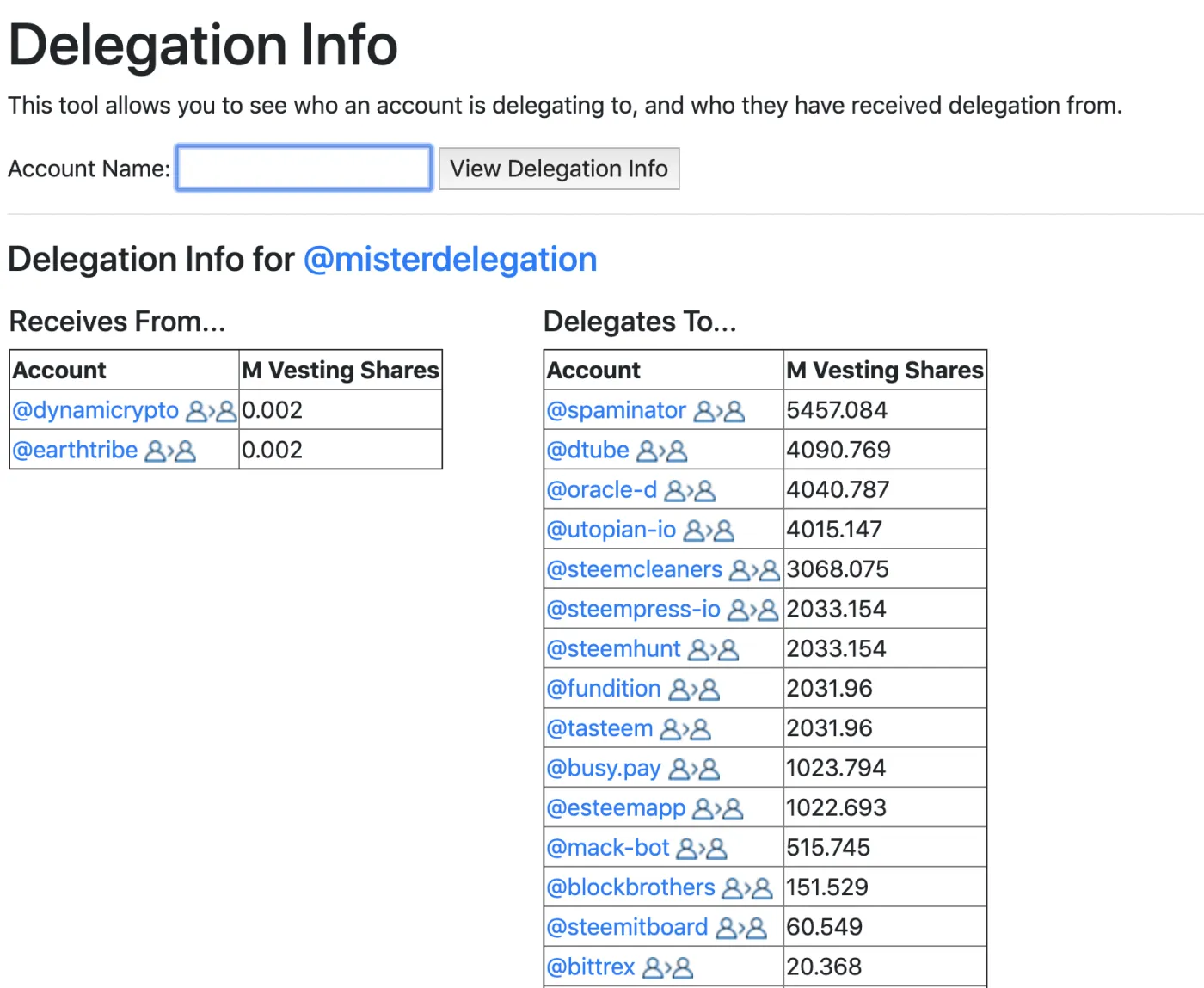
I checked the account @misterdelegation, which appears to be run by the Steemit Foundation. As you can see below, you can check the account's delegation status (the amount delegated to it and the amount it is delegating) as M Vesting Shares values. For reference, 1 MV (millions of vesting shares) is roughly equal to 500 SP (Steem Power).
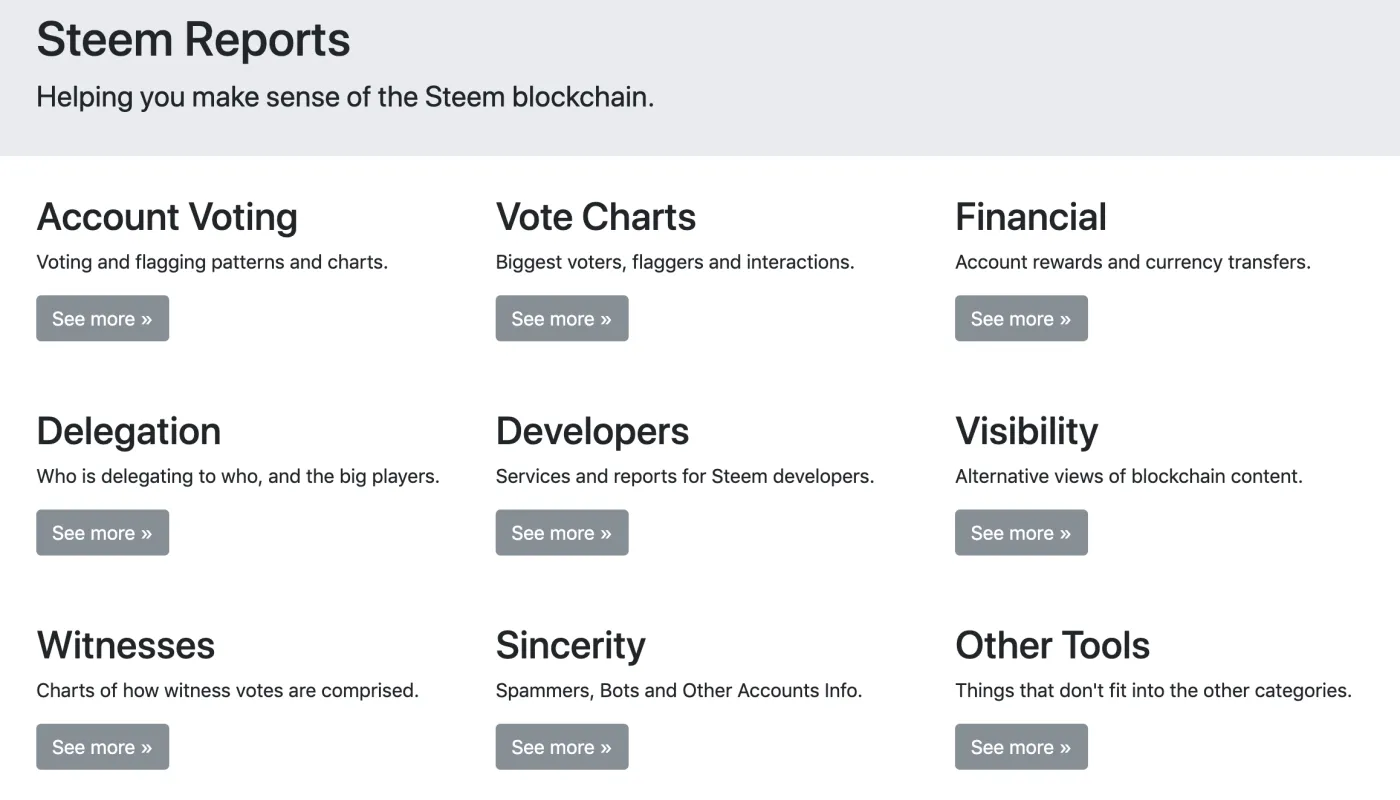
In addition to checking delegations, http://www.steemreports.com/ also offers a variety of reports, such as account voting statistics and STEEM and Steem Dollar transfer history.