What Is Ransomware
4 min read · · Korean original
Ransomware is a type of malware (malicious software) that affects not only personal systems but also the networks of businesses, hospitals, airports, and government agencies in a variety of ways.
First discovered in 1989, ransomware keeps evolving and becoming more sophisticated. Simpler forms of ransomware are usually non-encrypting, but modern ransomware uses encryption to lock files and make them inaccessible. Encrypting ransomware can even lock down a computer's operating system entirely through the hard drive, leaving the victim unable to use the computer.
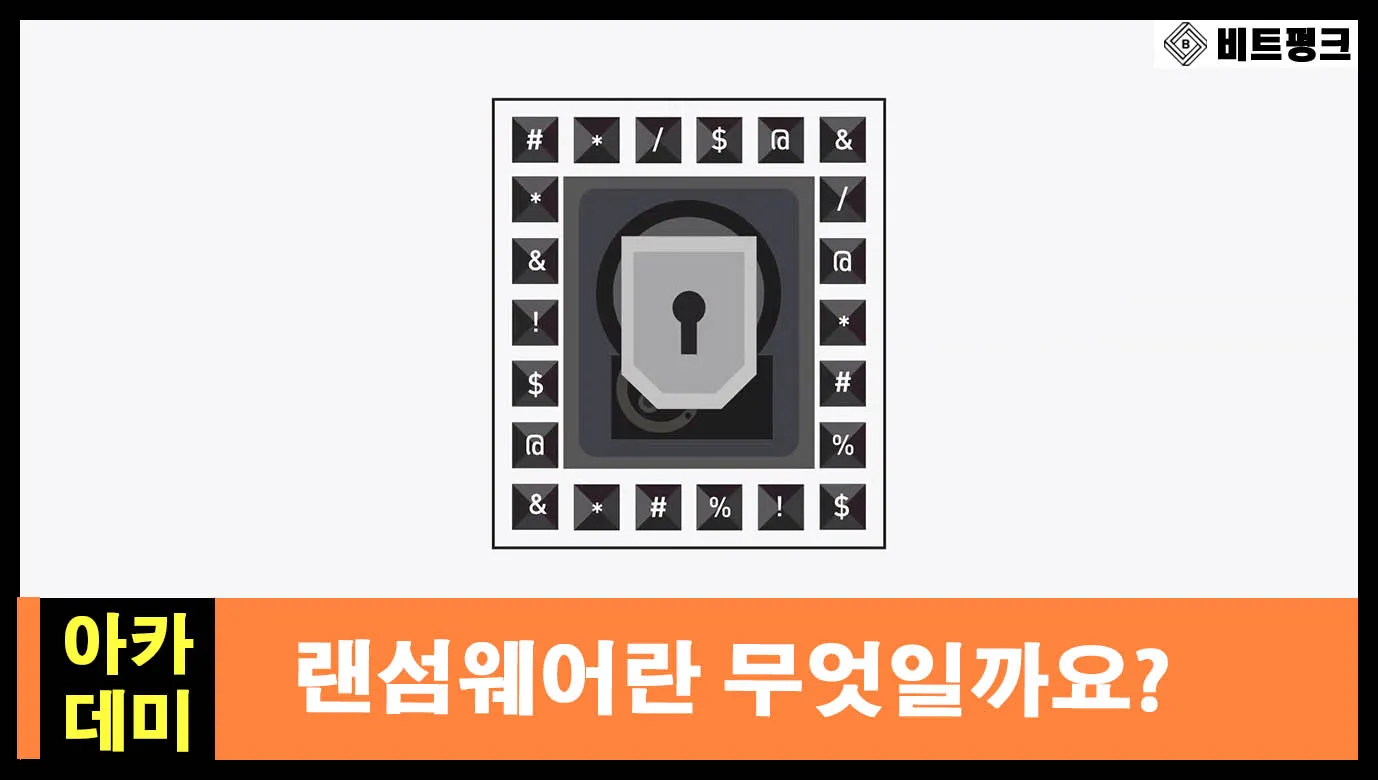
The ultimate goal of ransomware is to make the victim pay for decryption, usually in hard-to-trace digital currencies such as Bitcoin or other crypto assets. However, paying does not guarantee that the attacker will lift the ransomware attack.
Ransomware has grown significantly over the past decade (especially in 2017). It is the most notorious type of malware used to extort money from victims, and Europol has reported ransomware as one of the biggest threats in the world (IOCTA 2018).
This article is a translation of 'Ransomware Explained' from Binance Academy.
Types of Ransomware Attacks
There are three main types of ransomware attacks: phishing, exploit kits, and malvertising.
Phishing
Phishing is a recurring form of social engineering attack. Phishing emails are one of the most common ways malware is distributed. Victims get infected with ransomware through compromised email attachments or fake links disguised as legitimate ones. Within a computer network, a single victim can infect an entire organization.
Exploit Kits
An exploit kit is a package made up of various malicious tools and pre-written exploit code. Exploit kits are designed to spread malware by taking advantage of problems and vulnerabilities in software applications and operating systems. Insecure systems running outdated software are the most common targets.
Malvertising
Attackers use advertising networks to distribute ransomware.
Ransomware Examples
GrandCrab (2018)
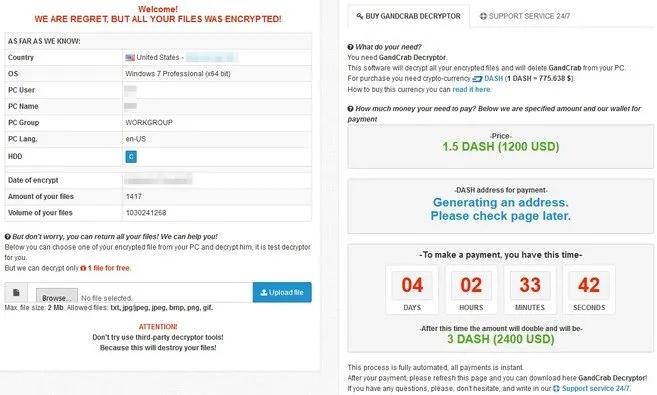
First discovered in January 2018, GrandCrab ransomware claimed more than 50,000 victims in less than a month. Its spread was halted thanks to the efforts of Romanian authorities together with Bitdefender and Europol (a free data recovery kit is available). GrandCrab was distributed through malvertising and phishing emails, and it is known as the first ransomware to demand payment in the crypto asset Dash. The initial ransom demands ranged from $300 to $1,500.
WannaCry (2017)
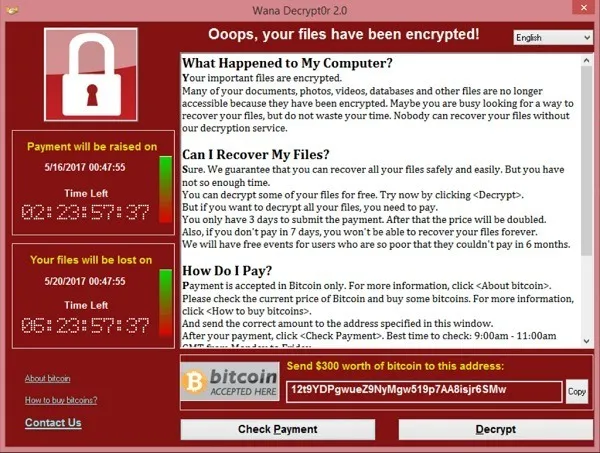
WannaCry was a global cyberattack that infected more than 300,000 computers in just four days. It spread through an exploit called EternalBlue and targeted the Microsoft Windows operating system (most of the affected computers were running Windows 7). The attack was stopped by an emergency patch released by Microsoft. US security experts claimed that North Korea was behind the attack, but no evidence was presented.
Bad Rabbit (2017)
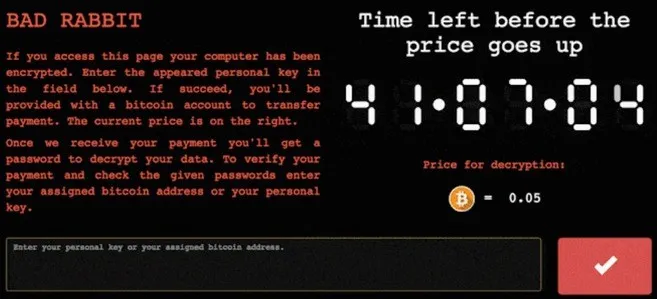
Bad Rabbit was ransomware distributed as a fake Adobe Flash update downloaded from compromised websites. Most of the infected computers were in Russia, and they were infected after users manually installed an .exe file. The price for decryption was about $280 (0.05 BTC) at the time.
Locky (2016)
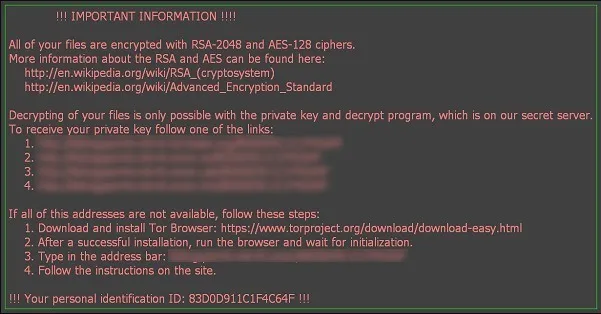
Locky was distributed via emails containing invoices that demanded payment, with infected attachments included. In 2016, Hollywood Presbyterian Medical Center was infected with Locky ransomware and had to pay 40 BTC (USD 17,000 at the time) to regain access to the hospital's computer systems.
How to Defend Against Ransomware Attacks
Here's how you can keep your computer safe from ransomware attacks.
- Back up your files regularly using an external source, so you can restore them once any possible infection has been removed.
- Be careful with email attachments and links. Don't click on ads and websites from unknown sources.
- Install a trusted antivirus program and keep your software applications and operating system up to date.
- Turn on the 'Show file extensions' option in your Windows settings so you can easily see file extensions. Stay away from file extensions such as .exe, .vbs, and .scr.
- Don't visit websites that aren't protected by the HTTPS protocol (e.g., URLs starting with "https://"). However, keep in mind that many malicious websites also implement the HTTPS protocol to confuse victims, and the protocol alone can't guarantee that a website is legitimate or safe.
- Visit NoMoreRansom.org, a website created by law enforcement agencies and IT security companies to fight ransomware. It offers free decryption toolkits for infected users as well as prevention tips.