OKX Deposit Delayed or Failed? Check These First
4 min read · · Korean original
Contents 9
- Why OKX Deposits Fail to Arrive
- 1. Blockchain Confirmation Delay
- 2. Check the Address or Network
- 3. Missing Tag (Memo) or Memo
- 4. Depositing to a Smart Contract Address by Mistake
- 5. Below the Minimum Deposit Amount
- 6. Merging Multiple Transactions into One Transfer
- 7. Mining Rewards Can't Be Deposited Directly
- If Your Deposit Still Doesn't Arrive After Checking
Hello, this is Bitpunk. In this post, we'll look at the various reasons an OKX deposit might not go through, along with 7 essential checklist items you can review. If you're struggling with an OKX deposit issue, read this article all the way through right now.
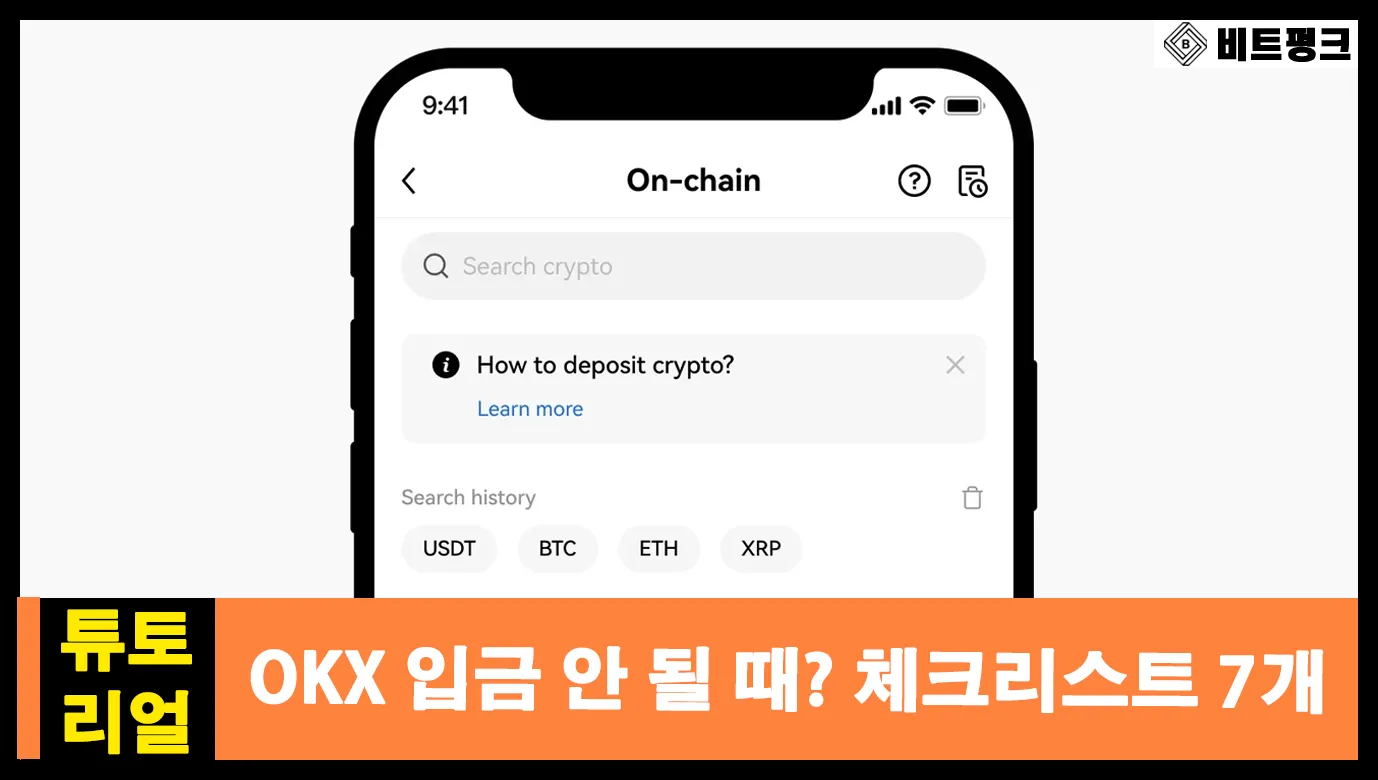
Why OKX Deposits Fail to Arrive
The most common reason a deposit to OKX doesn't arrive is that the blockchain hasn't yet reached enough confirmations. In other words, the deposit is still sitting in a pending state. In this case, just wait a little longer and the deposit will be credited automatically.
Another reason is an error. If you entered the wrong deposit address, network, or memo/tag, the deposit may fail. In that case, recovering your funds can take considerable time and cost, so you need to be especially careful before sending.
Now, let's go through the 7 most common reasons deposits get delayed or fail in each scenario, along with detailed steps for dealing with them.
1. Blockchain Confirmation Delay
A deposit is completed only after the transaction is recorded on the blockchain and receives the required number of block confirmations. Until the confirmations are complete, the funds won't be credited to your OKX account. In this case, you can check the blockchain status as follows.
- Find the transaction hash (TxID) issued by the sending exchange
- Enter the TxID in a blockchain explorer (e.g. Etherscan, Tronscan)
- Check whether the number of confirmations has reached OKX's minimum threshold, then wait
2. Check the Address or Network
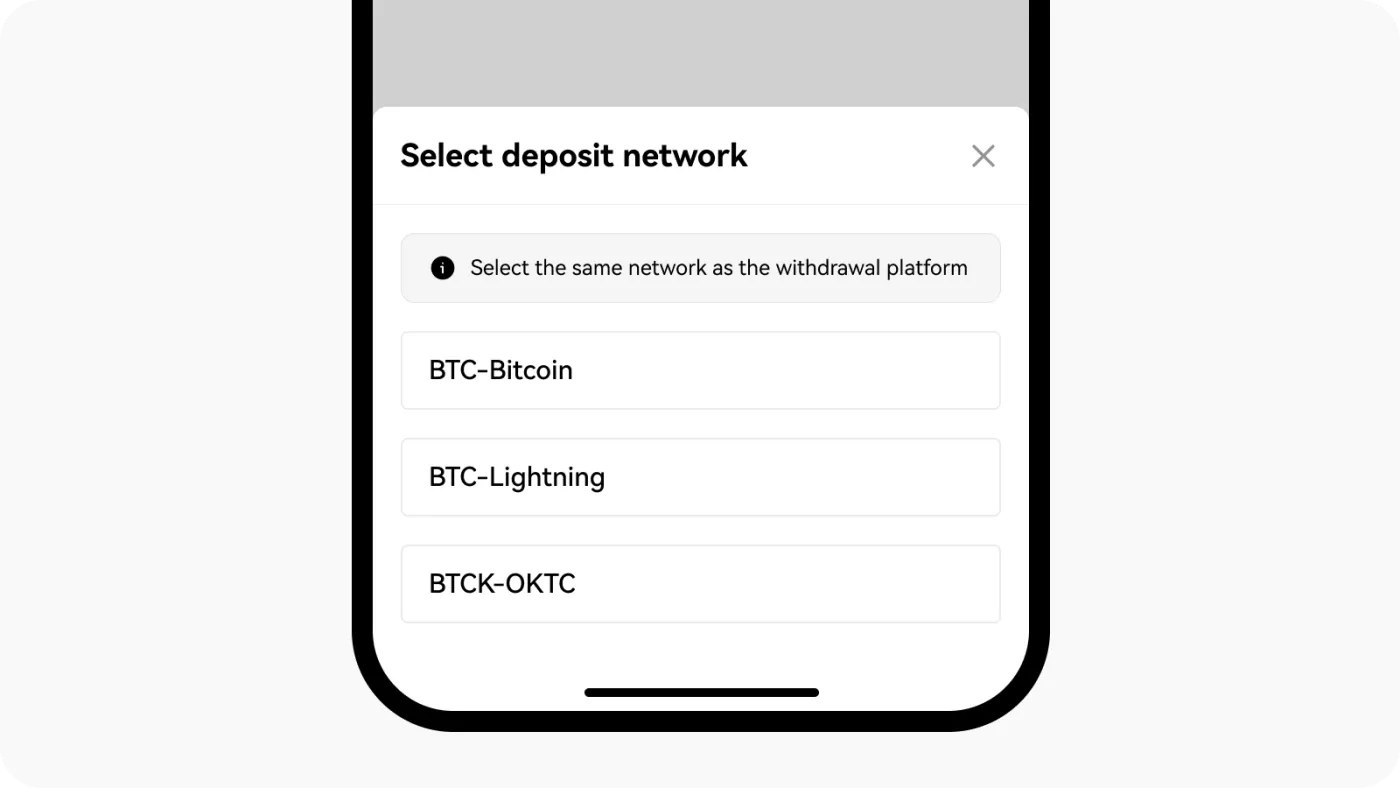
When depositing to OKX, the selected asset, address, and network must match exactly. If you use an incorrect address format or choose a different blockchain network, the deposit may fail or your assets may be unrecoverable.
- Sending ETH to a BTC address (not recoverable)
- Sending USDT via ERC20 instead of TRC20 (not recoverable)
- Depositing Arbitrum USDT to an address on another ERC20 network (credited automatically)
3. Missing Tag (Memo) or Memo
Some coins (XRP, XLM, ATOM, etc.) require additional information, a tag or memo, in addition to the address when depositing. If you leave it out or enter it incorrectly, the deposit won't be credited automatically, and you'll need to request manual processing through customer support.
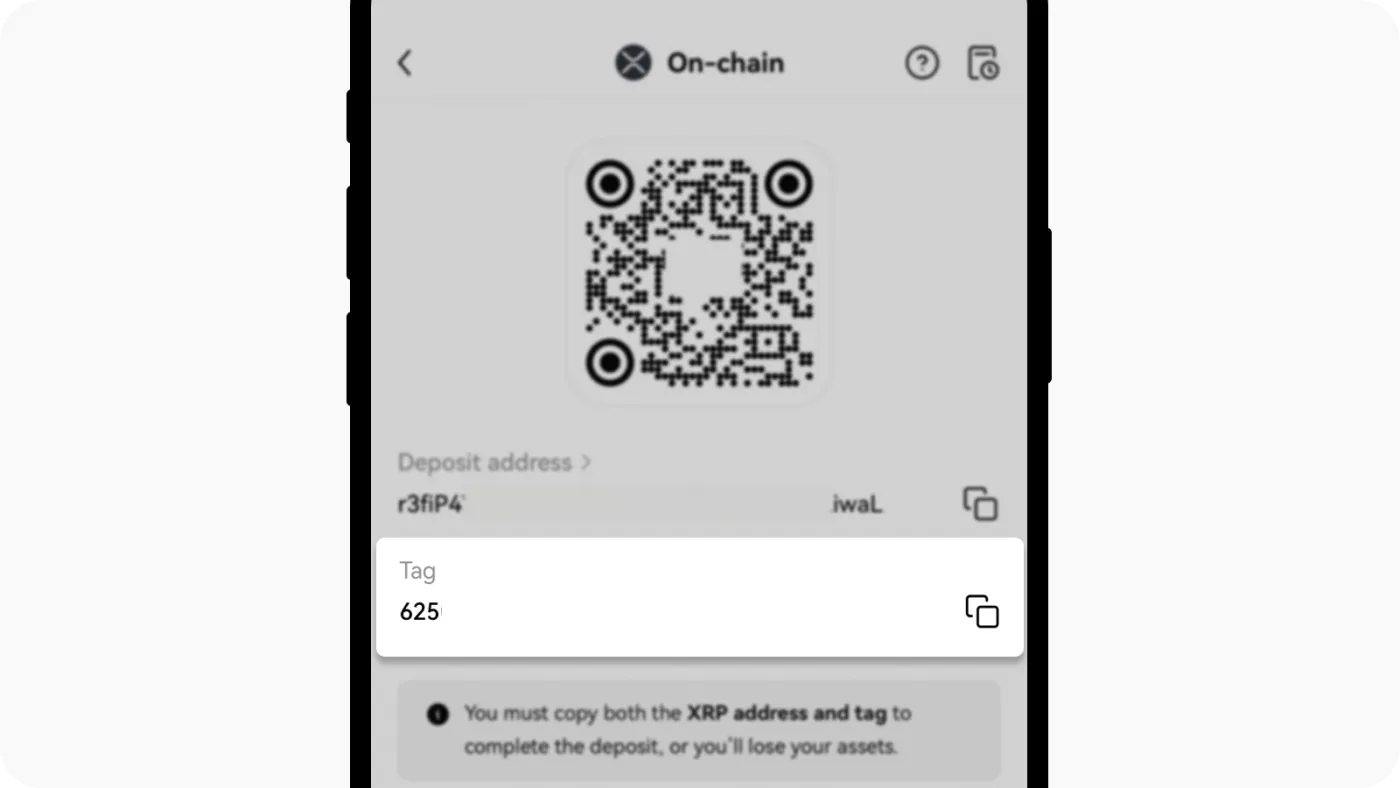
For example, when depositing XRP, be sure to check the Tag/Memo information displayed when you select that asset on the OKX deposit page. Then, enter that memo exactly in the tag field on the sending platform.
4. Depositing to a Smart Contract Address by Mistake
Some platforms don't support crediting balances for deposits sent to a smart contract address, and OKX also doesn't support deposits through such addresses for some assets.
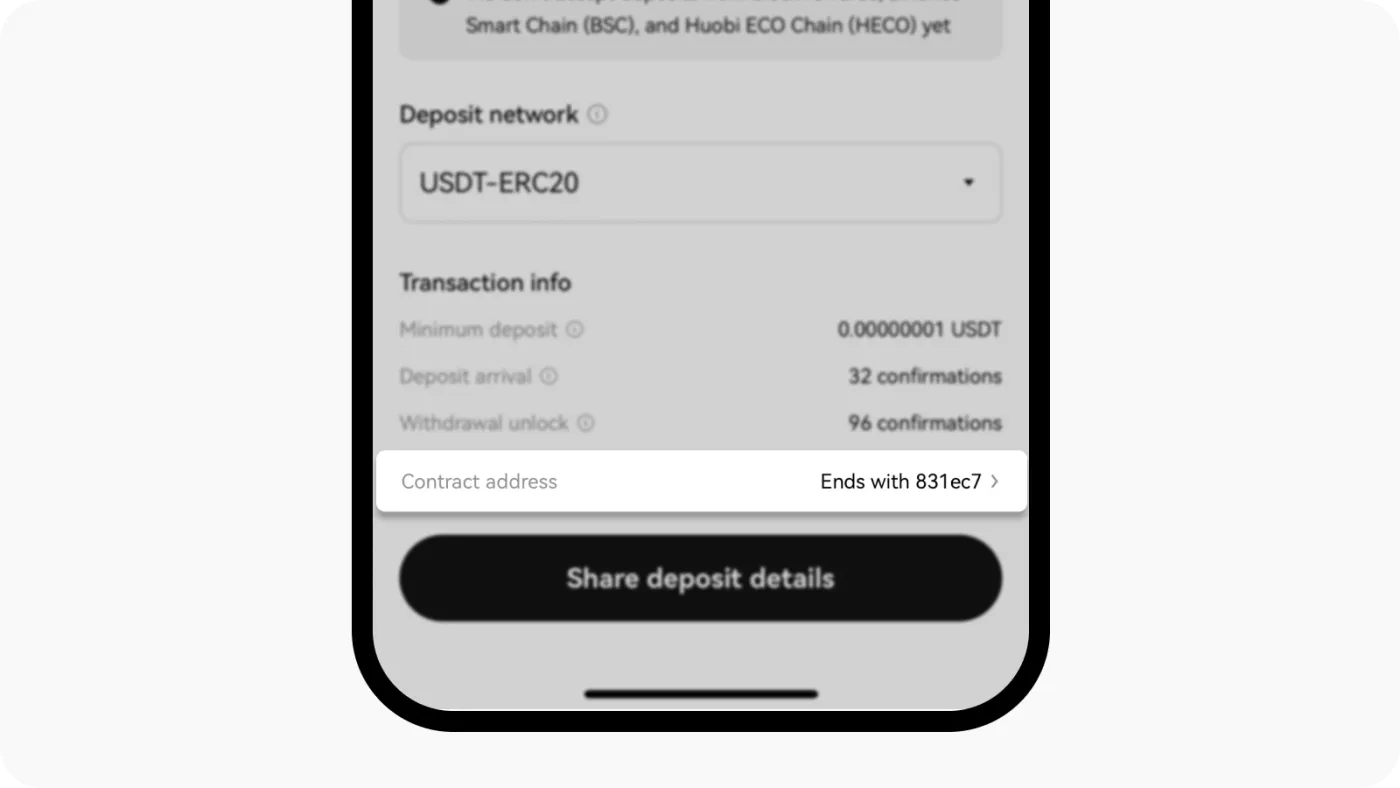
Before depositing, you must check whether the address is a regular address or a smart contract address. You can check the address type on Etherscan and similar explorers.
5. Below the Minimum Deposit Amount
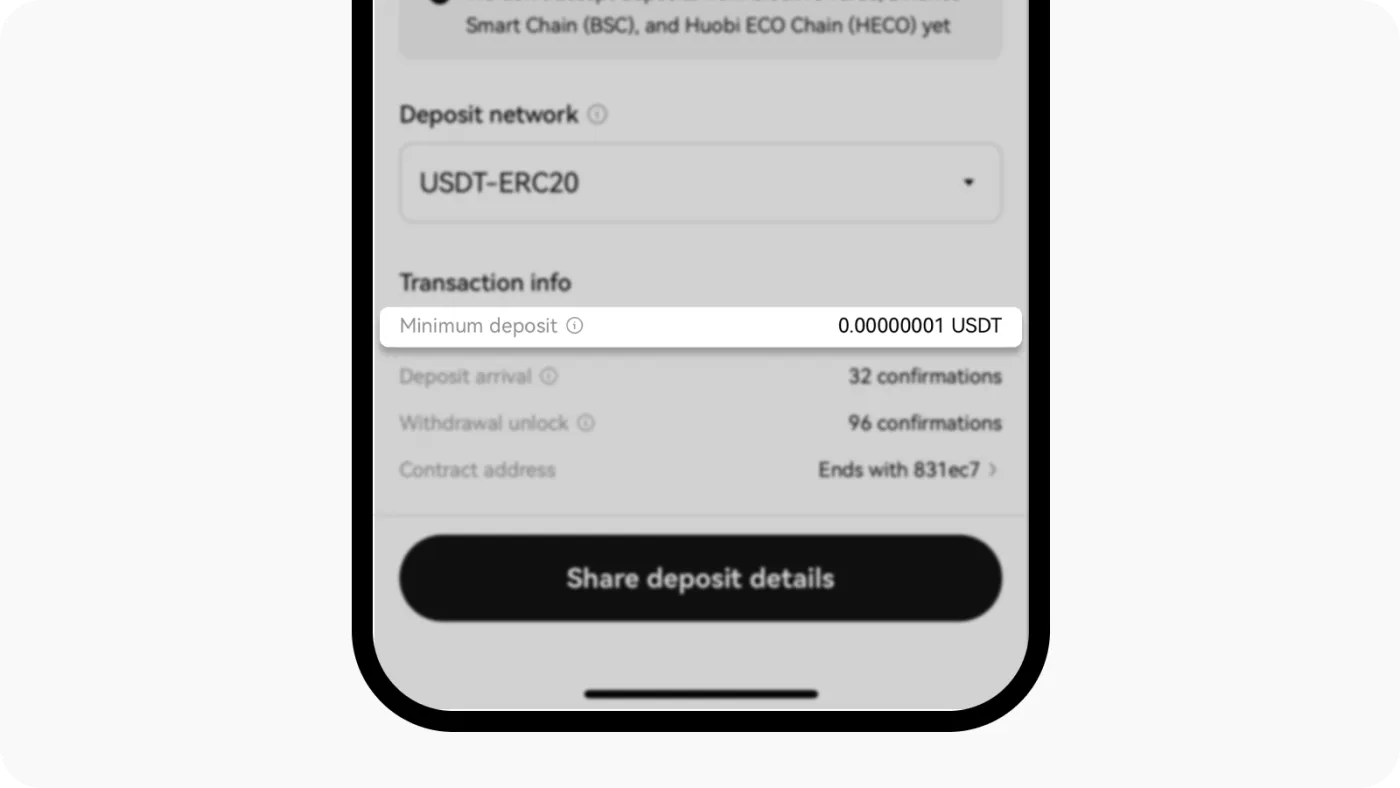
OKX sets a minimum deposit amount for each asset, and if you send less than that, the deposit won't be processed. Before depositing, check the minimum deposit amount for that asset on the OKX deposit page. Deposits below the minimum are not credited automatically, and some may not be recoverable.
6. Merging Multiple Transactions into One Transfer
If you merge several deposit requests into a single transaction, the OKX system may not recognize them as individual deposits. In this case, the deposit may not be credited, so it's safest to process deposits one at a time.
7. Mining Rewards Can't Be Deposited Directly
Mining rewards generated on the blockchain can't be deposited directly to OKX. You must first receive them in a personal wallet and then send them from that wallet to OKX for the deposit to be processed normally.
If Your Deposit Still Doesn't Arrive After Checking
If you've checked all 7 of the items above, none of them apply, and your deposit still can't be processed, you'll need to contact OKX customer support directly. In that case, have the name of the deposited asset and the transaction hash ready, and then reach out via OKX's official email or the Help Center.