
How to Send KLAY from Coinone to a Kaikas Wallet: Joining Kakao's KLAYswap DeFi (2)
2 min read · · Korean original
Now that the Kaikas wallet is installed, let's deposit some assets so we can properly start using Kakao's KLAYswap DeFi. If you don't have a Kaikas wallet yet, please see the post on how to install the Kaikas wallet.
Sending KLAY from the Coinone Exchange to a Kaikas Wallet
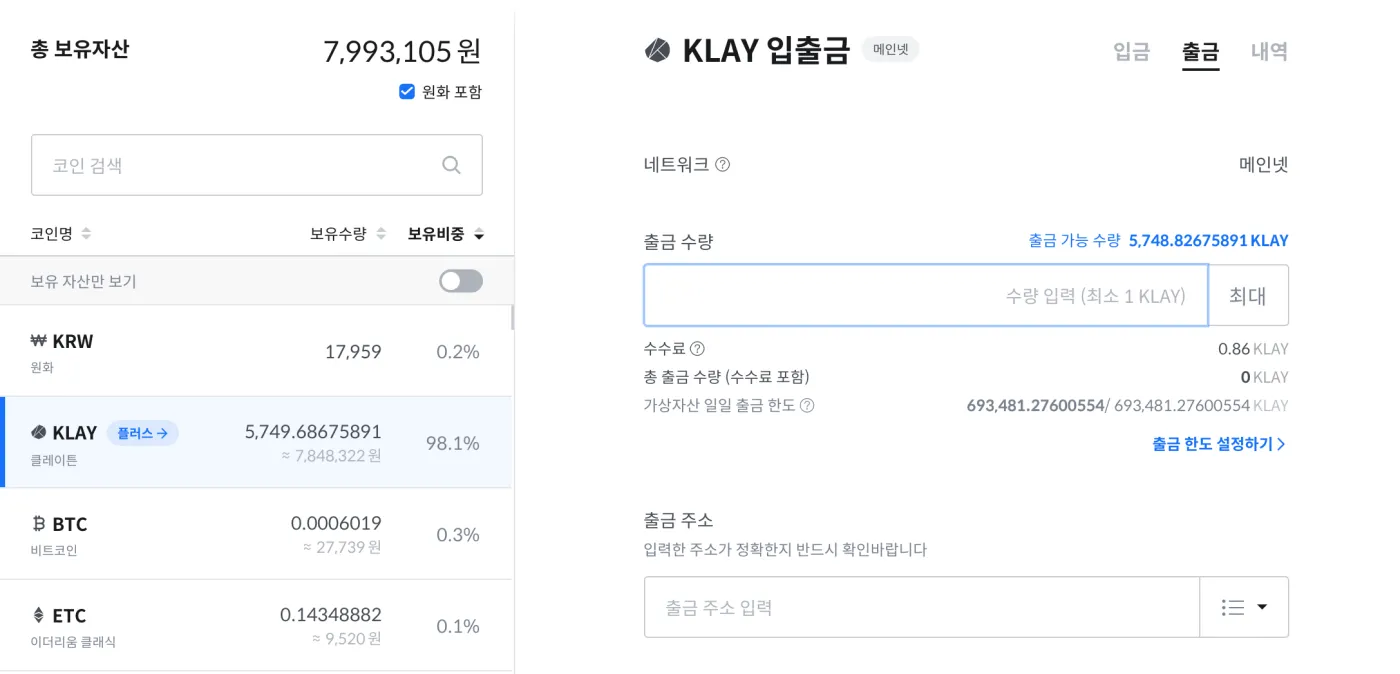
As shown below, I'm holding a small amount of Klaytn on the Coinone exchange. Staking it yourself earns more interest than staking through Coinone Plus, so I'm going to send it to my wallet.
Here's how to send Klaytn from the Coinone exchange to a Kaikas wallet.
1. First, open the Klaytn deposit/withdrawal page on the Coinone exchange.
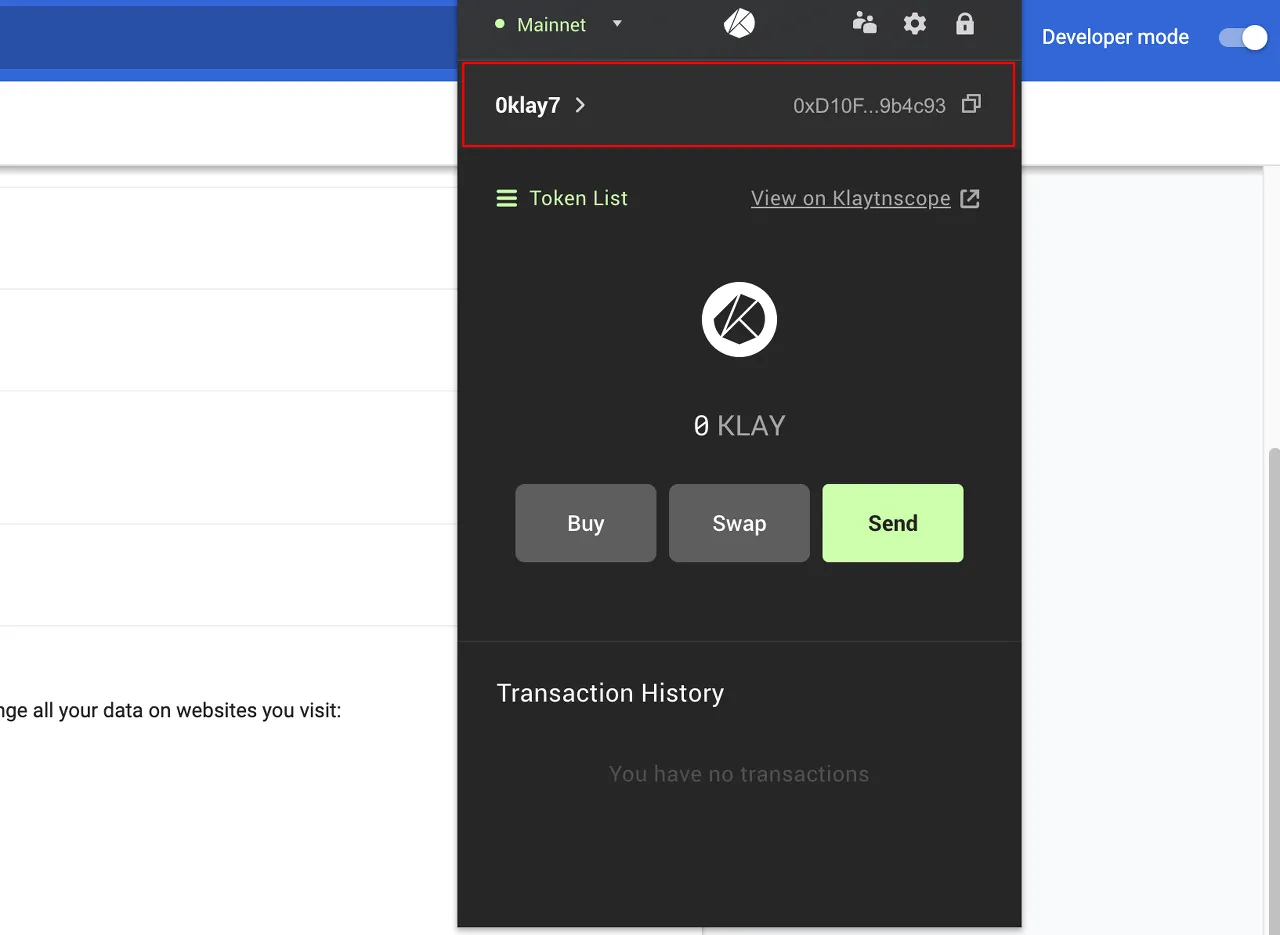
2. Log in to your Kaikas wallet and copy your personal wallet address. Make sure the network is set to Mainnet.
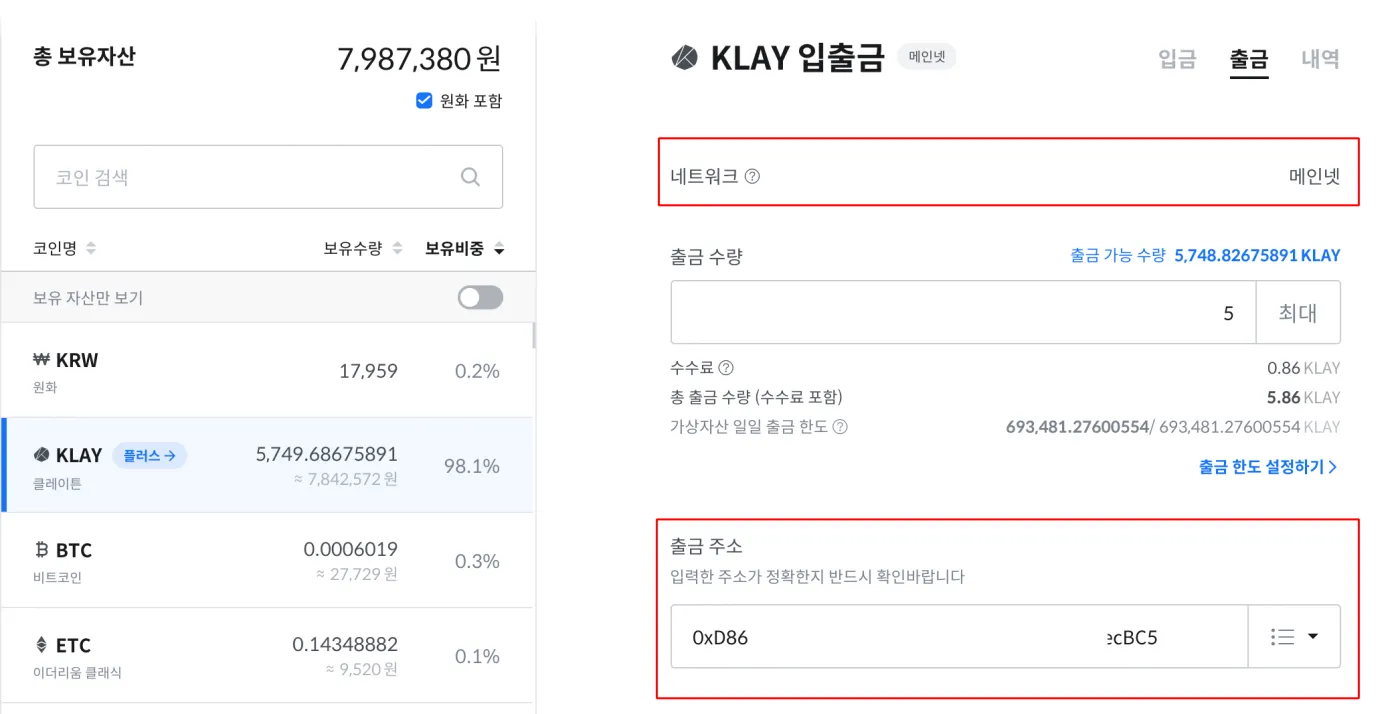
3. Paste the address above into the Coinone withdrawal address field, as shown below.
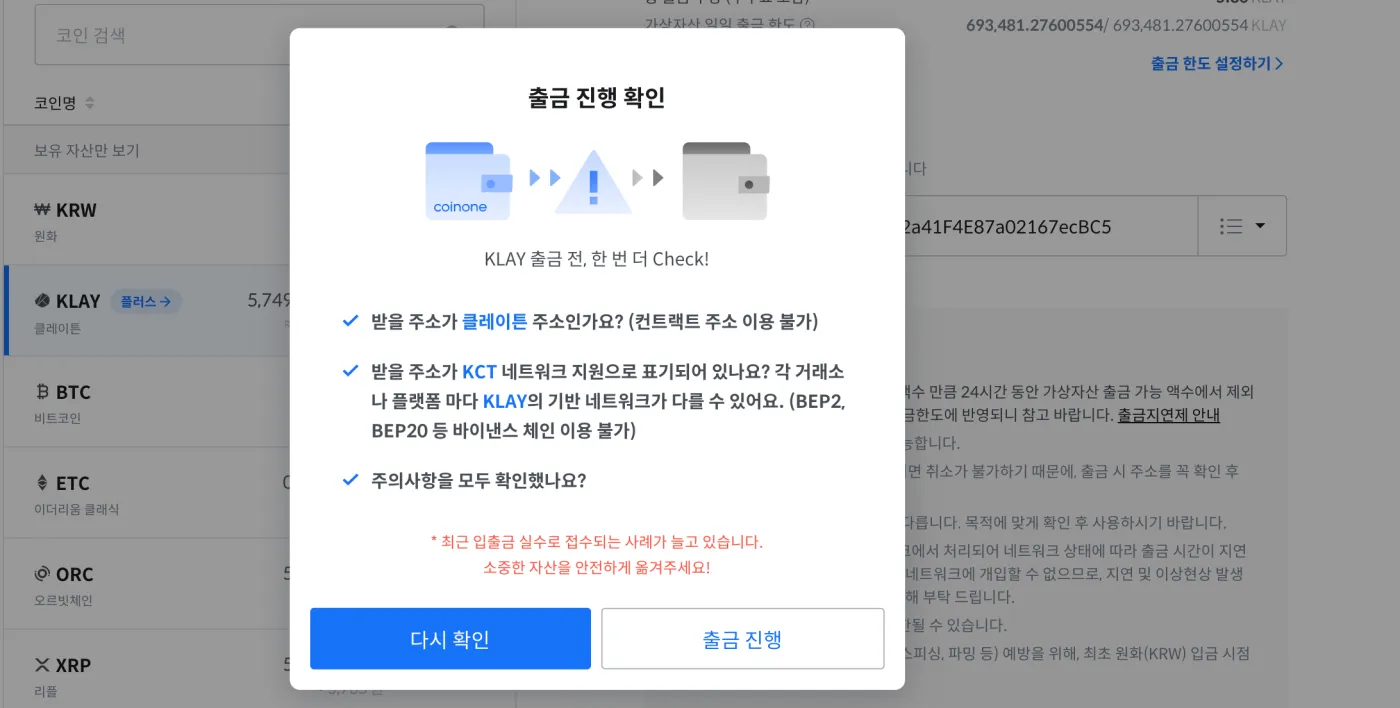
4. Finally, a withdrawal confirmation window will appear. Double-check the address and network once more, then proceed with the withdrawal.
5. About 1 to 3 minutes after you request the withdrawal, the Klaytn will arrive in your wallet, as shown below.
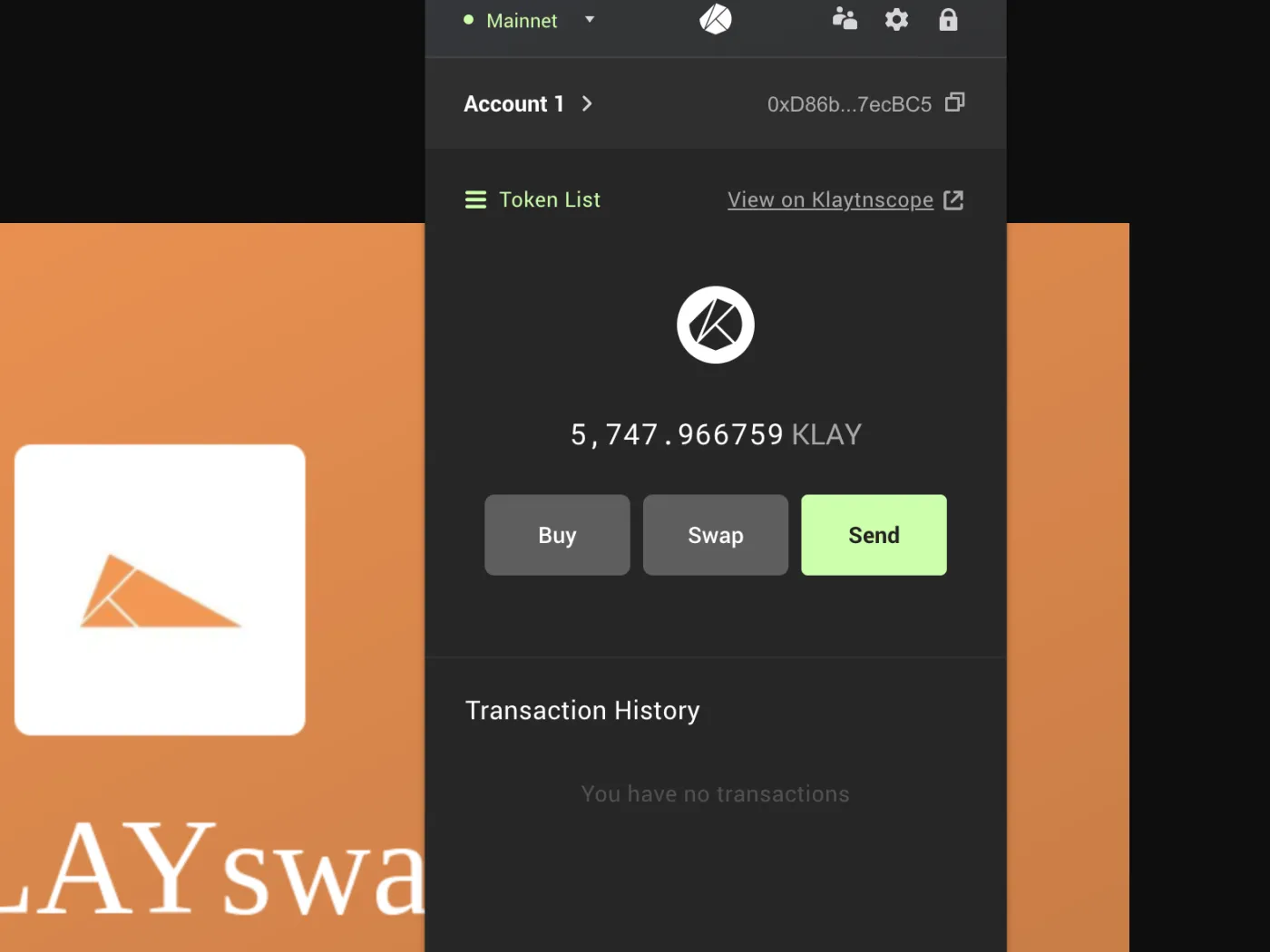
That wraps up how to send Kakao's Klaytn from the Coinone exchange to a Kaikas wallet. Now you can use that KLAY to take part in KLAYswap DeFi!
Klaytn Staking and Liquidity Pools: Getting Started with Kakao's KLAYswap DeFi (3)4 min read