
[Steemit] How to Lease (Delegate) Steem Power
2 min read · · Korean original
Contents 4

There are several ways to lease (delegate) Steem Power, but many third-party apps end up shutting down their services partway through. That's why I recommend leasing through SteemConnect. The method is simple.
1. Leasing via a link
You can carry out a delegation [lease] through the link above. It may look a bit complicated, but just enter your own ID for delegator and the ID that will receive the delegation for delegatee. So if I'm delegating from the zio account to the forest account, the link would look like this.
2. Setting the amount of Steem Power (vesting shares) to allocate
Now you need to set the amount to delegate. Unfortunately, it's a bit inconvenient because you have to enter a vesting_shares value instead of Steem Power. A vesting_shares value of 2 million works out to roughly 1,000 Steem Power. Keep this in mind when setting the amount to lease. Here, I'll try leasing 1,000 Steem Power. The address then changes as follows.
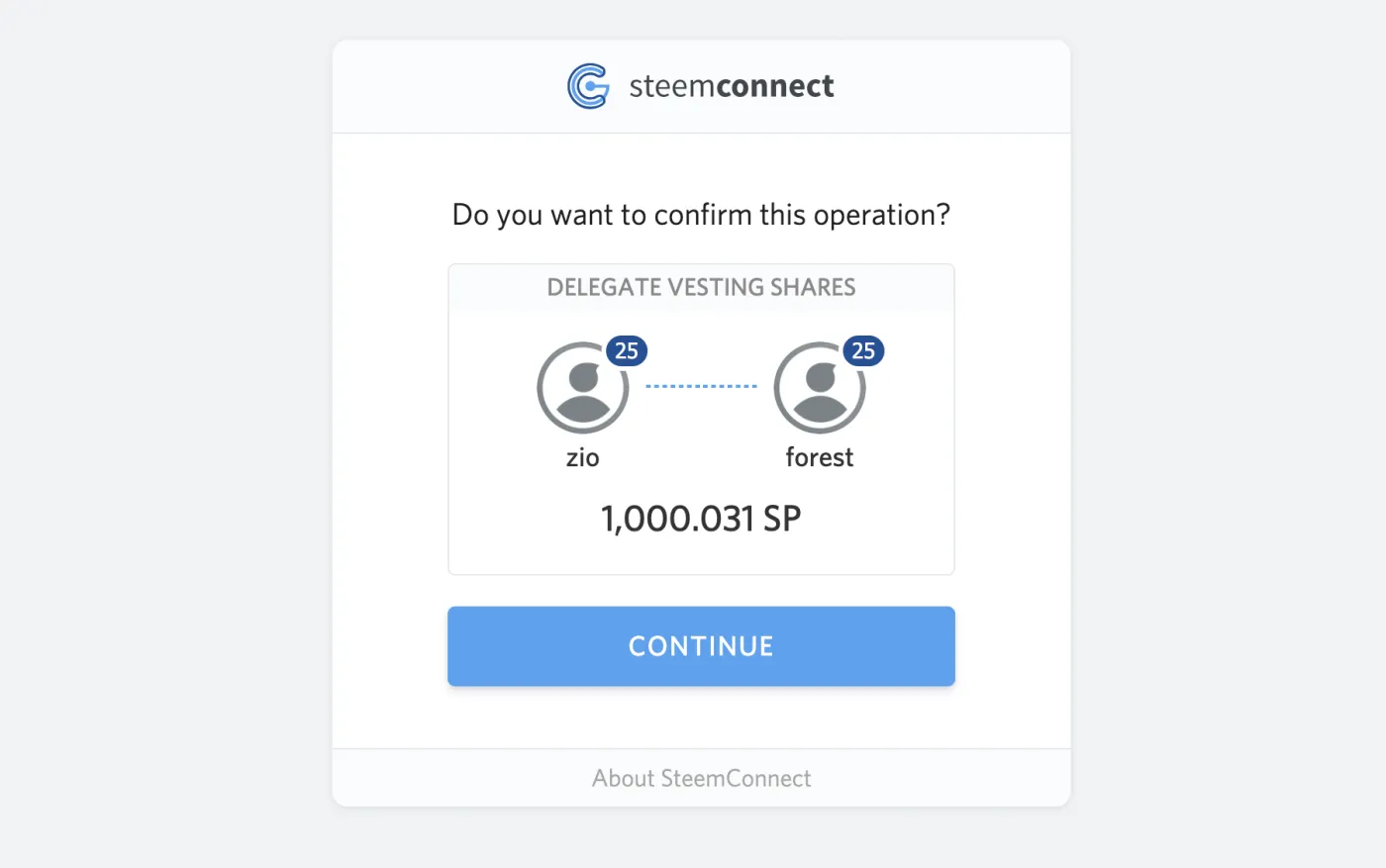
Once you've entered this, a confirmation window like the one below will appear. If the information is correct, move on to the next step. At this point, you should double-check the URL you're on. If a URL other than the link above is displayed, it may be a phishing website, so never proceed to the next step.
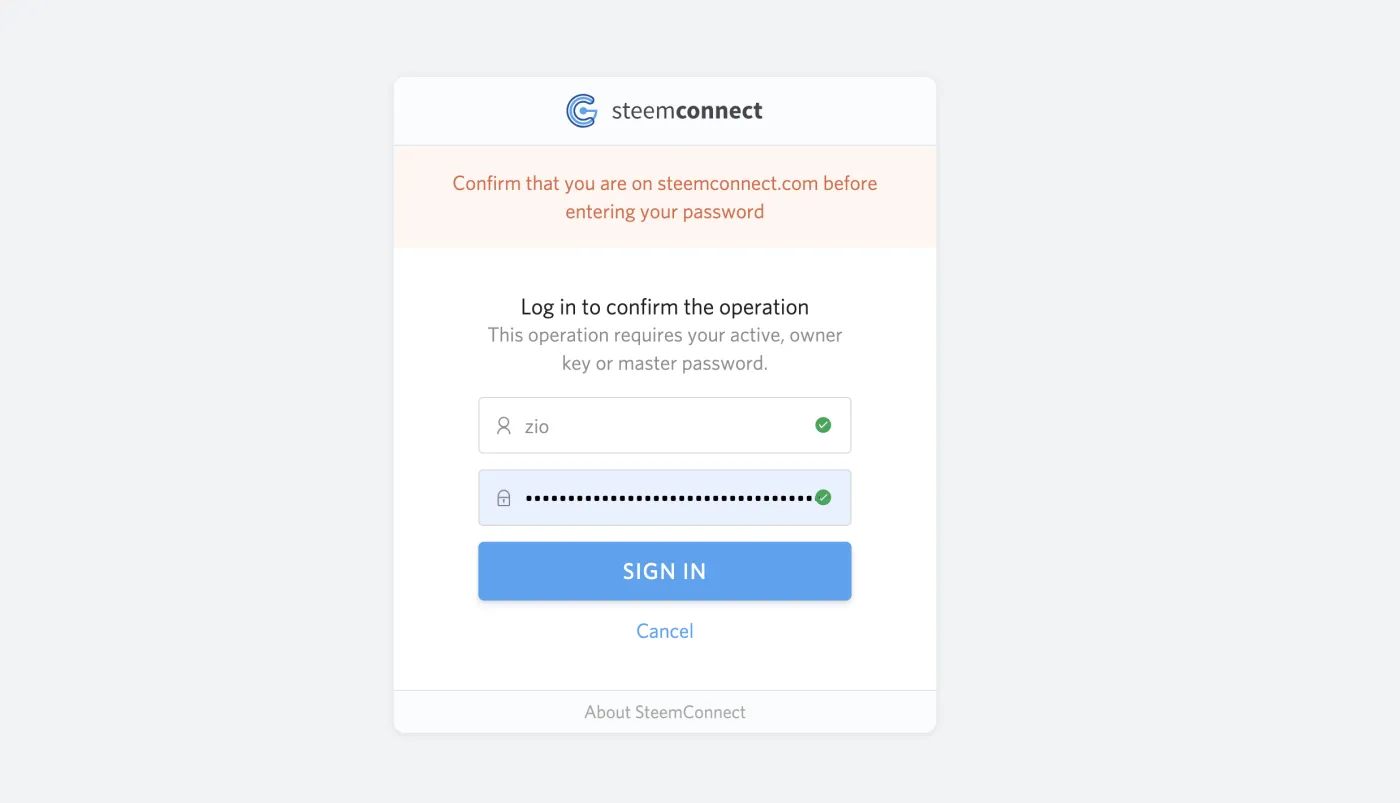
A login window will then pop up like this. To delegate Steem Power, you need either your active key or your owner key. It's best not to use your owner key, so log in with your active key and proceed with the delegation.
3. Things to note when leasing more
If you want to lease more to the same account, you need to enter the existing value plus the additional amount. For example, if you were delegating 1,000 SP and want to delegate 1,500 SP, you should enter 1,500 as the input value. If you enter 500 instead, the lease will actually be reduced by 500 Steem Power from the existing amount.
4. Additional notes
https://app.steemconnect.com/sign/delegateVestingShares?delegator=yourid&delegatee=otherid&vesting_shares=0%1000SP
SteemConnectapp.steemconnect.com ↗If you open the link above, you can specify an SP value instead of Vests. It's currently set to 1,000 SP, and you can simply enter the SP value you want there.