What Is a Passkey and How Do You Use It?
4 min read · · Korean original
Contents 6
Hello, this is Bitpunk. In this post, we'll take a detailed look at what a passkey is, how to set it up and use it, and what advantages it has over passwords.
- A passkey is a new authentication method that replaces passwords, letting you log in quickly and securely with biometric authentication or a PIN.
- It is more secure and more convenient than a password. In particular, it is safer against hacking and phishing.
- To use a passkey, you enable biometric authentication on your device and set it up through a simple process.
What Is a Passkey?
A passkey is a new technology that lets you log in without a password. Unlike the traditional password method, a passkey is based on FIDO (Fast IDentity Online) technology, which makes user authentication safer and simpler.
Here's how a passkey works. Unlike a password, a passkey uses a pair of keys: a private key that is stored only on your device, and a public key that is stored on the server. This way, you can use the private key on your local device to verify that it matches the public key on the remote server.
The public key approach used by passkeys greatly strengthens security, because even if hackers attack the server, they cannot access the private key stored on the user's device.
Why Use a Passkey?
The traditional password-based authentication method is something we're all very familiar with. On a website or app, you enter your ID and password, and if they match, you're logged in. However, it's all too common for someone to find out that information and hack the account.

The passkey is a new technology introduced to replace the password method, which is complex, cumbersome, and vulnerable to security attacks. A passkey carries out authentication using biometrics or a PIN stored on the user's device, and it is drawing attention as an innovative way to fully replace passwords.
Passwords vs. Passkeys
The traditional password method is extremely complicated. For security, passwords have to be longer and include more characters, which makes them hard to remember. Also, if you use the same password on multiple sites, all of your accounts can be put at risk when just one site is hacked.
Passkeys emerged to solve these problems. IT companies such as Google, Apple, and Microsoft developed the authentication technology called passkeys through the FIDO Alliance.
| Category | Passkey | Password |
|---|---|---|
| Security | Uses public key cryptography | Vulnerable to hacking |
| Convenience | Quick login with biometrics or a PIN | Requires entering a password |
| Risk of leaks | Low | High |
| How to use | Biometrics or a PIN | Enter a text password |
In summary, passkeys offer a much safer and simpler method than passwords. In particular, since authentication is done through biometrics, users don't need to remember or type in a separate password. Also, because passkeys are managed only on the device, there is no risk of information stored on a server being leaked, as there is with passwords.
How Do You Use a Passkey?
So what do you need to do to use a passkey? First of all, you need to check whether the website or app service supports passkeys. Passkeys are a far better method than passwords, but some services may still not support them.
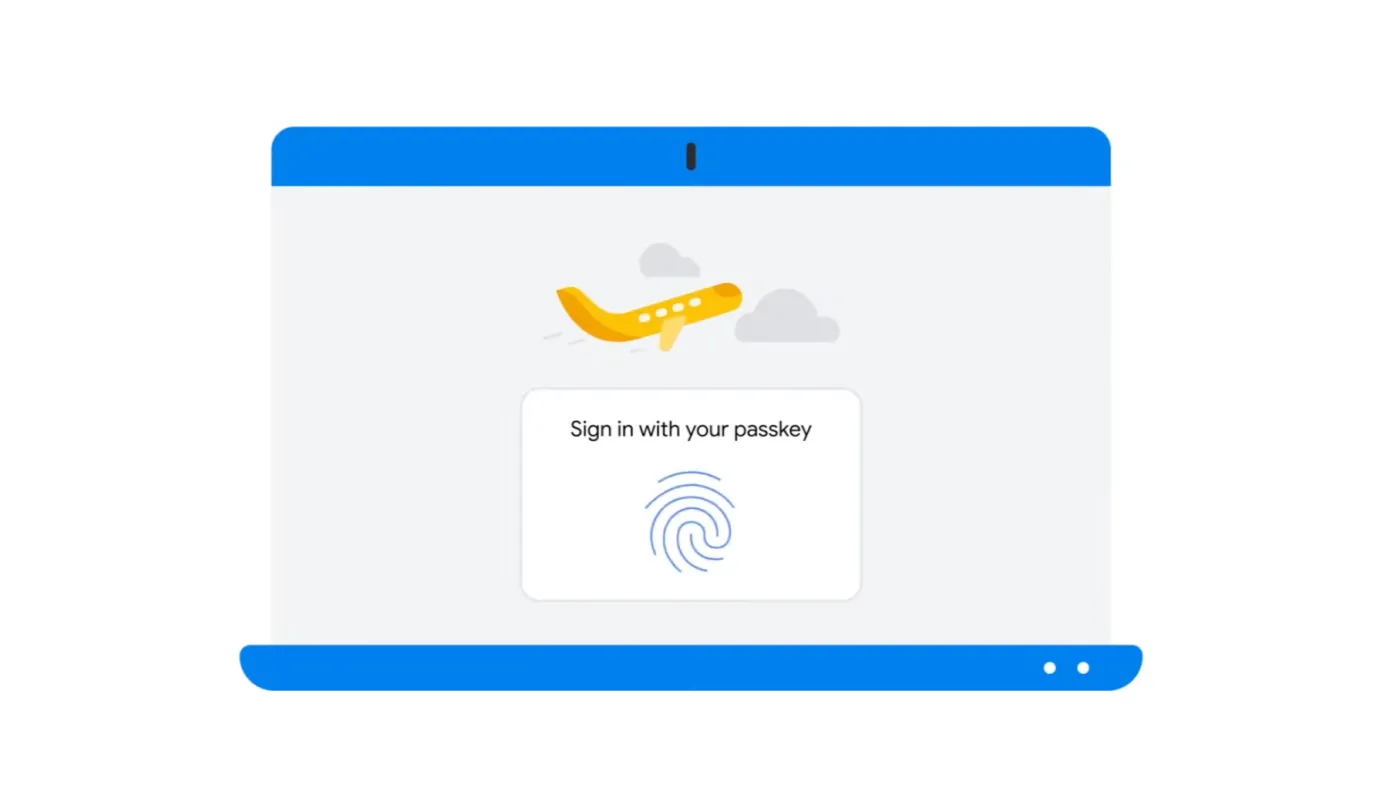
- Register a passkey: When you register a new account or add a passkey to an existing account, your device automatically generates a public key and private key pair. The public key is stored on the server, and the private key is kept safely only on the device.
- Authenticate with the passkey: When you log in, you use passkey authentication. You complete authentication using a method such as fingerprint recognition, facial recognition, or a PIN.
- Login complete: Once passkey authentication succeeds, you are logged in to the service.
How to Recover a Lost Passkey
If you lose the device you were using your passkey on, you can recover it in the following ways.
- Use iCloud Keychain: On Apple devices, you can sync and recover passkeys through iCloud Keychain. To do this, you need to have synced your passkeys to iCloud beforehand.
- Use two-factor authentication: If you lose a device that wasn't synced, you can recover your passkey through two-factor authentication, an additional security procedure. During this process, you'll need to complete the identity verification steps required by the service provider.
Closing Thoughts
Passkeys are a new technology that replaces complex and risky passwords. If you use an app or service that supports passkeys, we recommend enabling a passkey right away. You'll be able to log in more safely and conveniently.
In the future, passkeys will replace passwords. During this transition you may still be able to use passwords, but someday the day will come when users' login information is verified using passkeys alone.