Why You Should Use the OKX Web3 Wallet (How to Install and Download It)
5 min read · · Korean original
Contents 6
Hello, this is Bitpunk. Today, out of all the Web3 wallets out there, I'd like to talk about why you should use the OKX Web3 Wallet made by the OKX exchange, and how to use it.
Introducing the OKX Wallet and Why You Should Use It
First, let me give a quick introduction to the OKX Wallet. If you've used MetaMask before, this will be easy to understand.
The OKX Web3 Wallet is a non-custodial wallet that lets users manage their assets outside the exchange. Just think of it as 'non-custodial? = I manage it myself.'
- The ultimate multichain wallet: supports around 80 chains at once, including Bitcoin, Ethereum and Solana. Network switching is automatic too!
- Non-custodial: you control your own assets. Supports seed phrases, hardware wallets and keyless wallets.
- Maxed-out DeFi tools: dApp discovery, cross-chain, bridging, and even NFT trading, all in one.
How to Install and Use the OKX Web3 Wallet
Here's how to install the OKX Web3 Wallet. You can use the Chrome Web Store or the OKX mobile app. For Chrome, you can download it through the official link.
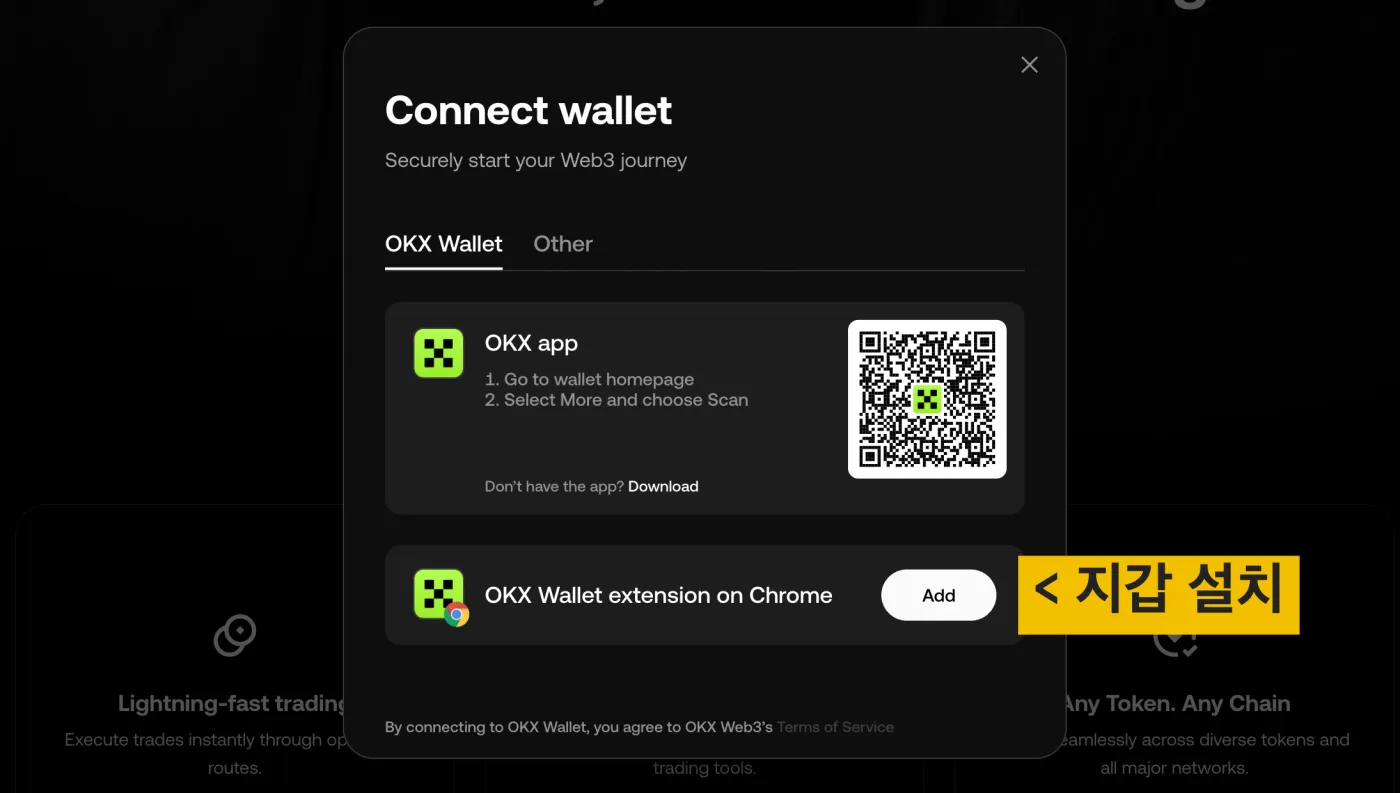
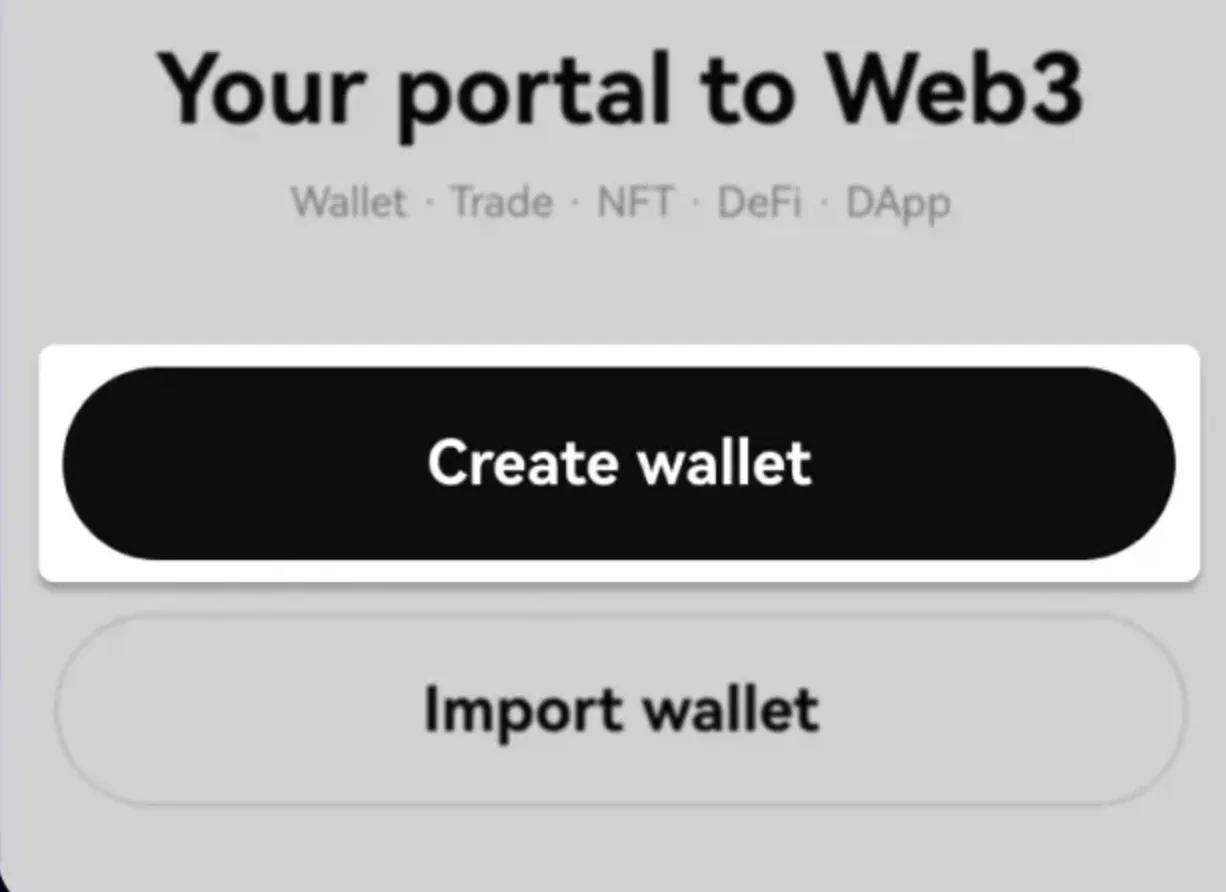
You'll see a screen like the one above. If you don't have the wallet yet, click 'Add' next to 'OKX Wallet' to download and install the Chrome extension from the official store. Once the extension is installed, click 'Create Wallet' to create a new wallet address.
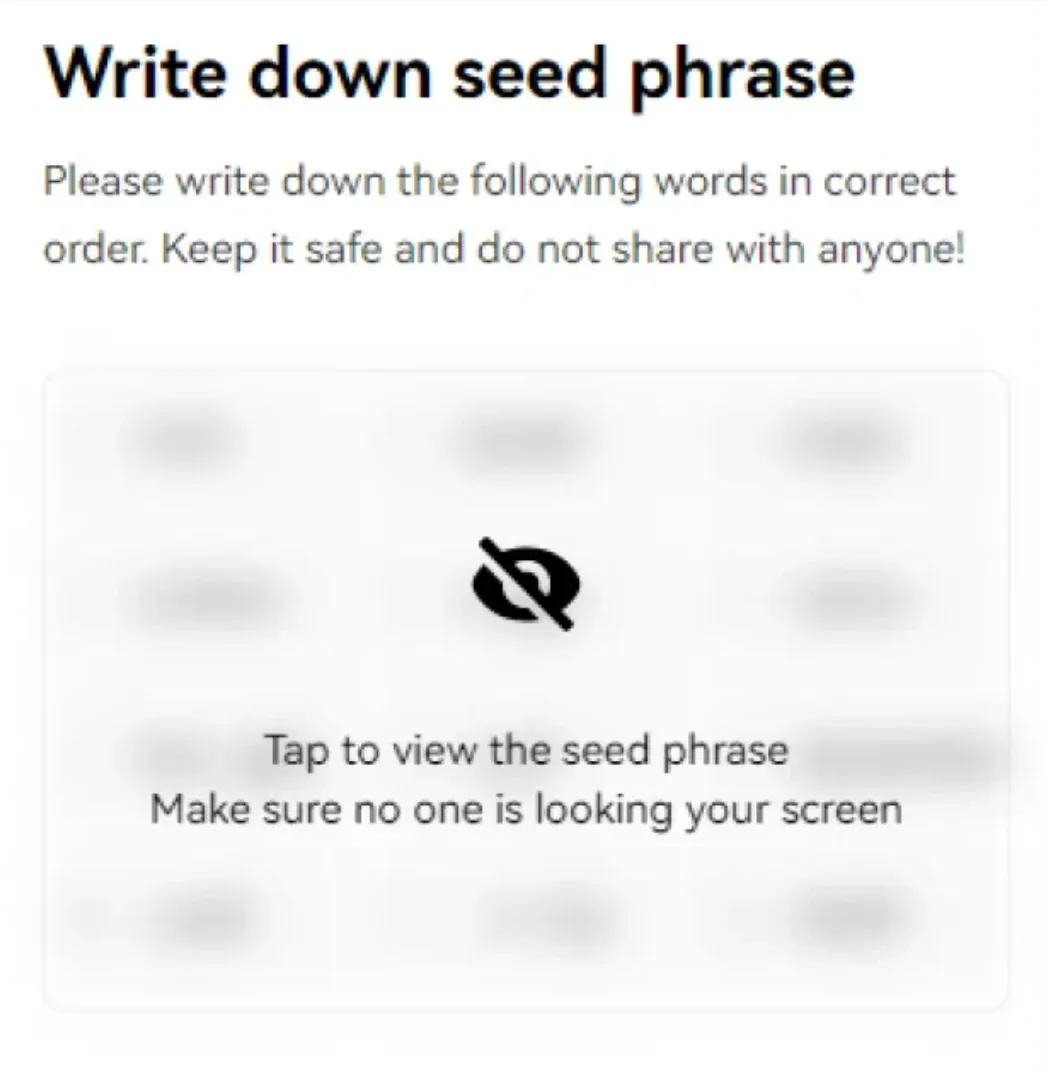
If you create it with a seed phrase as shown below, 12 English words will be displayed. You know this already, right? If you lose these, it's game over. Be sure to write them down on paper and keep them somewhere safe.
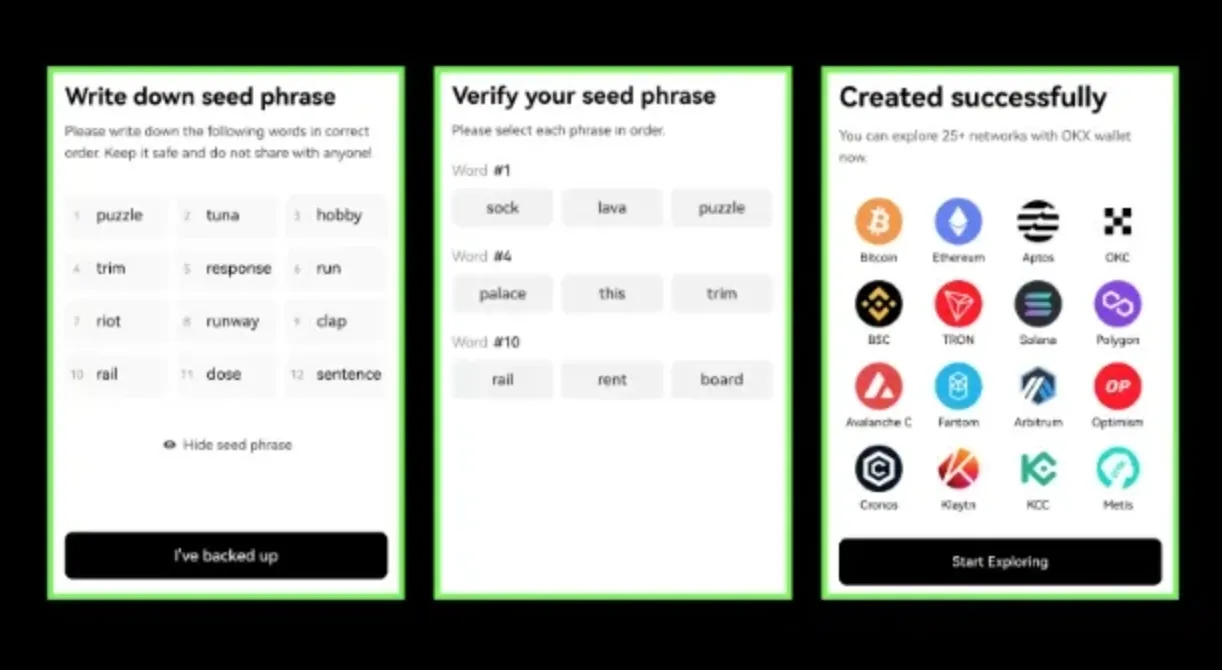
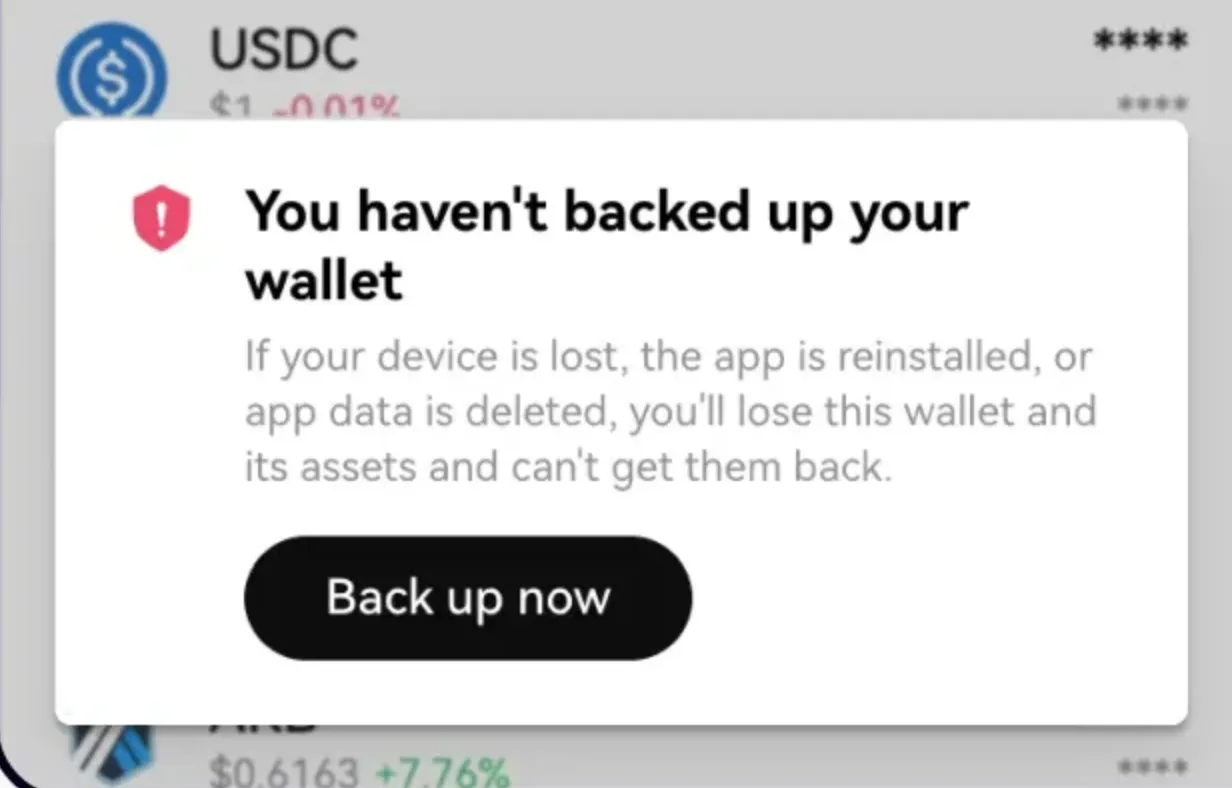
As soon as you finish creating the wallet, a 'Backup now' warning appears. It's there to make sure you've really written down your seed phrase correctly. Just enter the words in the order the system asks for, verify, and you're done.
How to Import an Existing Wallet
If you've been using an existing wallet such as MetaMask or Phantom, you can bring your addresses into the OKX Wallet with the 'Import Wallet' feature.
You can import an existing wallet using a few options, such as a seed phrase or a private key. After importing the wallet, set your OKX Wallet password and you'll be able to see all your assets in one place.
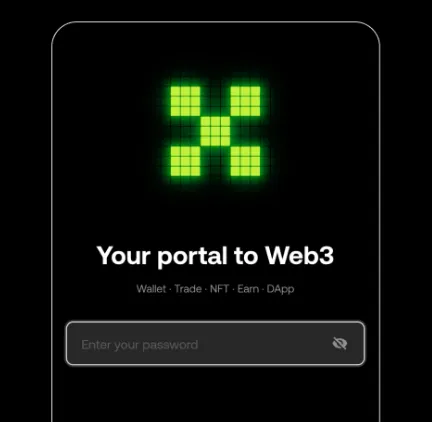
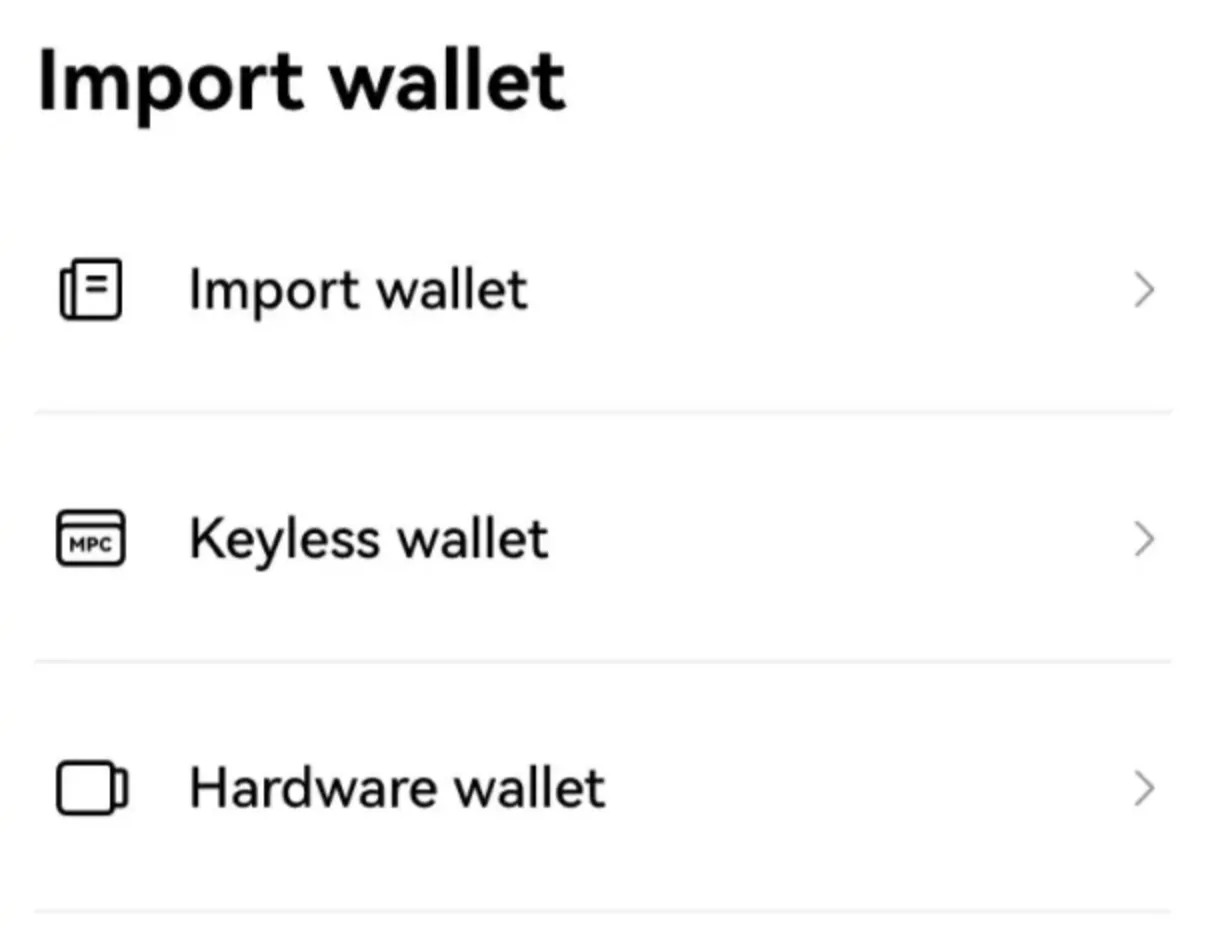
The OKX Web3 Wallet also supports hardware wallets. If you use a hardware wallet like Ledger, click 'Connect hardware wallet', and set a password after linking it. Just keep in mind that doing this takes away the offline nature of your hardware wallet, so think it through!
Why Use the OKX Wallet, and What Are Its Advantages?
The biggest reason to choose the OKX Wallet over other wallets is 'convenience.' When you use your wallet with various DeFi protocols and dApps, the OKX Wallet switches networks for you automatically, checks smart contracts for risks, and keeps gas fees low.
You can also bridge and swap right inside the app. It supports keyless wallets as well, so you can easily create and use a wallet linked to your exchange account.
To use a keyless wallet, which works without a mnemonic phrase, you need an OKX account. If you don't have one, you can create a keyless wallet after signing up for OKX.
On top of that, if you sign up through the link below when using the OKX Wallet, you can get an extra 20% off fees. Or, go to the OKX Web3 landing page and enter the referral code BITPUNK20 yourself.
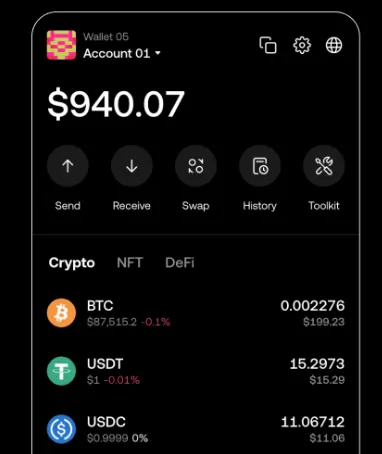
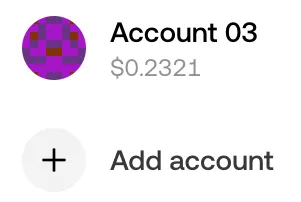
Web3 Invitation Landing PageYou've received an exclusive invitation. Get 10% off trading fees!web3.okx.com ↗Lastly, with the OKX Wallet you can derive multiple wallet addresses from a single wallet. It's not easy to manage seed phrases when you create lots of separate wallets, right? In the OKX Wallet, just press '+' to keep creating wallets, and managing them this way is much simpler.
How to View Your OKX Seed Phrase and Private Key
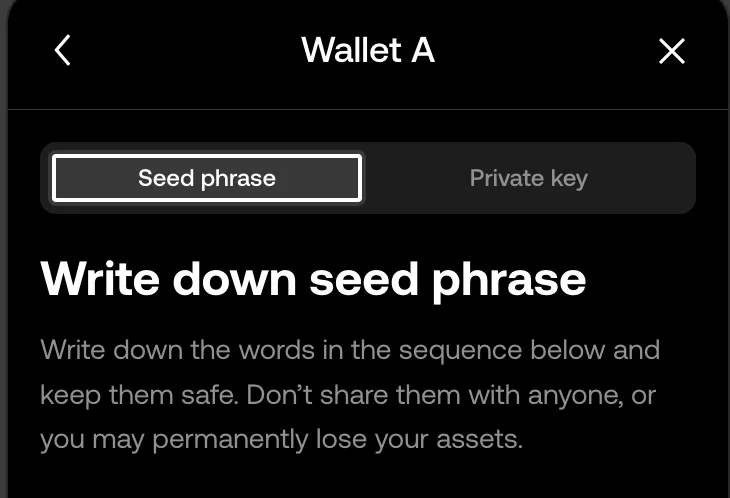
Your seed phrase and private key are what prove ownership of your wallet. So you must never share them with anyone or upload them to something like Google Drive. Quite a few people take a screenshot, keep it in their photo gallery, and end up getting hacked. Be sure to store them offline (on paper, a USB drive, etc.), not online.
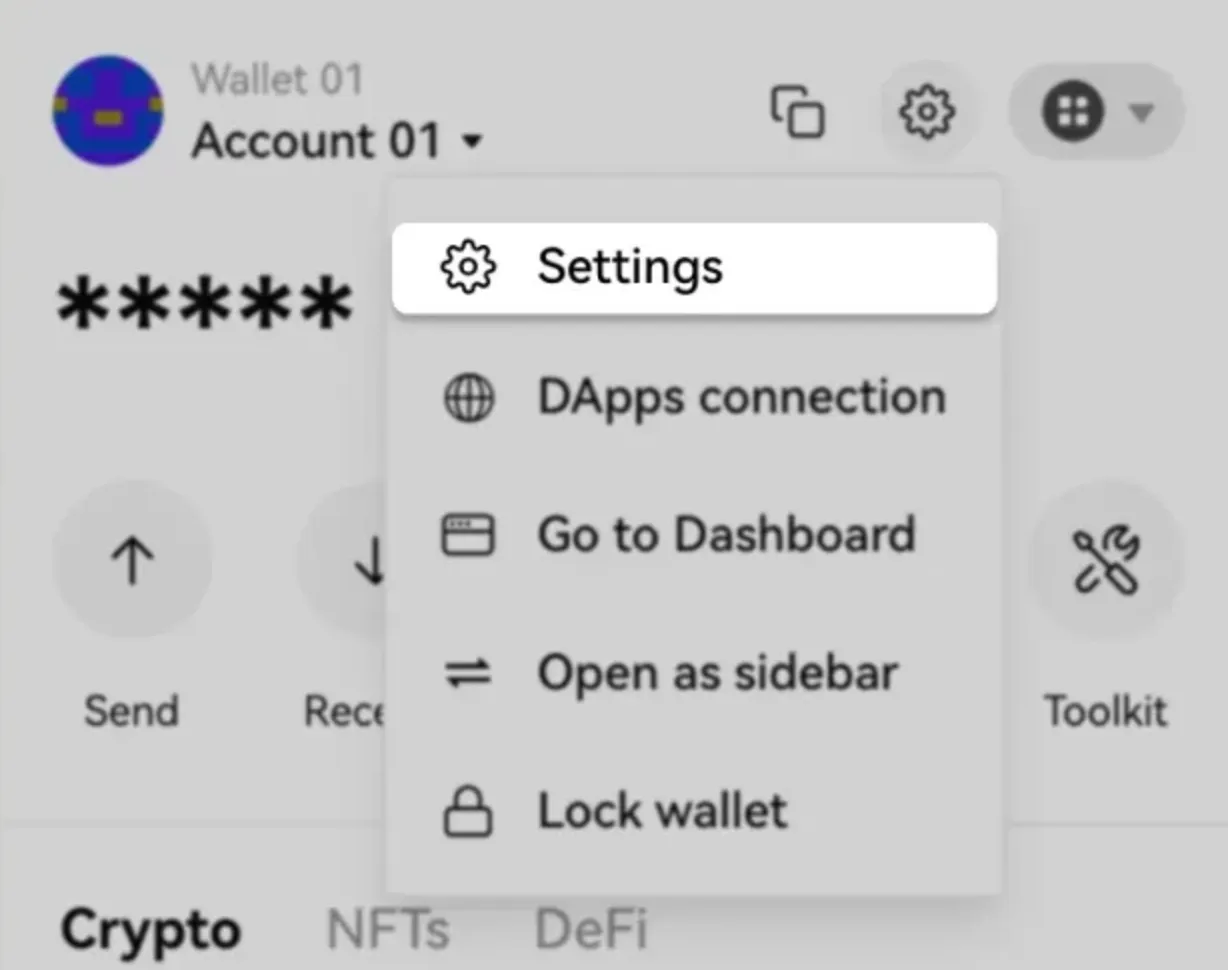
To view your seed phrase and private key in the OKX Wallet, go to the Settings > Backup menu. The difference is that the seed phrase grants access to all networks, while a private key only grants access to a specific network.
Wrapping Up
As of now, I think the OKX Web3 Wallet is the ultimate personal wallet, and it's all you need. Once you try it, you'll see. It's really convenient and easy to use. If you've only ever used MetaMask, I highly recommend giving it a try.
Finally, when using a personal wallet, take good care of your mnemonic and private keys! And to avoid getting scammed, always check the details carefully before signing a transaction. Wishing you all wealth. Thank you.