How to Buy Crypto and USDT with Mobile Payments (Google Pay/Apple Pay)
2 min read · · Korean original
Contents 4
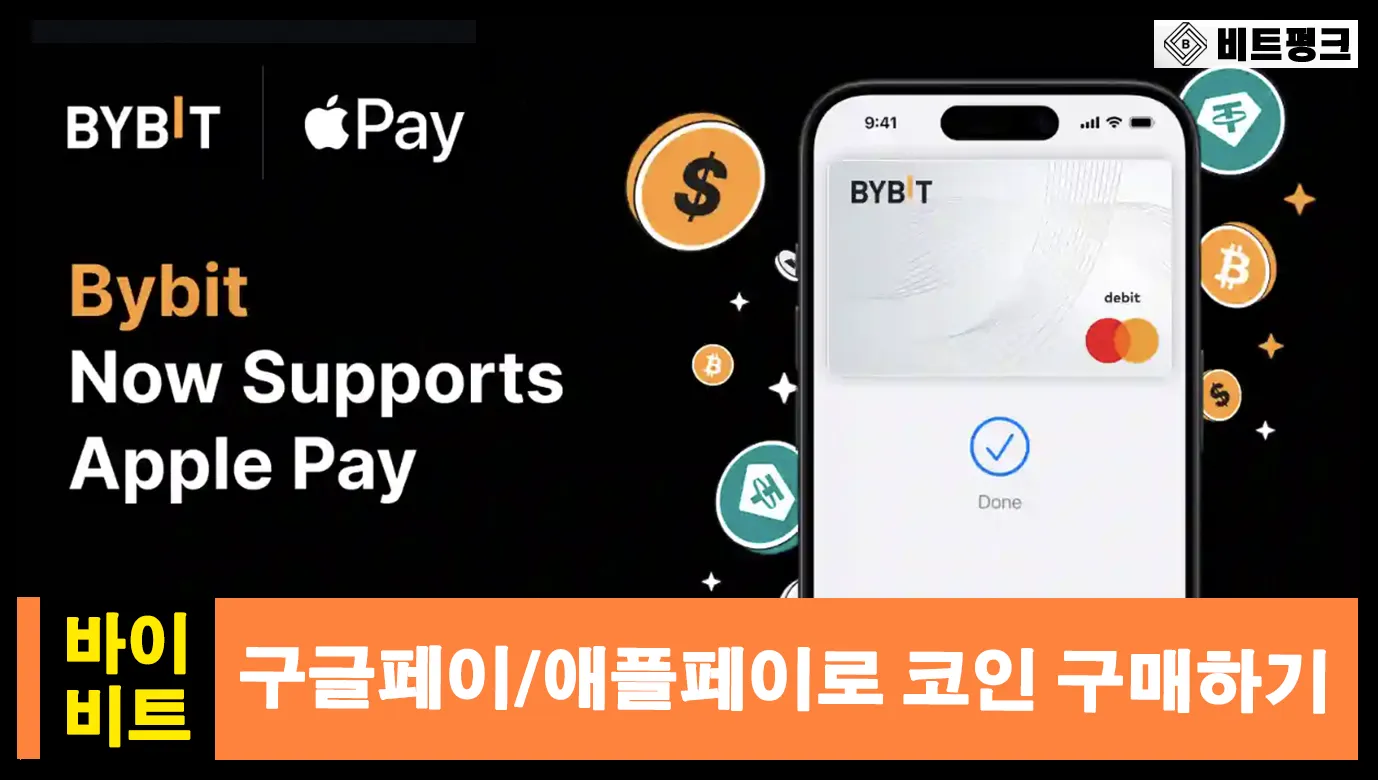
Hello, this is Bitpunk. In this post, we'll look at how to buy crypto assets such as Bitcoin, Ethereum, and USDT using mobile payment methods like Google Pay and Apple Pay.
1. Getting Ready for Mobile Payments: Sign Up for Bybit
To buy crypto through a mobile payment, the first step is finding a trustworthy intermediary service. Among them, Bybit, the world's second-largest exchange, is known for offering safe and fast payments.
2. Buying Crypto with Mobile Payments
Have you finished signing up for Bybit? Now you can go to the [Buy Crypto] - [One-Click Buy] option to start a mobile payment. Or go straight to the mobile payment page through the link.
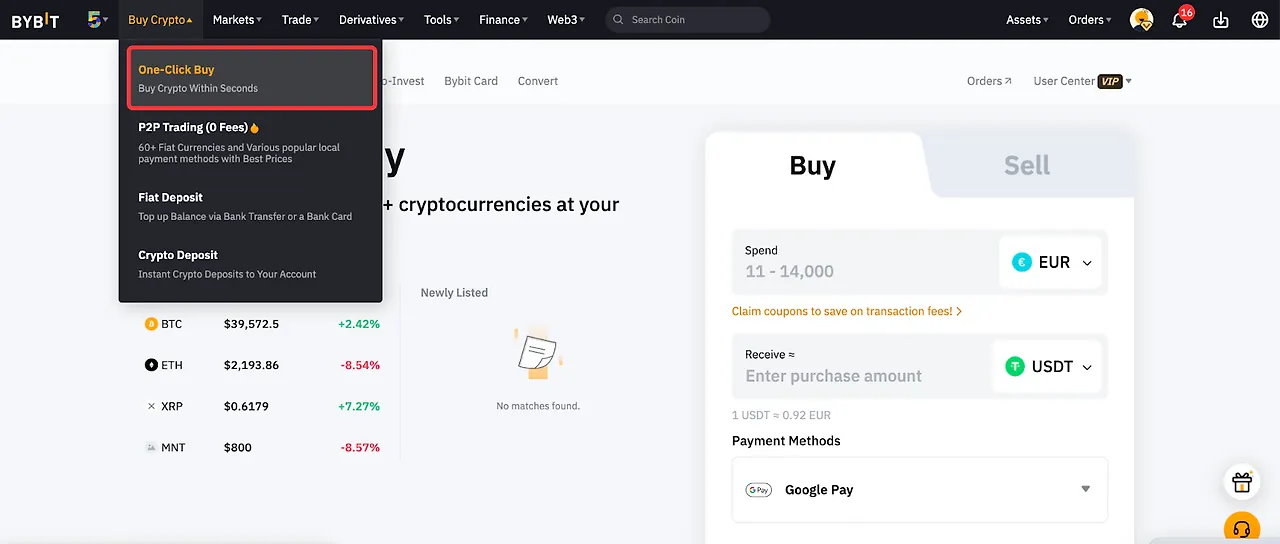
After signing up for Bybit, you need to complete identity verification (KYC) before you can trade. Please complete verification before going through this process. You can verify with an ID from the country you live in, and it takes about 5–10 minutes to complete.
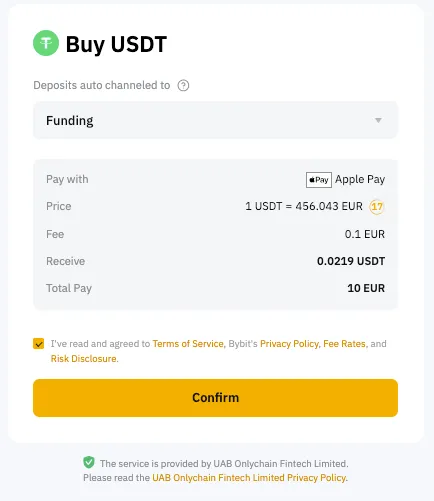
In the payment options, you can choose Google Pay or Apple Pay. Select the currency you want to pay with (Spend) and the asset you want to buy (Receive).
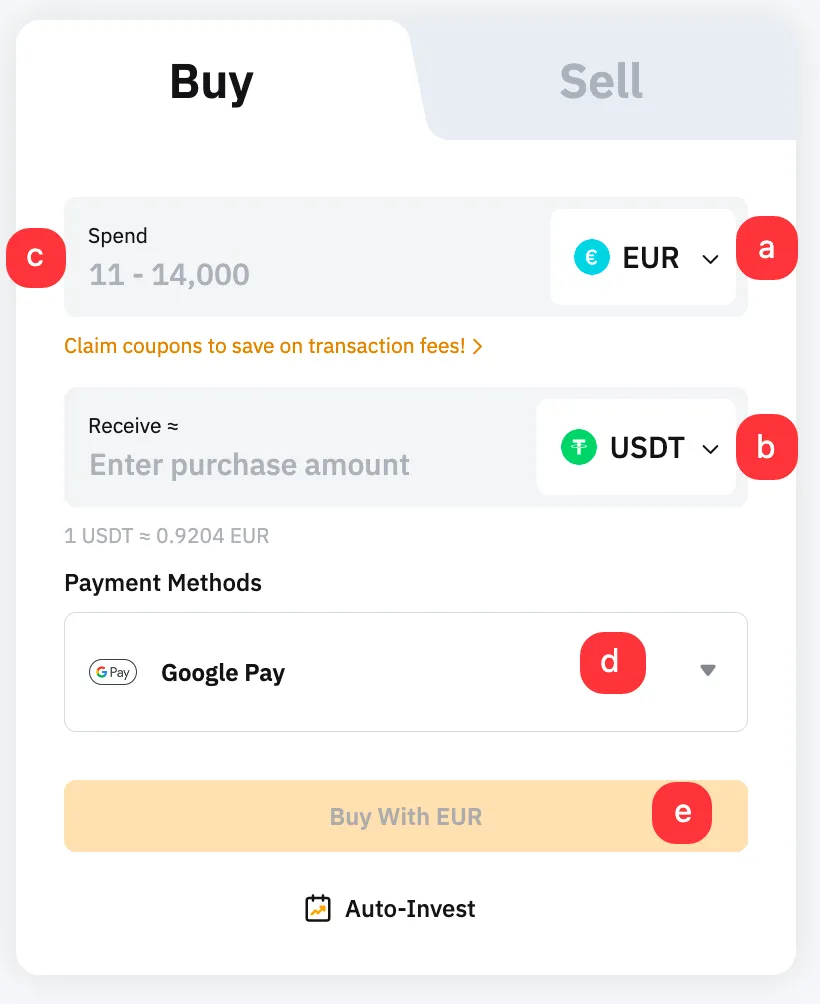
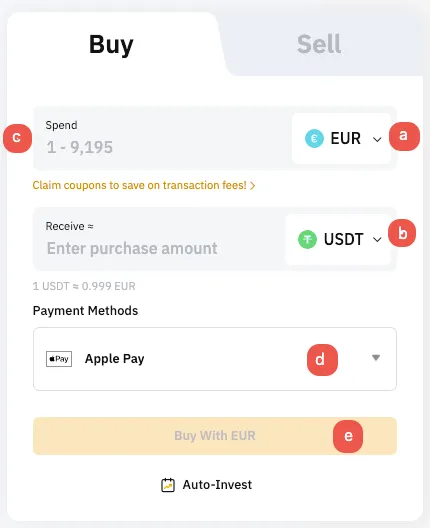
A fee of around 1% may be charged when you pay. As shown below, check the final payment amount and the converted amount, then agree to the terms of use. If everything is correct, press 'Confirm' to continue.
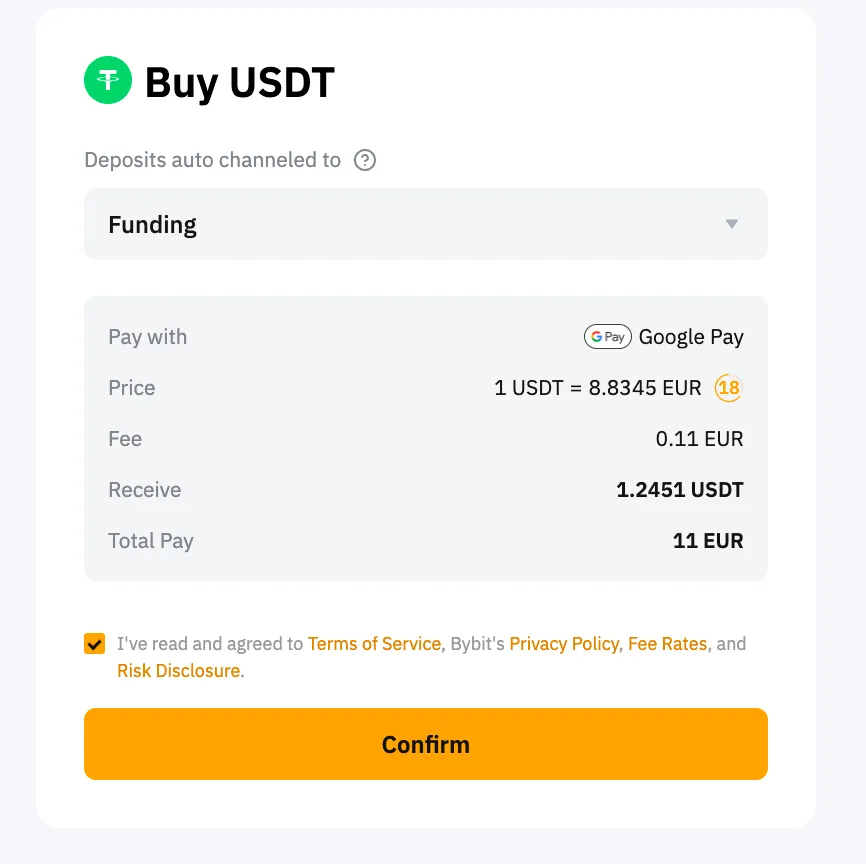
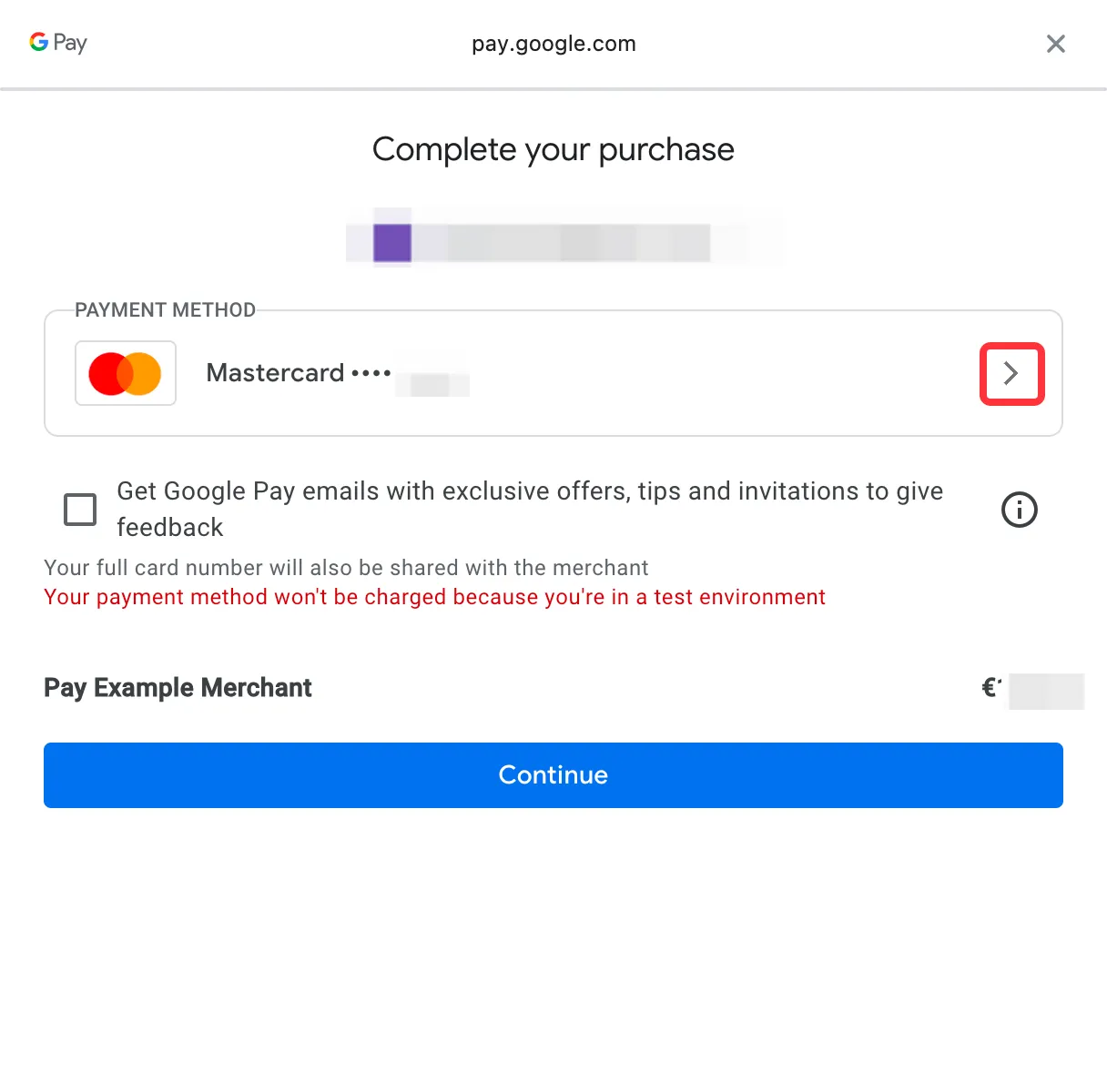
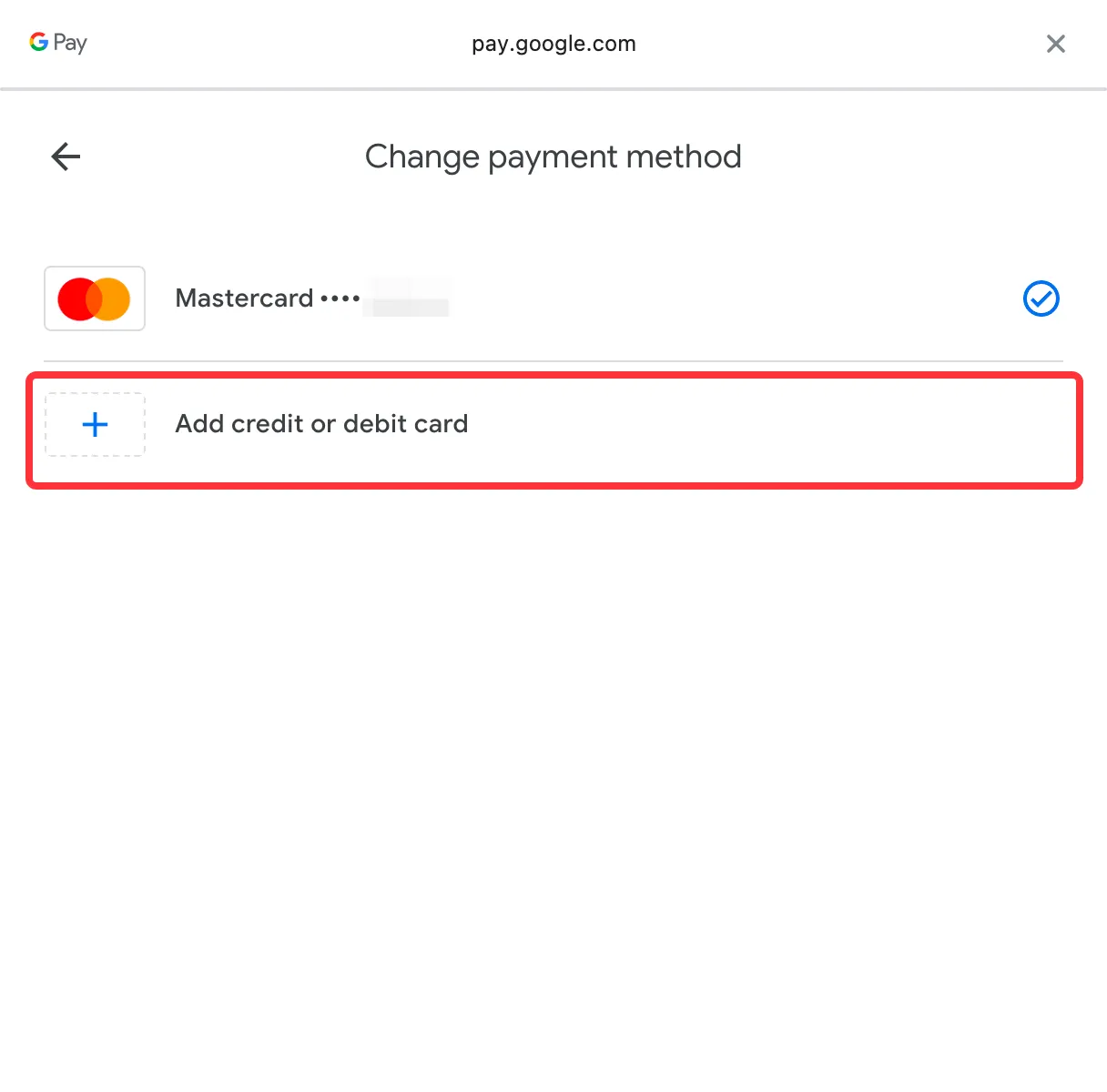
The payment options of your linked mobile payment account will be displayed. For example, you can pay with a Mastercard/Visa card you registered in advance. If you use a card, make sure it can be used for overseas payments.
3. Completing Payment and Checking Your Deposit
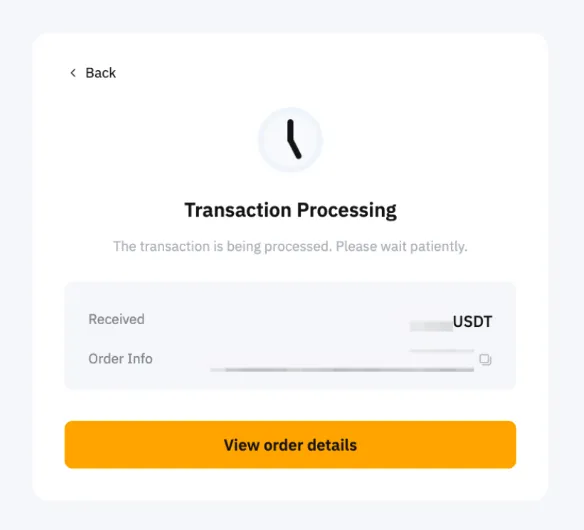
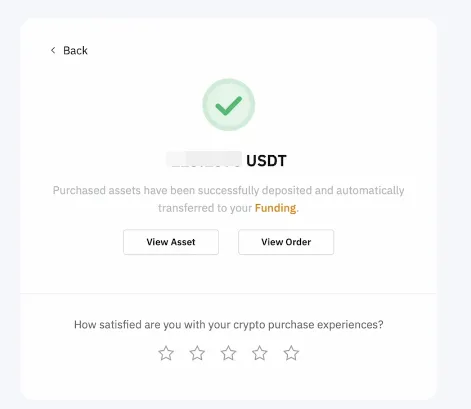
Once the payment is complete, a processing message will appear as shown below. When processing is finished, the assets will be deposited into your Spot and Funding accounts. This whole process can take up to 48 hours.
Wrapping Up
That covers how to buy crypto on the Bybit exchange using mobile payment methods like Google Pay and Apple Pay.
Buying crypto through mobile payments may come with an additional fee of about 1%, but it has the advantage of letting you complete your purchase quickly and easily.