How to Create a Binance Exchange Account (Korean)
3 min read · · Korean original
Contents 7
Here's how to sign up for Binance, the world's largest cryptocurrency exchange. We'll also show you how to apply a referral that gives you a lifetime 20% discount on Binance trading fees.
1. Visit the Binance Website
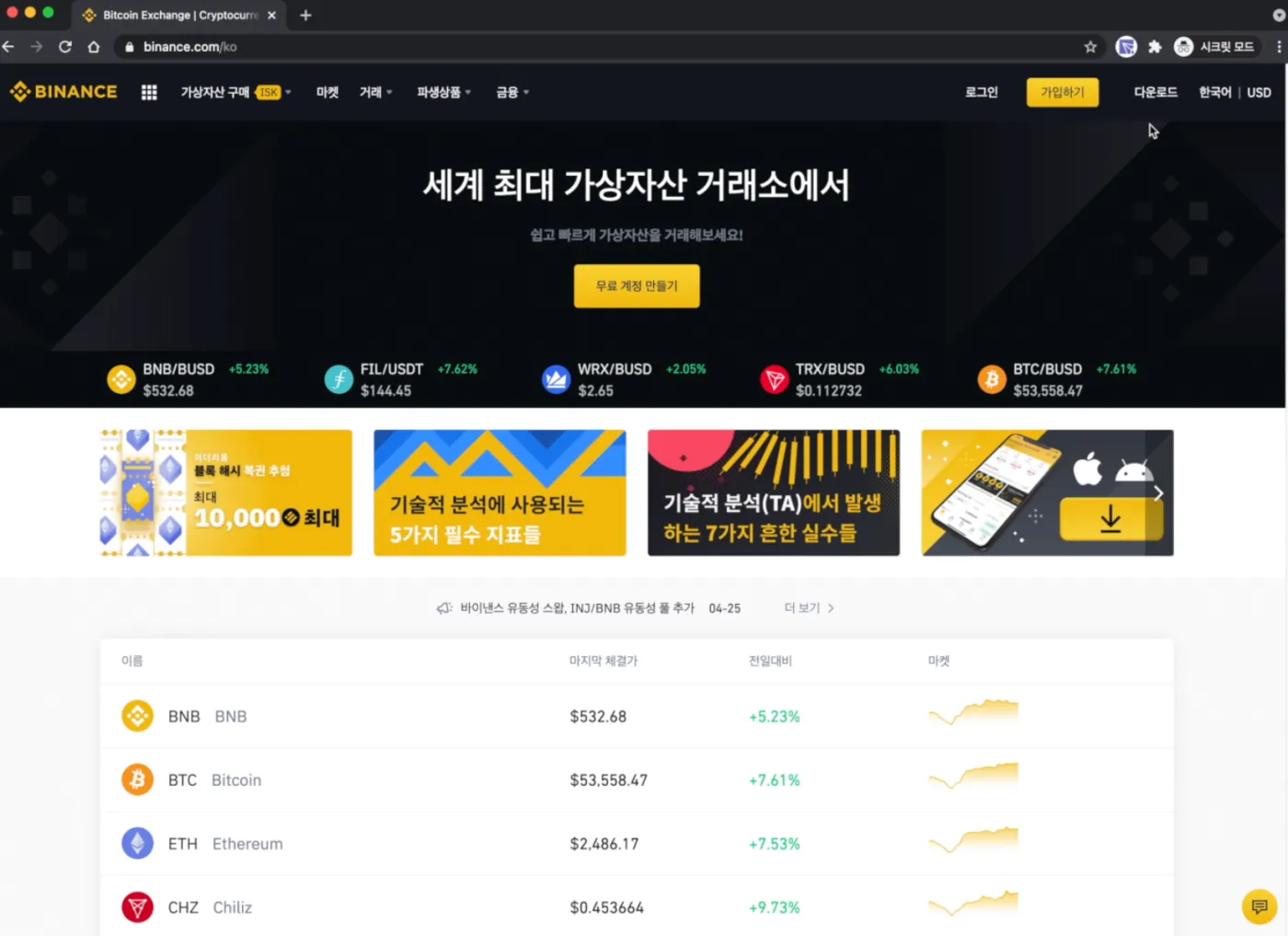
Go to the official Binance website and right-click. Then click "Translate to Korean."
Next, click the "Register" button in the top right corner. Or, if you use the link below, you'll go to a page with the 20% fee discount code already applied.
2. Sign Up with Your Email or Mobile Number
Are you on the sign-up page? You'll see a window like the one below. Enter the email address you want to use for your account and set a password.
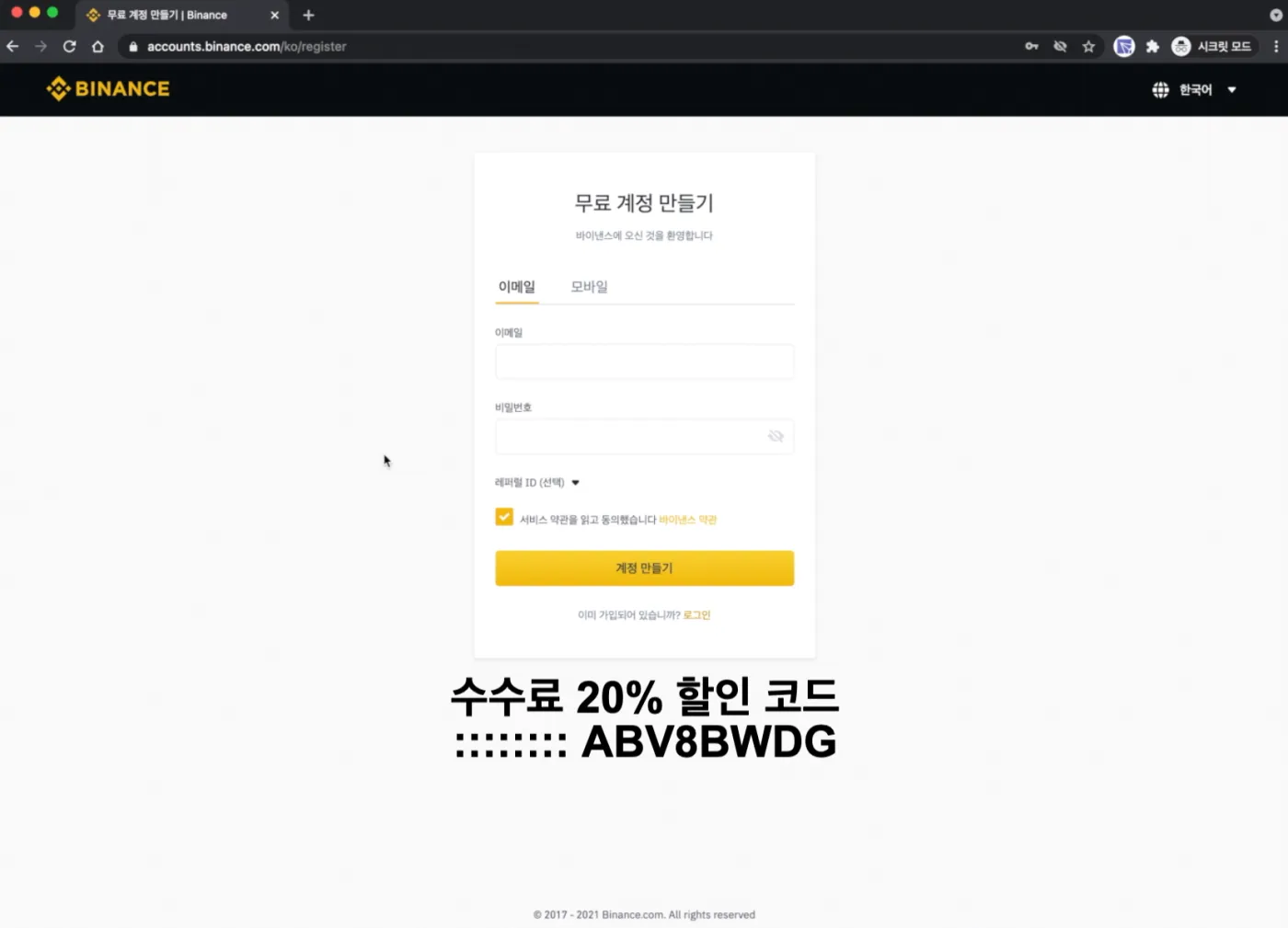
For security, use a different password from the one you use for your email!
You can also use a mobile number instead of an email address. Korea's international calling code is +82, and you enter your number in the format 10XXXXYYYY.
3. Confirm the 20% Referral ID Discount
If you used the Binance sign-up link above, the 20% discount is applied automatically. If not, enter the referral code ABV8BWDG to get the lifetime discount. Check for the discount message yourself, as shown in the screenshot below.
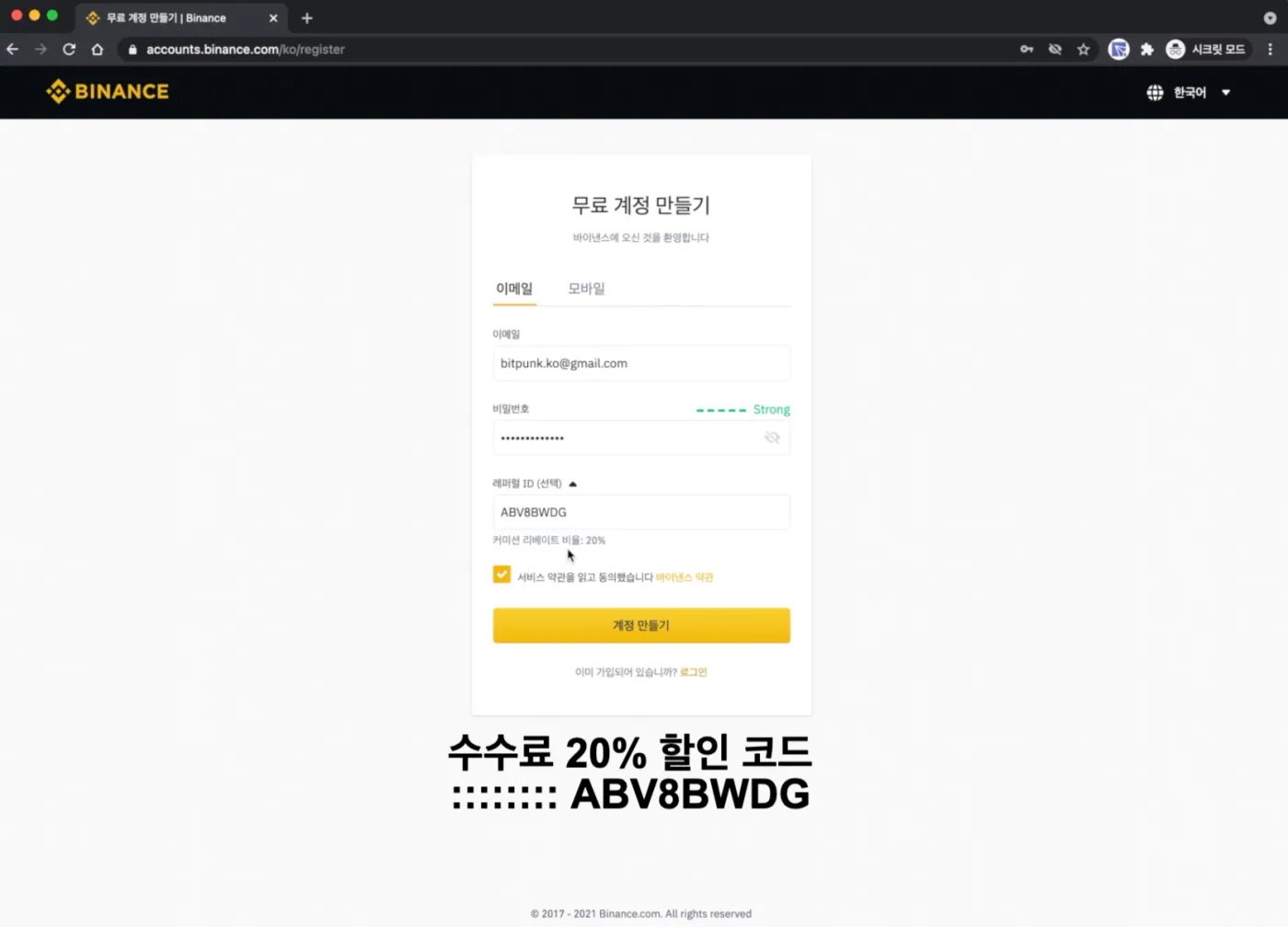
4. Enter the Verification Code After Creating Your Account
Click the "Create Account" button to finish step 3. Next, log in to the email address you used to sign up. Enter the 6-digit code from the registration email into Binance. (The verification code is valid for 30 minutes.)
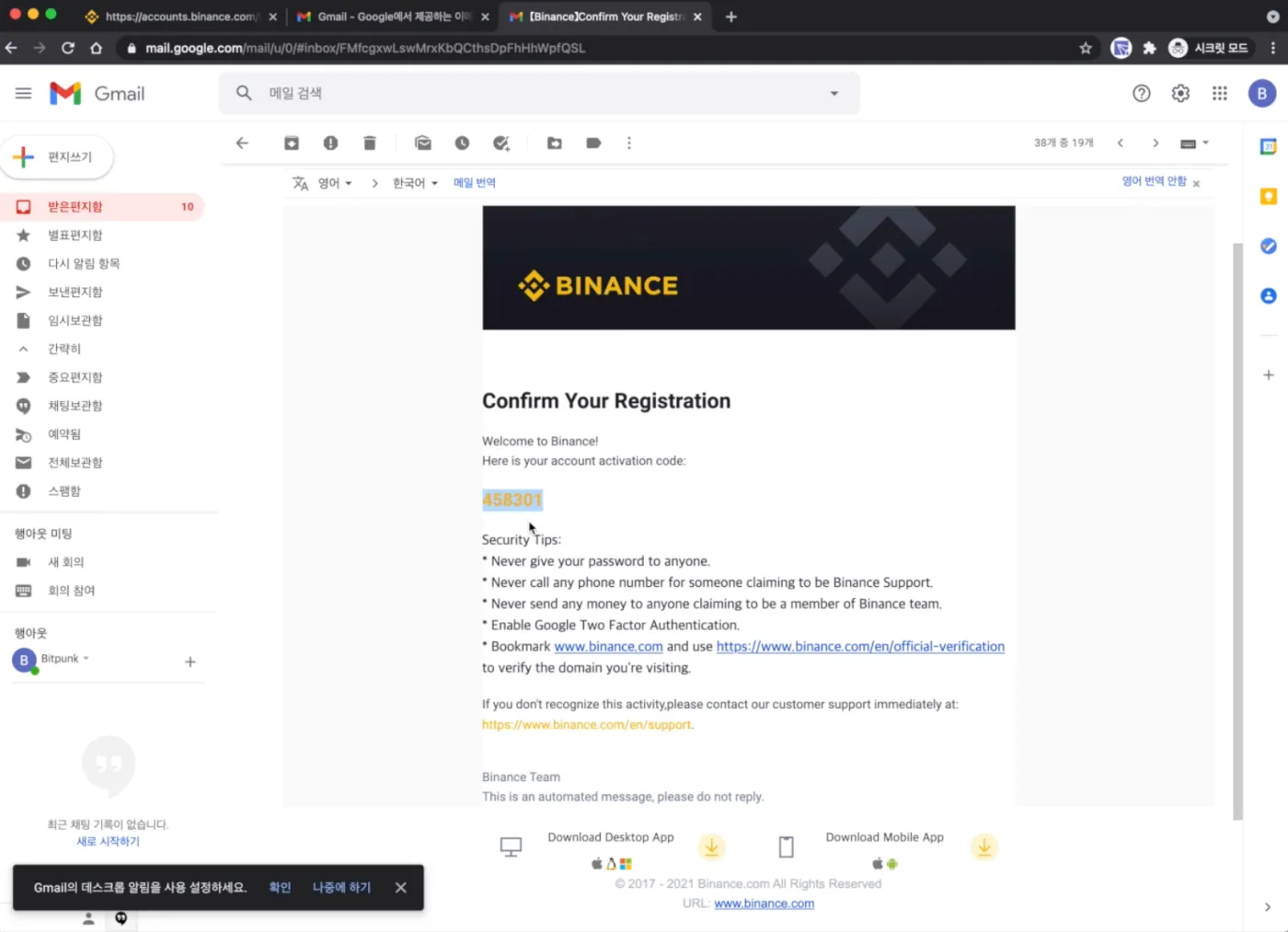
5. Log In to Binance and Set Up Security
You've now finished signing up for Binance. But before you start trading, you need to set up security to keep your funds safe.
Go to the Dashboard in the top right corner of the welcome screen and set up two-factor authentication (Google or SMS). If you use Google Authenticator, never store the backup key online. Write it down on paper and keep it somewhere safe offline.
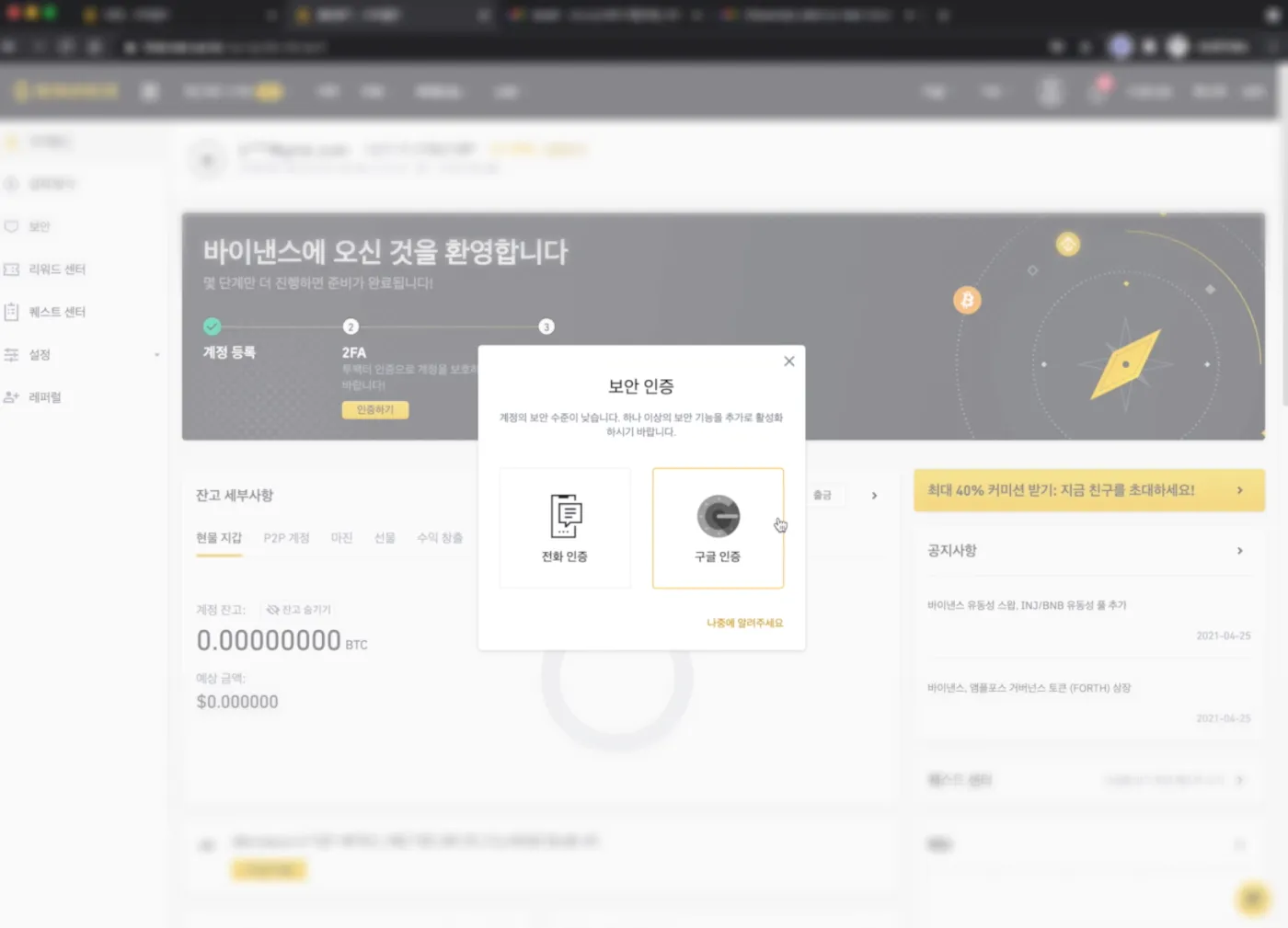
Setting up two-factor authentication doesn't guarantee your safety. It's best to think of it as a minimal extra safety net.
Once your security is set up, you'll need to buy coins or Tether on a Korean exchange like Upbit and send them over before you can trade on Binance. See Binance and Upbit Deposits and Withdrawals.
6. Start Trading and Verify Your Identity
Have you finished setting up security? Now you can trade safely on Binance.
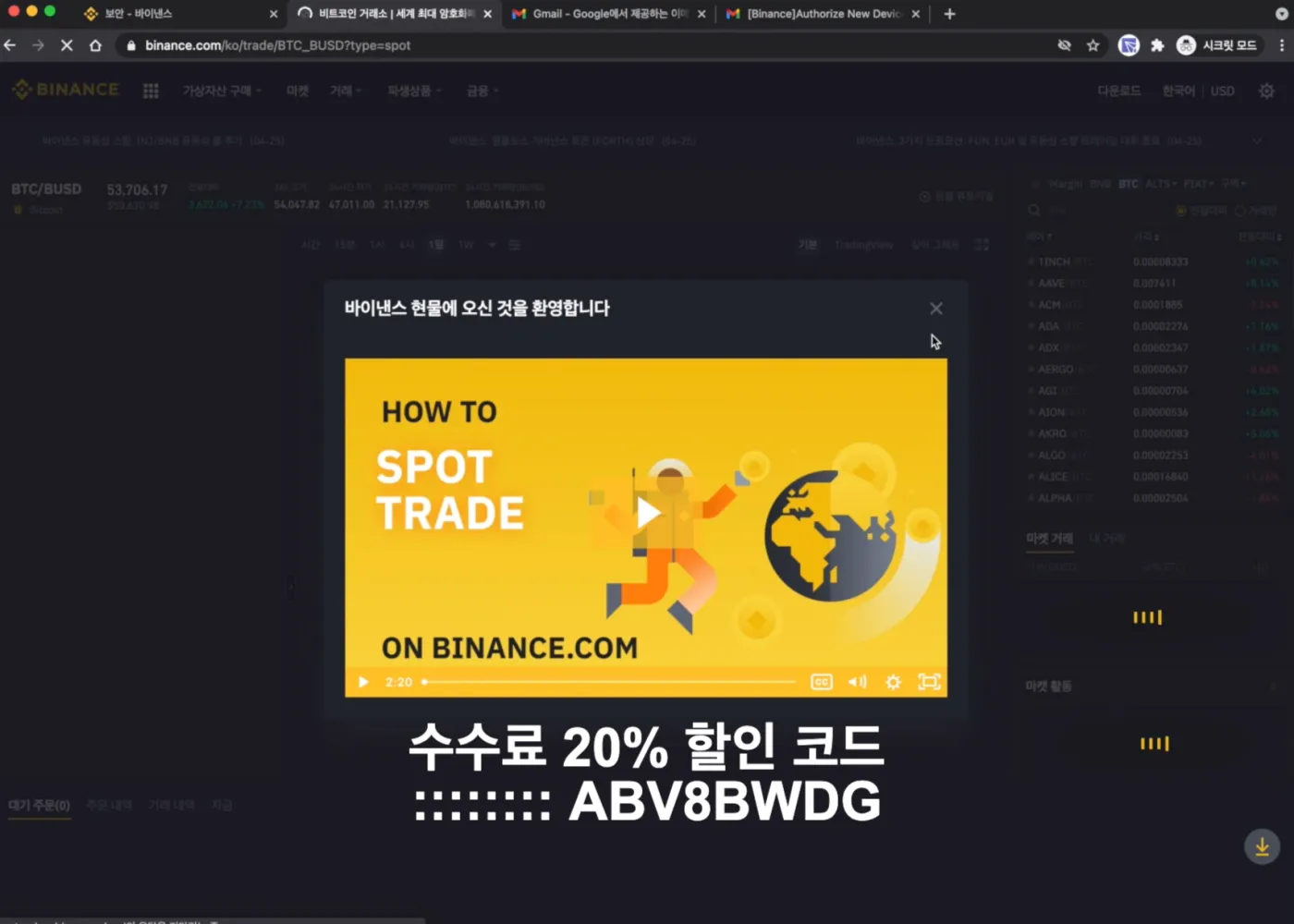
If you want a higher withdrawal limit or additional trading benefits, you can complete identity verification (KYC). Even without identity verification, you can use most of Binance's services.
7. Additional Notes (Must Read)
Whenever you use Binance, always make sure you're on the official website, and it's best to access it through a bookmark. Also, Binance will never contact you first. There are many scammers impersonating Binance, so it's best to ignore anyone who reaches out to you first.
That covers how to sign up for Binance and how to apply the 20% fee discount referral.