OKX Cross vs. Isolated Margin Modes: Differences and How to Set Them
4 min read · · Korean original
Contents 6
Hello, this is Bitpunk. In this post, we'll look at the concepts of 'cross margin' and 'isolated margin' available on the OKX exchange and how they differ.
Cross margin and isolated margin each have their own pros and cons, and you should choose one of the two options based on your own trading strategy.
1. What Is a Margin Mode?
In crypto derivatives trading, the margin mode determines 'how your funds are used and how risk is managed.' Depending on the margin mode you choose, 'how positions are managed and liquidated' will differ.
OKX supports both cross and isolated margin modes, and before using them, it's important to accurately understand the features, pros and cons of each margin mode.
2. What Is Cross Margin Mode?
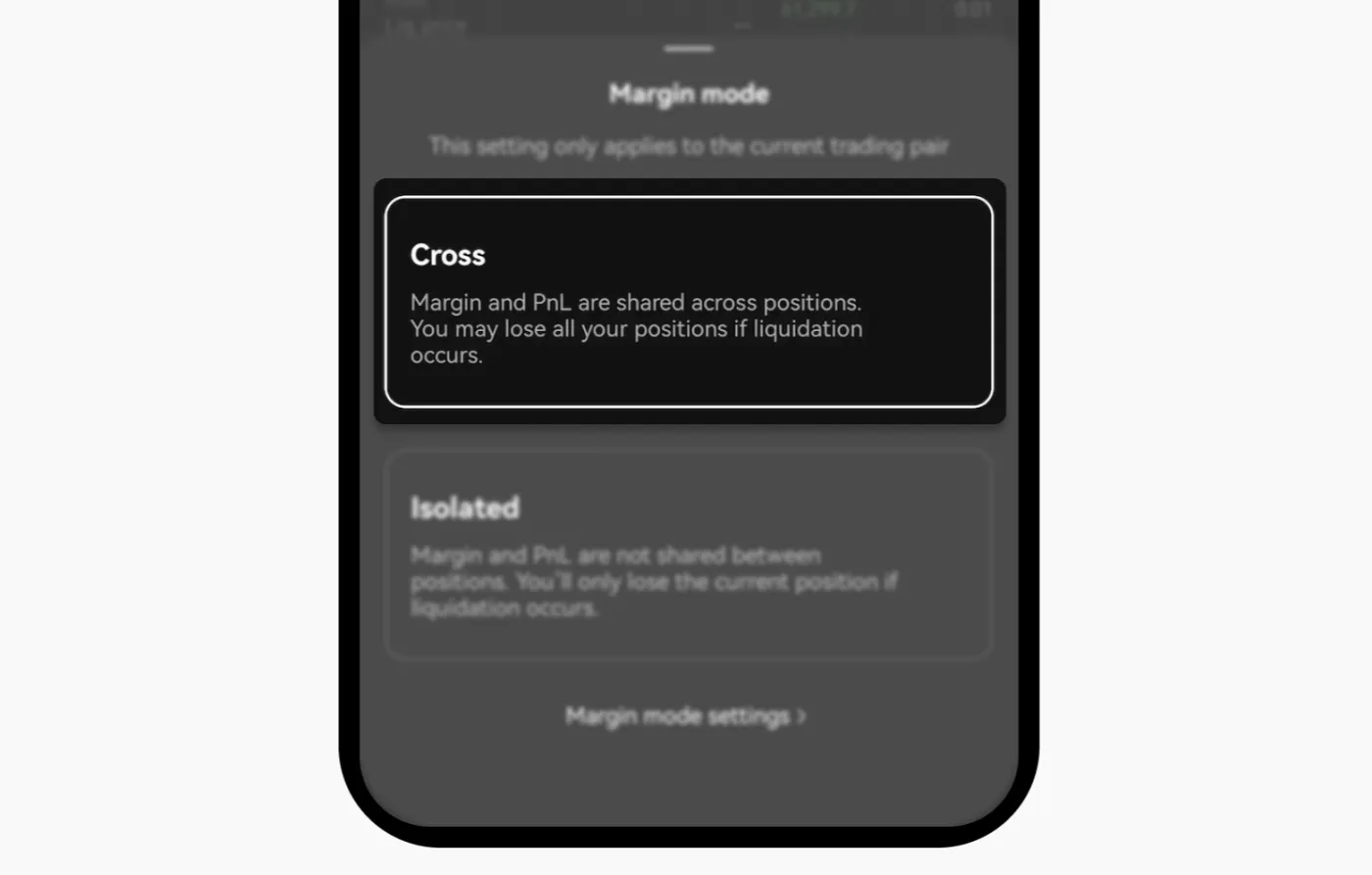
Cross margin is a method in which all positions using the same margin asset (e.g., USDT) share a single pool of funds. In cross margin, profits and losses across positions are combined into one, and the advantage is that liquidity is maximized when you're in profit.
| Item | Details |
|---|---|
| Shared assets | Multiple positions use one margin asset together |
| Offsetting P&L | Losing positions can be covered by profitable positions |
| Capital efficiency | Unused assets are also automatically used to prevent liquidation |
Pros
- Flexible use of funds across positions
- Risk is spread across the entire account
- Advantageous for traders with many positions
Cons
- A loss in one position can affect your entire balance
- Strategic risk management can be difficult
- When liquidated, all positions are closed automatically at the same time
3. What Is Isolated Margin Mode?
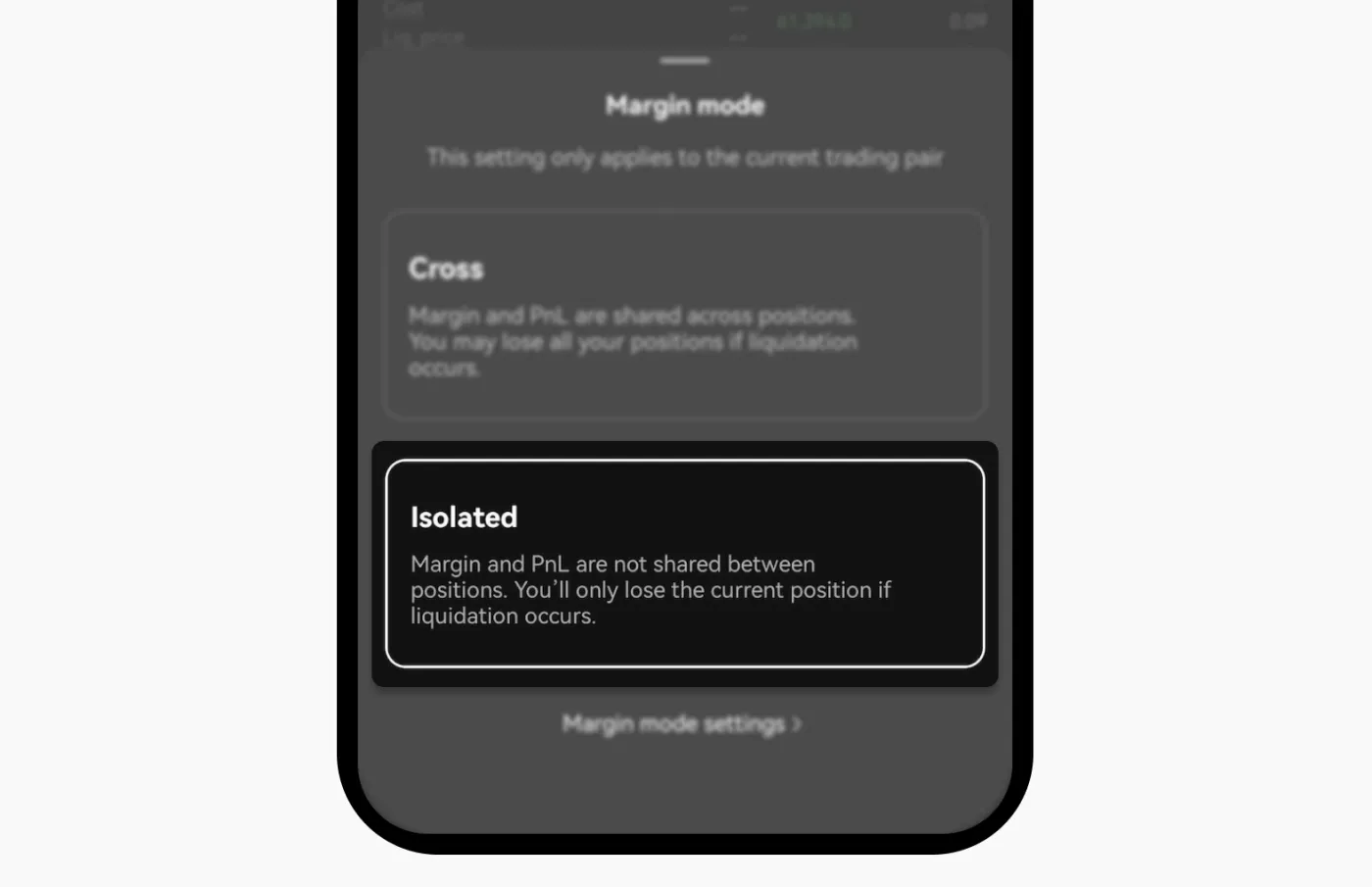
Isolated margin separates assets by position, assigning a dedicated margin to each position. As a result, a position's losses or profits apply only within that position and do not affect other positions.
| Item | Details |
|---|---|
| Risk separation | Losses are confined to each position, with no impact on your total balance |
| Individual strategies | Leverage and strategy can be set independently for each position |
| Limited losses | You cannot lose more than the margin you put in |
Pros
- Risk-isolating structure that suits beginners
- Strategic adjustment per position
- Effective at protecting your total balance
Cons
- Profits from other positions cannot be used to cover a liquidation
- Lower capital efficiency compared to cross margin
4. Which Margin Mode Should You Choose?
So, which margin mode is best in which situation? The table below summarizes suitable scenarios based on the characteristics of each margin mode.
| Item | Cross Margin | Isolated Margin |
|---|---|---|
| Asset structure | Entire balance shared | Assets separated by position |
| Offsetting P&L | Possible | Not possible |
| Scope of liquidation impact | Affects entire balance | Affects only that position |
| Strategy flexibility | Account-level strategies | Position-level strategies |
| Capital efficiency | High | Moderate |
| Recommended for | Advanced users, traders running many positions | Beginner to intermediate users, conservative investors |
| Recommended situation 1 | When opening positions in multiple assets at the same time | When trading a specific asset short-term with high leverage |
| Recommended situation 2 | When you want to use your entire balance flexibly | When you want to clearly limit your risk |
| Why | Combines assets to spread liquidation risk and maximize liquidity | Confines the range of losses to the position for strategic control |
5. How to Set Cross and Isolated Mode
Here's how to set cross or isolated mode on the OKX exchange. After logging in to the exchange, click 'Cross' or 'Isolated' at the top of the screen. From here, you can switch between cross and isolated mode.
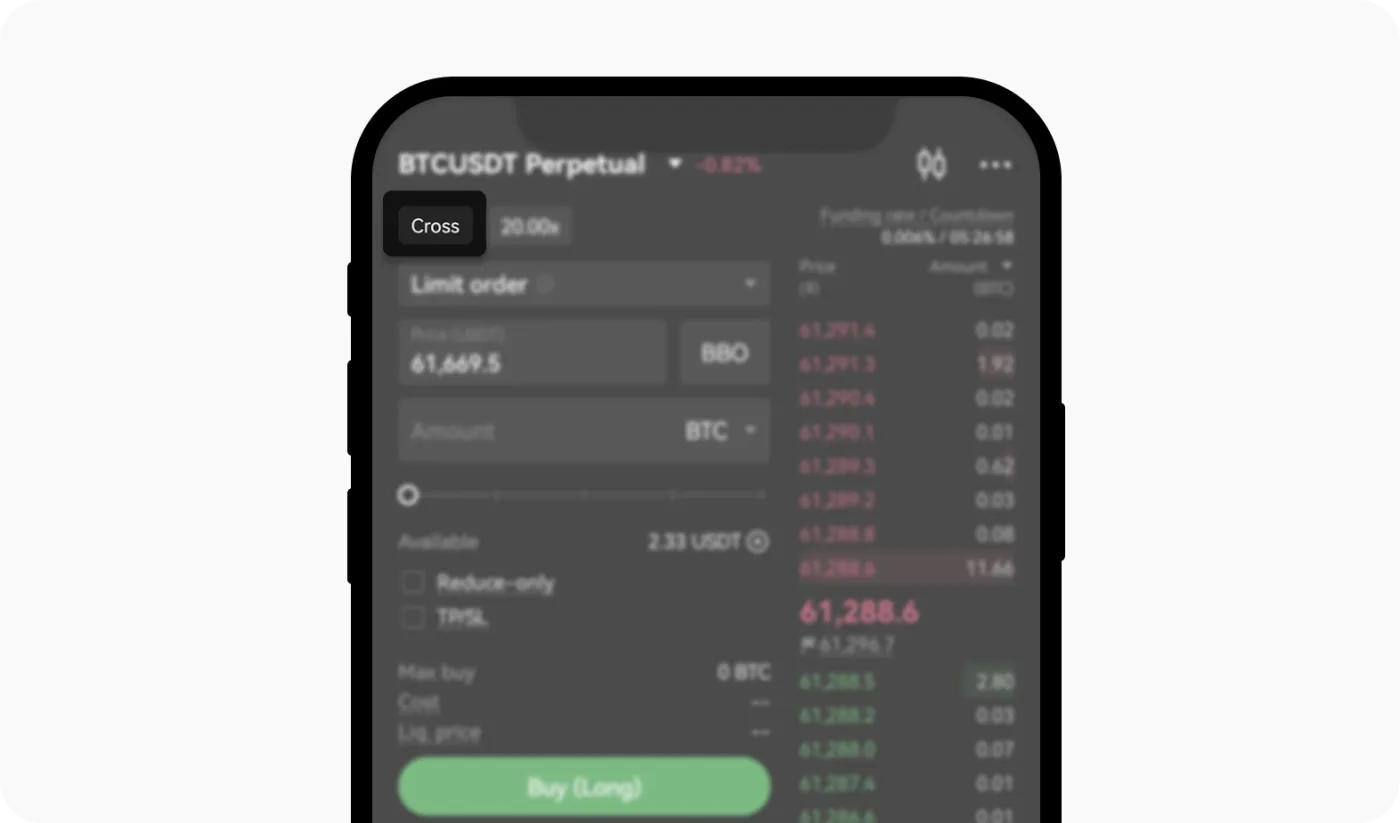
To change the margin mode, you must have no open orders or open positions. Also, by default the margin mode applies only to that trading pair, so it's a good idea to double-check before trading.
Wrapping Up
That covers the differences, pros and cons of the cross and isolated margin modes offered on the OKX exchange. It's important to choose the margin mode that fits your trading strategy. To sum up:
- Cross mode is useful for experienced traders who want to use their assets efficiently and run a variety of position strategies.
- Isolated mode suits beginners and is useful when you want to limit risk and allocate funds on a per-position basis.
In margin trading, the skill of managing risk matters more than chasing profit. Always use the right margin mode before trading, and be sure to have a risk management strategy that fits the size of your assets.