How to Find Your Account UID on the OKX Exchange
2 min read · · Korean original
Hello. In this post, we'll look at how to find your account UID on the OKX exchange. A UID, also called a user ID, is a unique identification number assigned to each account.

You can use your UID in many ways, such as looking up account information, joining referral programs, claiming event rewards, and making internal transfers within OKX. Here's how to find your user ID in the OKX app or on a PC.
How to Find Your UID in the App
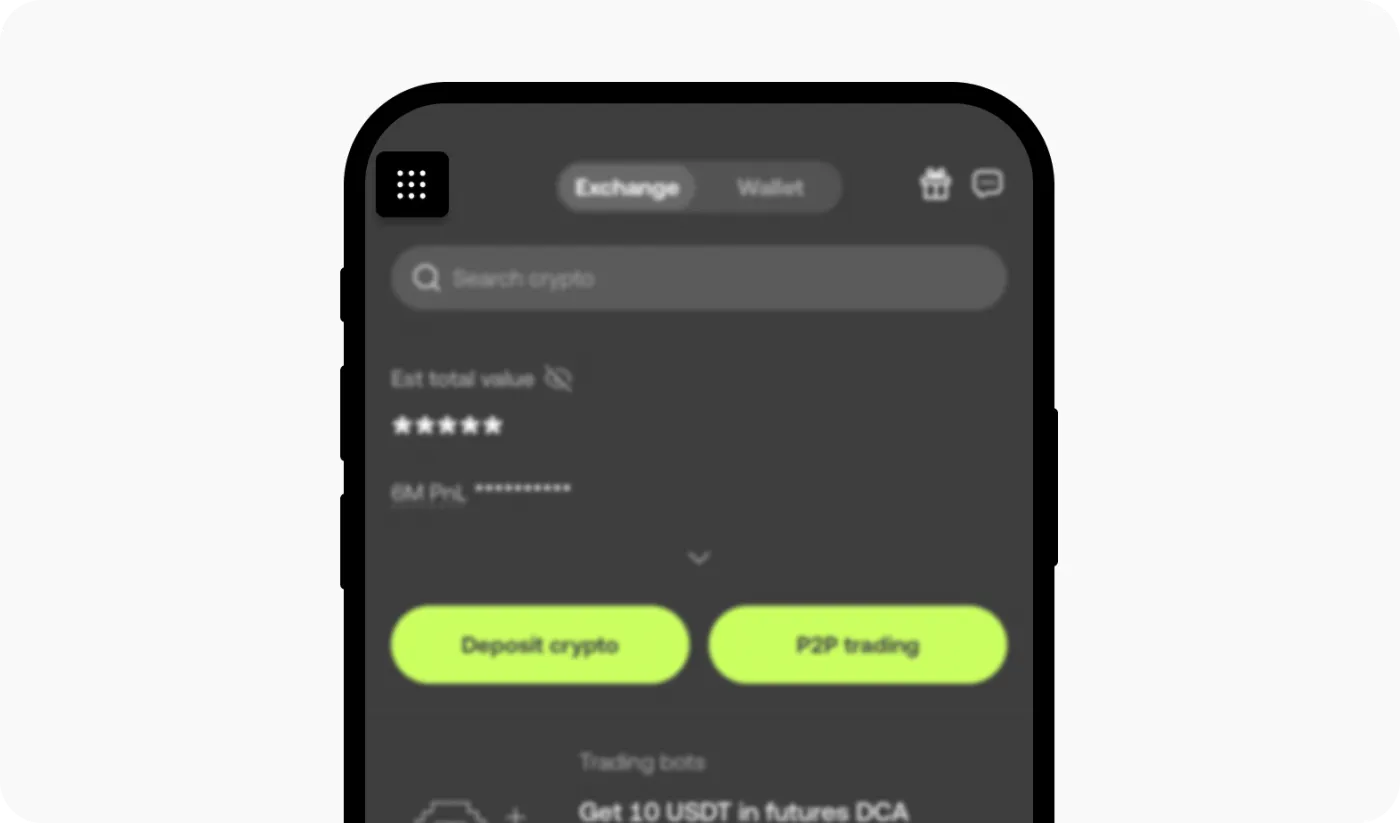
(1) Log in to the OKX app, then open the menu option in the top left.
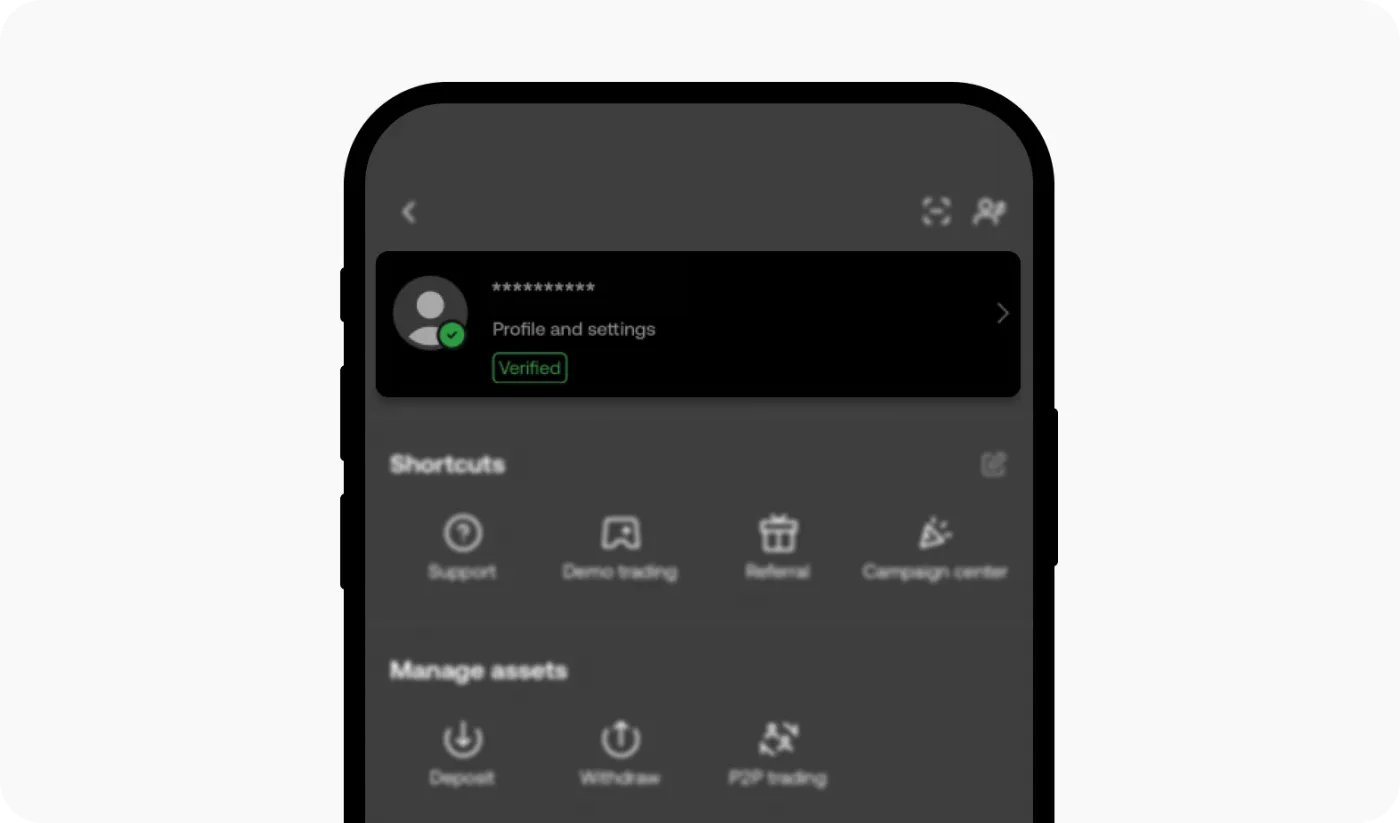
(2) Next, tap the Profile and Settings button at the top.
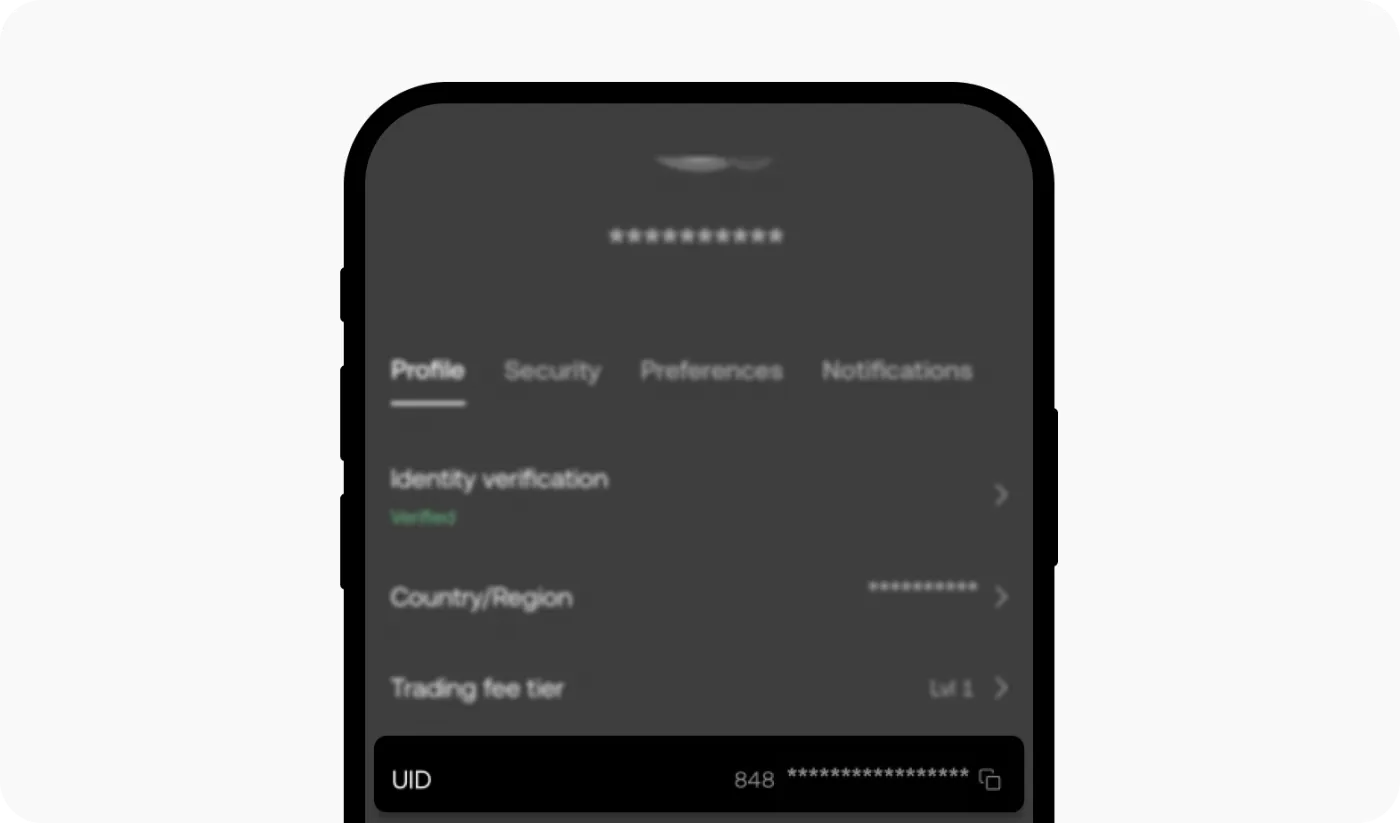
(3) Your UID number is shown in the profile section, as below. Tap the square button on the right to copy your UID number, then paste it wherever you need it.
How to Find Your UID on the Web
Log in to your OKX account, then hover your mouse over the profile icon in the top right. Your UID is displayed next to your user profile icon, and you can copy it right from there.
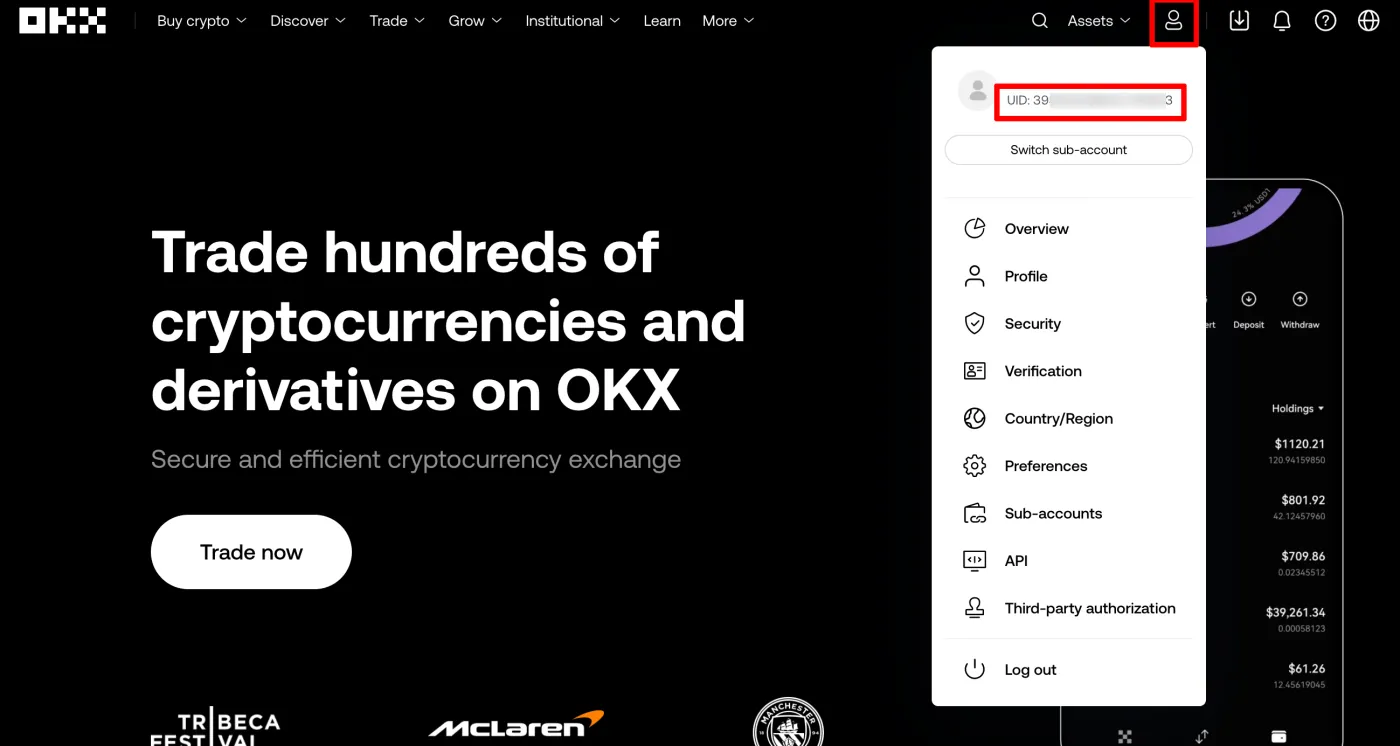
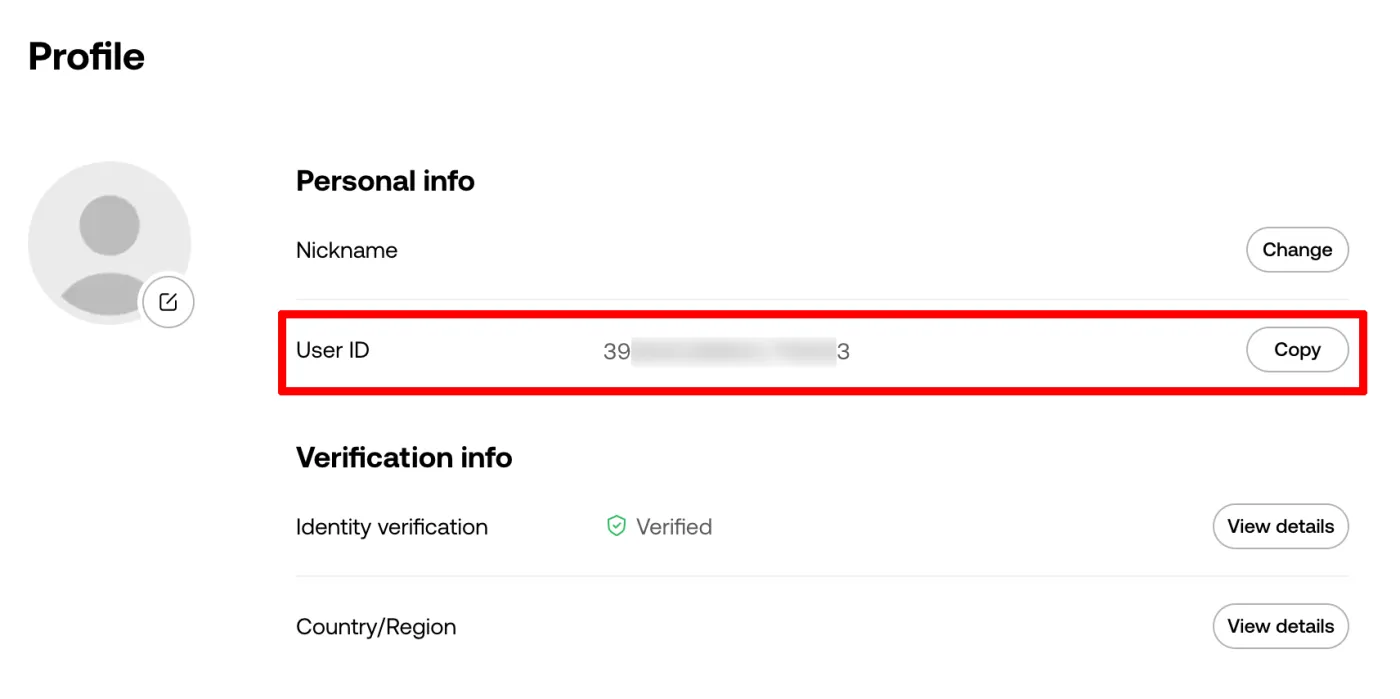
Alternatively, click the 'Profile' button to see more of your personal information, including your UID. Click the 'Copy' button on the right to copy your UID and share it.
Wrapping Up
That covers how to find your user ID in the OKX app and on the web. Your UID serves as your user identification number on the exchange, and it's used for internal fund transfers within OKX, Pay, referral invitation codes, customer support inquiries, and more.