OKX Order Types Explained: Limit, Market, Post Only, Stop Loss, Trailing Stop, Scaled and Chasing Orders
7 min read · · Korean original
Contents 11
OKX supports many different ways to place orders. There are 9 main order types. In this post, we'll look at the various order types available on OKX, along with "which order to use in which situation."

The 9 Main Order Types Supported by OKX
In addition to basic orders such as market and limit orders, OKX also offers a range of advanced orders, including automatic take profit, stop loss, trailing stop, and scaled buy/sell orders.
| Order Type | Description | Example Use | |
|---|---|---|---|
| 1 | Market | Fills immediately at the current market price | When you need to enter quickly or cut losses |
| 2 | Limit | Fills when your chosen price is reached | When you want to trade at a specific price |
| 3 | Take Profit/Stop Loss (TP/SL) | Set your profit-taking and loss-limiting prices in advance | When you want to manage profits and losses automatically |
| 4 | Trailing Stop | Follows the price up, and triggers when it drops by a set percentage | When you want to ride a trend while protecting your profits |
| 5 | Trigger Order | Places an order once a condition is met | When you want to respond automatically if a specific price is broken |
| 6 | OCO | Set TP/SL at the same time; when one fills, the other is canceled | When you want to respond automatically while minimizing risk |
| 7 | Scaled Order | Automatically splits buys/sells across a price range | For a split-entry strategy, or to close a large order in parts |
| 8 | Chasing Order | Tracks the current market price with a limit order | When you want to enter quickly while reducing slippage |
| 9 | Reduce Only | Only allows orders that reduce your position | When closing a position you currently hold |
1. Market Order
A market order is filled immediately at the best price currently available in the market. In other words, it's an order that buys or sells right after you submit it. You can use a market order to jump in when the price looks like it's about to surge, or when you need to cut your losses and get out quickly.
To submit a market order, select 'Market' in the order panel and enter the quantity (e.g., 0.1 BTC). Then click the 'Buy' or 'Sell' button, and the order is completed immediately.
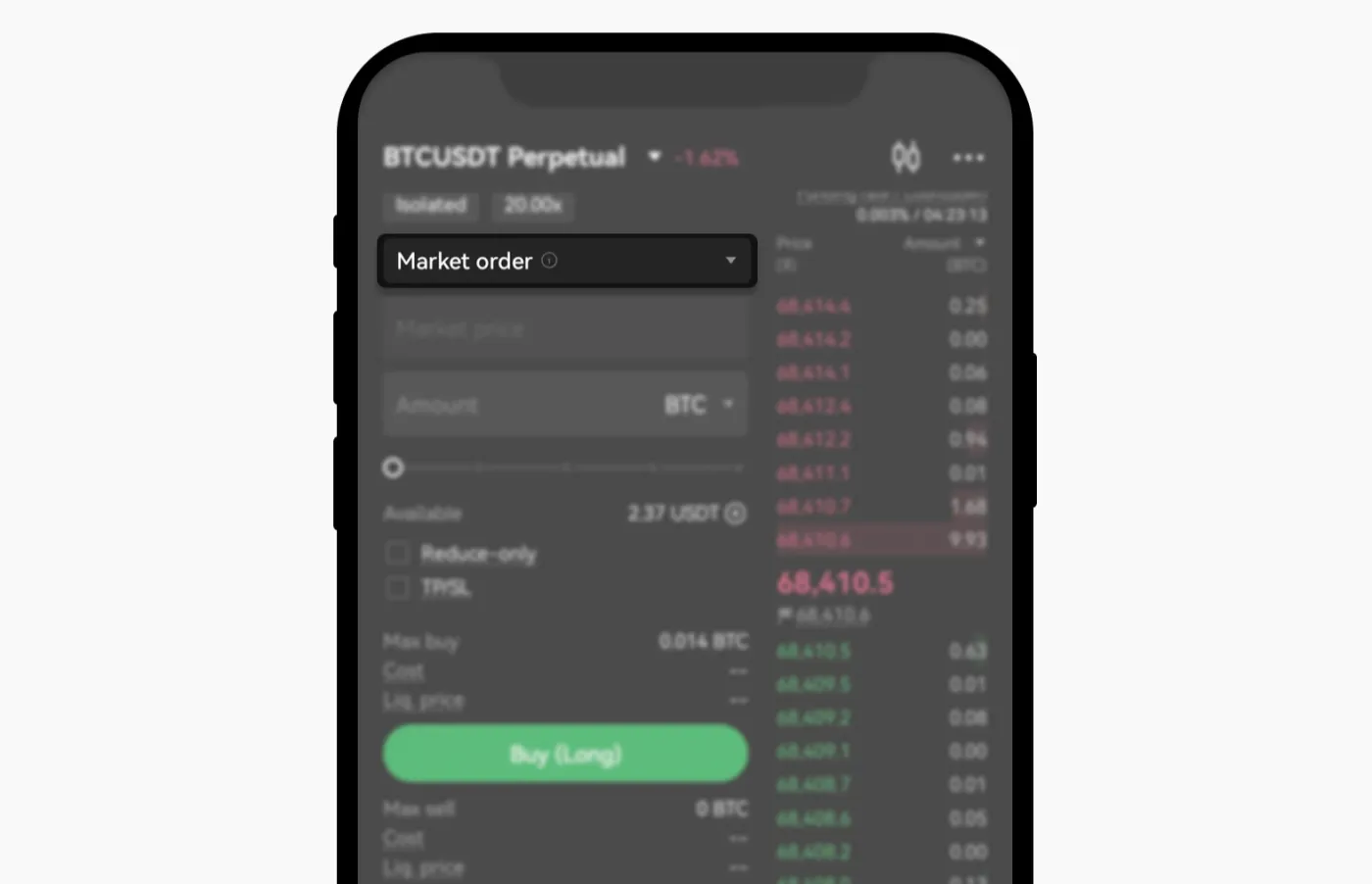
Market orders have the advantage of being fast and simple, but depending on market conditions, they can cause significant slippage. Also, market orders usually carry higher fees than limit orders.
2. Limit Order
A limit order is an order type that only fills once a set price is reached. You can use limit orders to buy or sell at a better price than the market price. With a limit order, you can buy or sell at the price you want.
To submit a limit order, select 'Limit' in the order panel and enter your desired price and quantity. Then click the 'Buy' or 'Sell' button, and the order is placed on the order book.
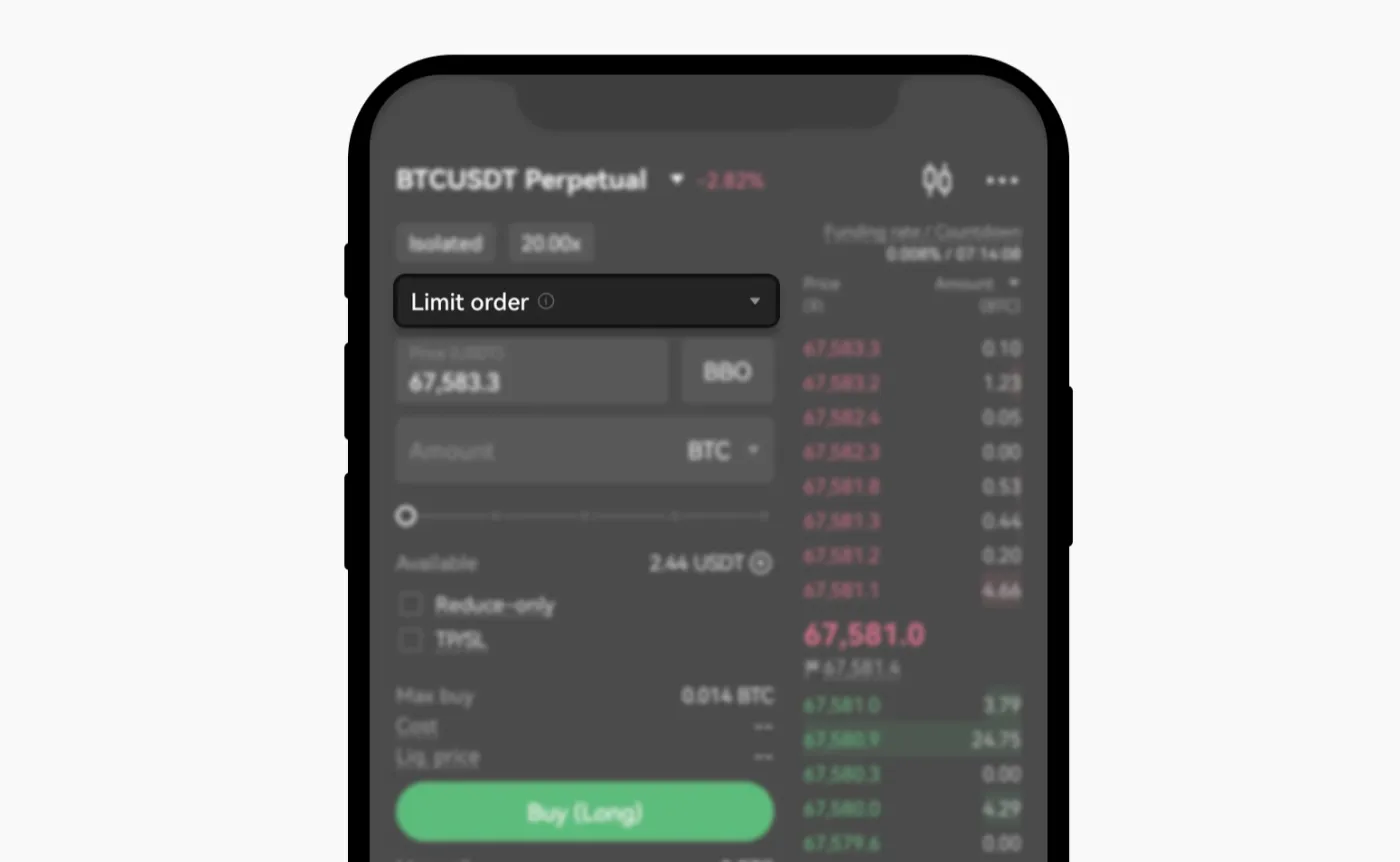
The advantages of a limit order are that its fees are lower than a market order's, and it lets you trade in a planned way at the price you want. However, if the market price never reaches that price, the order won't be filled.
Even if you choose a limit order, submitting it at a price above or below the current price may cause it to fill immediately at the market price. If you want to make sure your order only fills as a limit order, it's best to use the Post Only order under advanced orders. Post Only is an order type that can only be filled as a limit order.
3. Take Profit / Stop Loss (TP/SL)
Take Profit and Stop Loss are orders you submit in advance so that profits are taken and losses are cut automatically. These are conditional orders that execute when a specific price is reached.
To use Take Profit and Stop Loss orders, click 'TP/SL', then enter your target profit price (TP) and stop loss price (SL). This way, you can take profits or limit losses at the price you want without having to keep watching the chart.
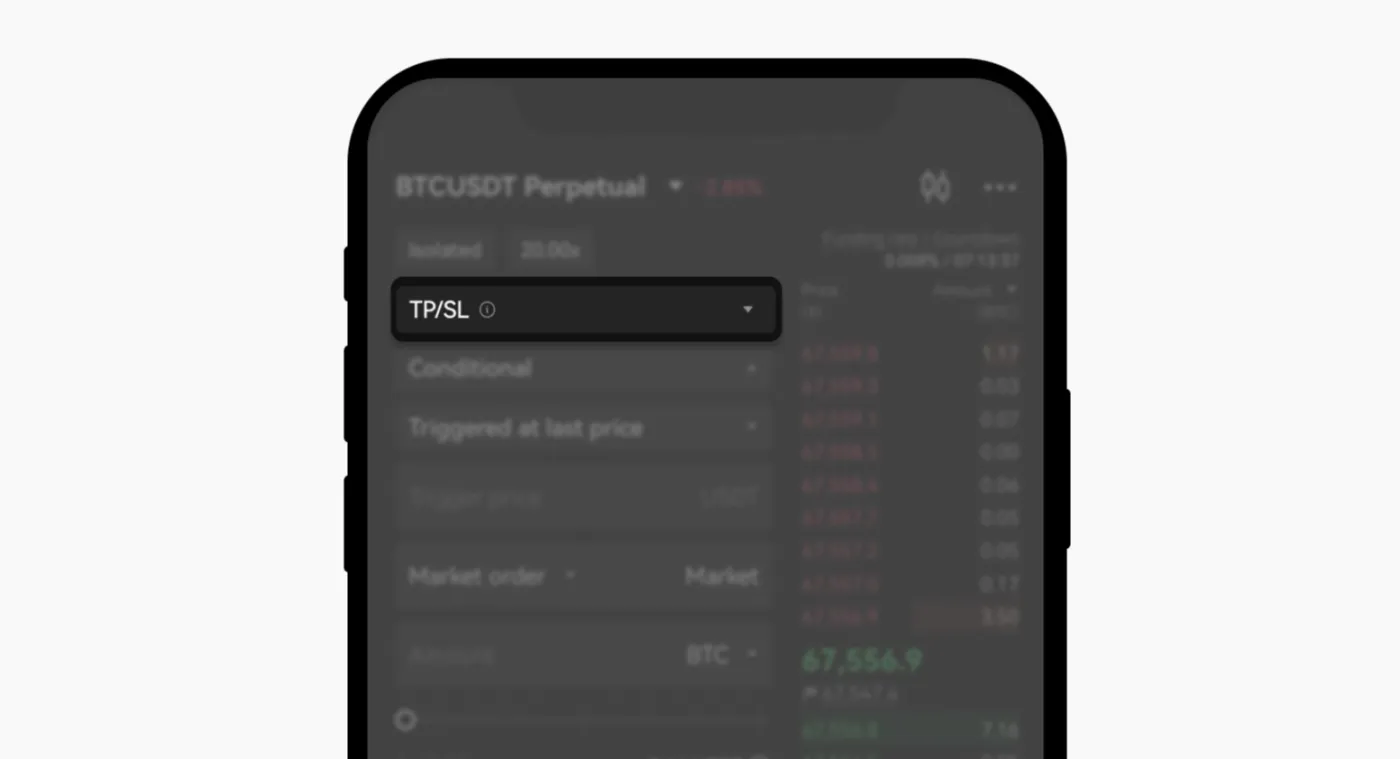
However, be careful, because there may be a difference between the trigger price and the actual fill price. Also, large orders can experience significant slippage, so caution is needed.
4. Trailing Stop
A trailing stop is an order whose 'stop loss line' and 'take profit line' adjust automatically as the market moves. For example, if you want to capture more profit in a strong bull market, you can use a trailing order.
To use a trailing order, click 'Trailing Stop' and set the trailing distance (as a percentage or price). After entering the quantity, click confirm and your order is submitted.
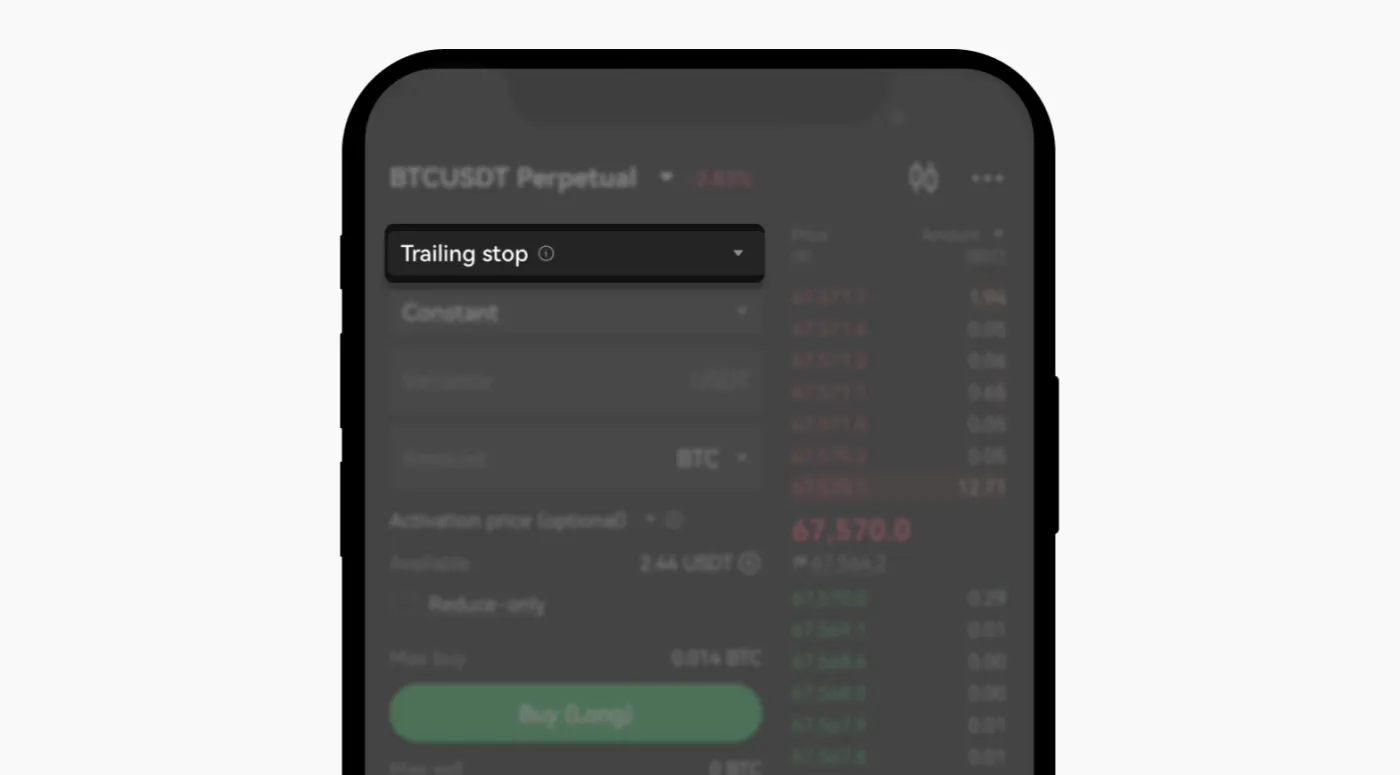
For example, if the price of Bitcoin keeps rising, you can set 'a trailing order with a 3% range.' In this case, the take profit and stop loss lines rise along with the Bitcoin price. Then, if Bitcoin falls -3% or more from its peak, the trailing order is filled.
As you can see, trailing orders have 'the advantage of maximizing profit while limiting risk.' This makes automated trend-following trading possible. However, during sudden price swings, the order may fill and close your position early.
5. Trigger Order
A trigger order is a conditional order that automatically places a limit or market order when a specific price is reached. Trigger orders can be useful for buying or selling at a specific point, or for trading around support and resistance zones.
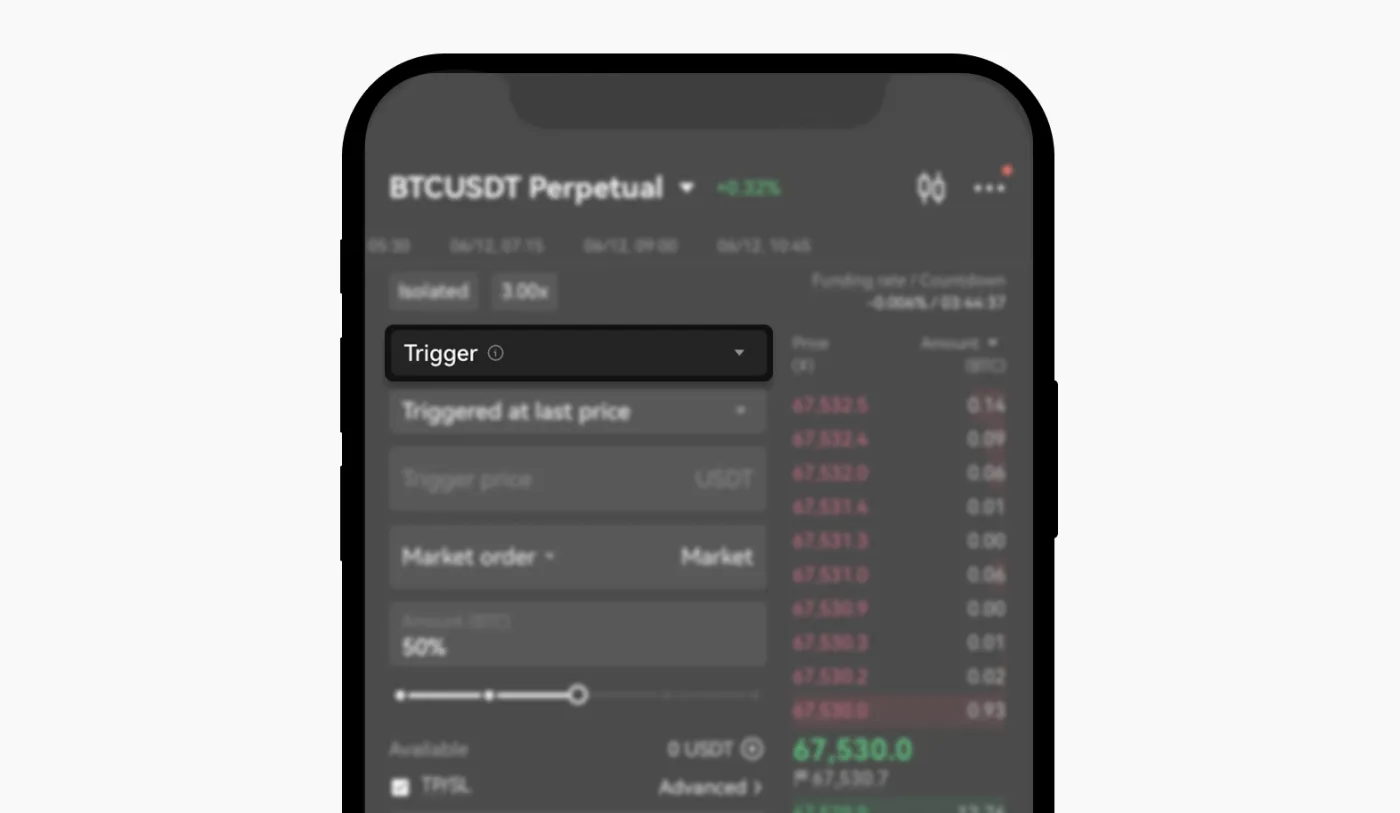
Trigger orders let you respond automatically without monitoring the market, but be careful: if you use them on their own, managing your position afterward can become more complicated than you expect.
6. OCO (One Cancels the Other)
An OCO order lets you set a take profit and a stop loss at the same time, and when one side executes, the other is automatically canceled. OCO orders are useful when you want to reduce risk during high volatility and take profits and cut losses precisely.
7. Scaled Order
A scaled order splits your order into multiple orders submitted within a specific price range. On OKX, it can't be used for spot trading and is only available for futures trading.
To submit a scaled order, select 'Scaled Order' as the order type and set the minimum and maximum prices. Then just enter the number of orders and the quantity you want.
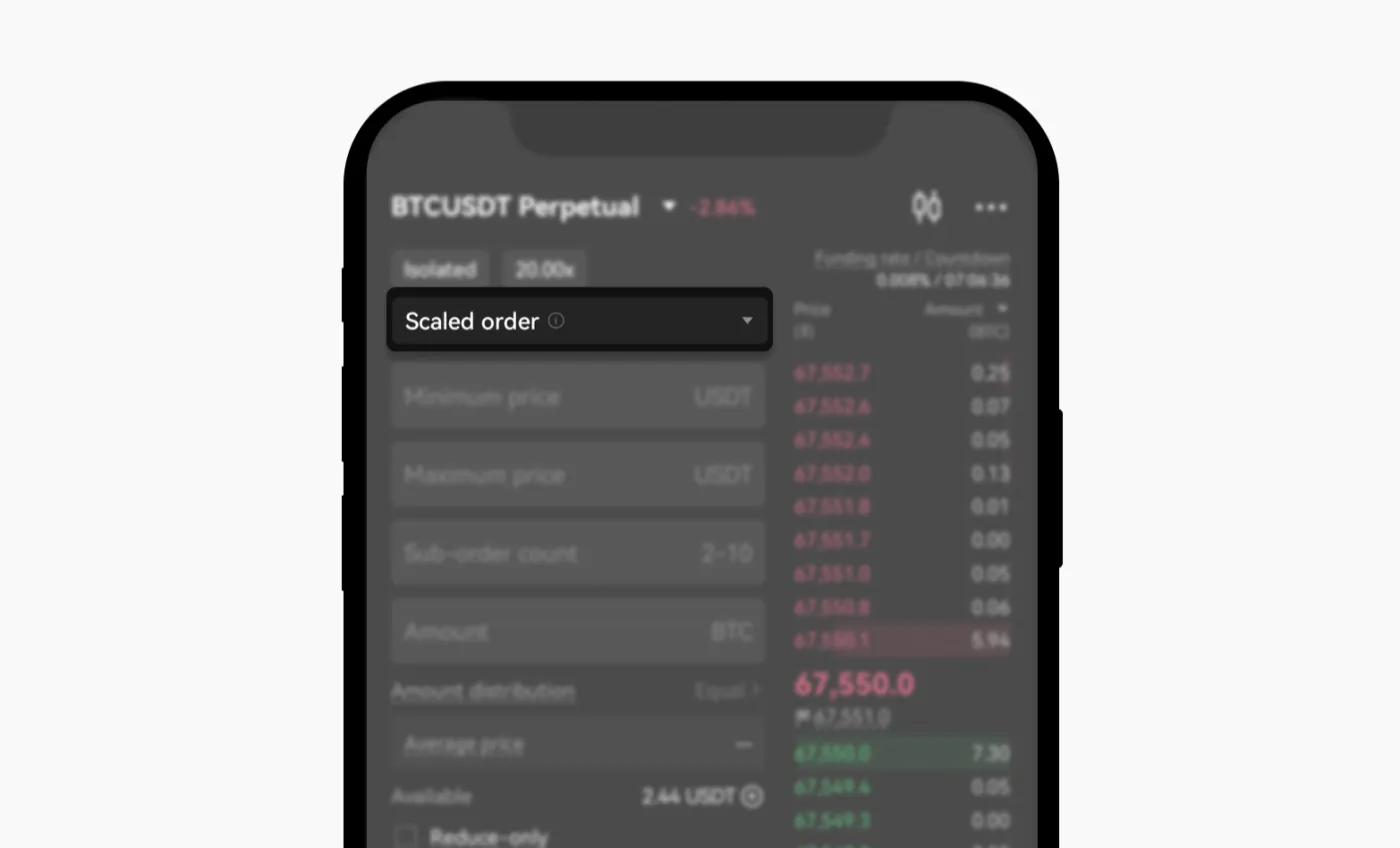
Scaled orders help minimize slippage when building a large position, and they also let you enter and take profits steadily in parts within a specific range.
8. Chasing Order
A chasing order is an order that 'automatically submits limit orders while following the current market price.' You can use it by selecting 'Chasing Order' as the order type, and buy or sell orders are automatically placed just above and below the current bid/ask.
Chasing orders can reduce slippage and let you keep following market movements with limit orders. However, if the market becomes extremely volatile, your order may fill at a price different from what you expected.
9. Reduce Only
A Reduce Only order is an order that only reduces the size of your position. So you can use it when closing a position you currently hold. If you check 'Reduce Only' in the order type before trading, you can reduce the risk of accidentally opening a position in the opposite direction.
If you try to open an additional position with the Reduce Only option checked, the order will fail. In that case, you must disable the option before you can open a new position.
Wrapping Up
OKX offers easy-to-use advanced orders for traders. It's a good idea to start with limit and market orders. Then, once you're a bit more familiar, you can try using stop loss and take profit orders, as well as trailing stops, scaled orders, and more.