How to Recover and Change Your OKX Password
2 min read · · Korean original
Looking for a way to recover or change your OKX exchange account password? In this tutorial, you'll learn how to safely recover your OKX account password or set a new one.
How to Change Your OKX Password
If you already know your OKX exchange account password, you can change it as follows. First, log in.
We'll walk through it using the app. Go to the [User Center] in the top left, then open the account settings page at the top.
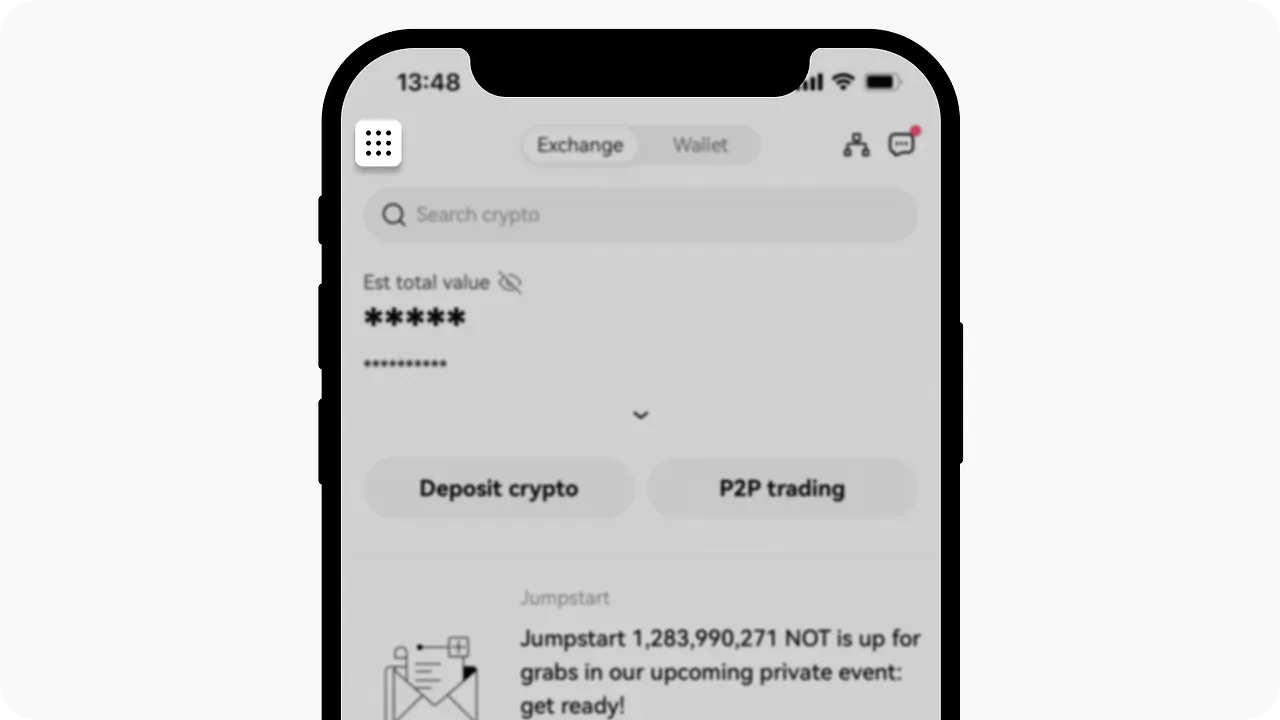
As shown below, click the [Security] tab under the [Profile and settings] tab. Next, click the [Login password] button under the [Authentication methods] tab, and you'll be able to change your password.
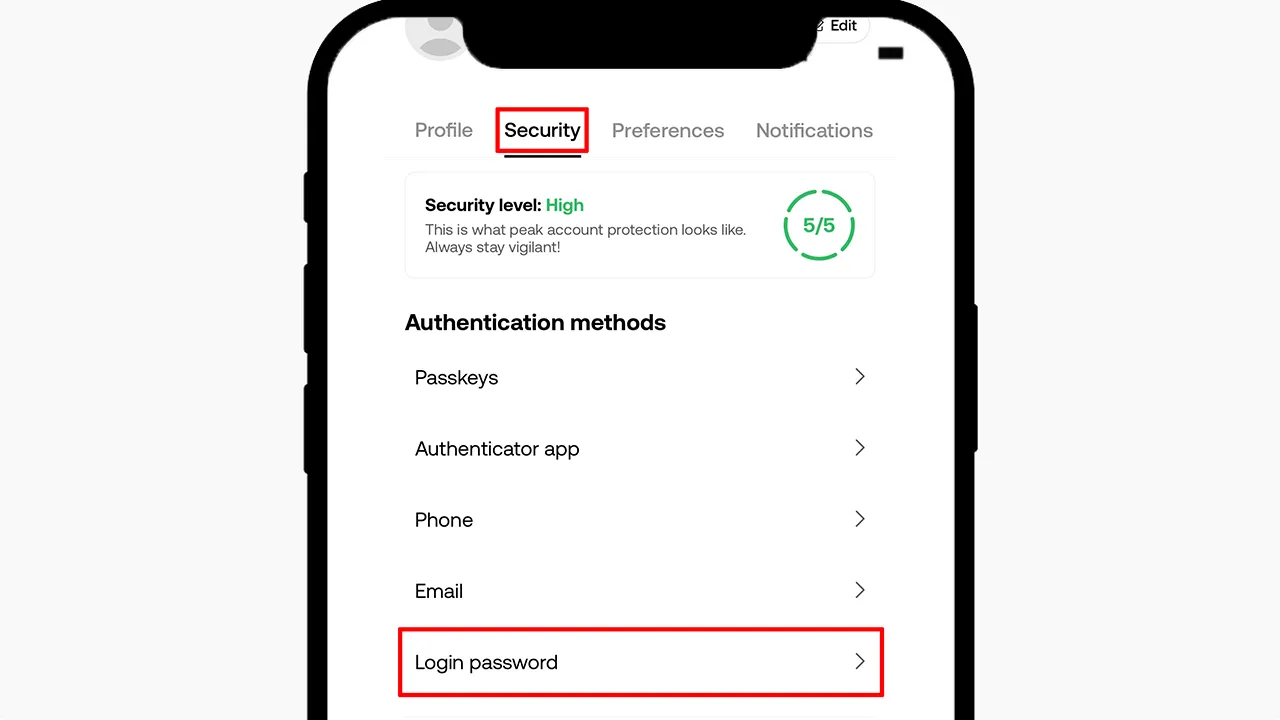
To set a new password, you'll need to complete additional security verification. Also, keep in mind that withdrawals are disabled for 24 hours after you change your password.
Here's how to change your password on the OKX website. After logging in to the exchange, go to [Security center] - [Login password].
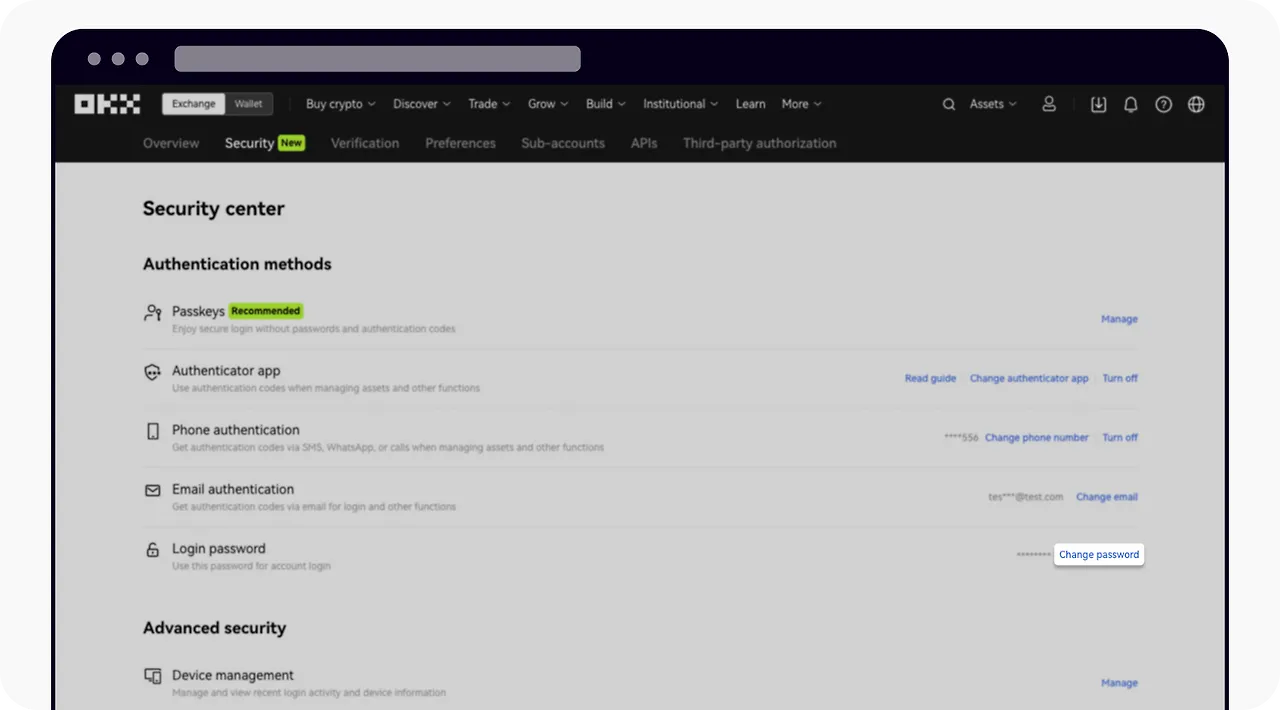
Alternatively, you can click here to go straight to the OKX account password settings page.
How to Reset Your OKX Password
If you've forgotten or lost your OKX account password, you can set a new one. Go to the OKX login page, then click the [Forgot your password?] button at the bottom.
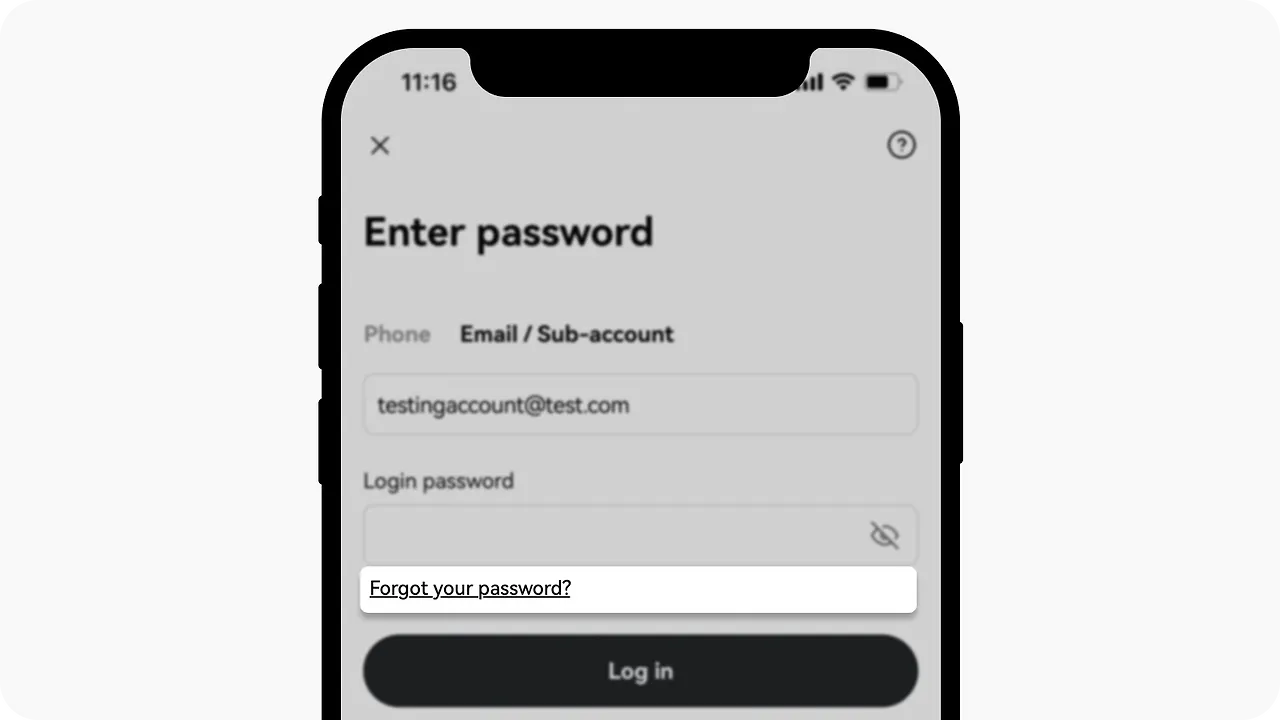
A verification code will be sent to the email address or phone number you signed up with. Once you complete that verification, you can set a new password. If your account has a passkey or Google Authenticator set up, you may be asked to complete an additional two-factor authentication step.
Once your new password is set, you'll receive a confirmation notice by email or on your phone. Now you can go back to the OKX exchange login screen and try logging in to your OKX account.