Binance Wallet IDO Token Sales: How to Participate and My Results
4 min read · · Korean original
Binance Wallet runs IDOs from time to time, and they can be quite profitable. So far I've taken part in three: MyShell, Bubblemaps (BMT), and today's Bedrock (BR). I'll walk you through how to participate and share my profit results.
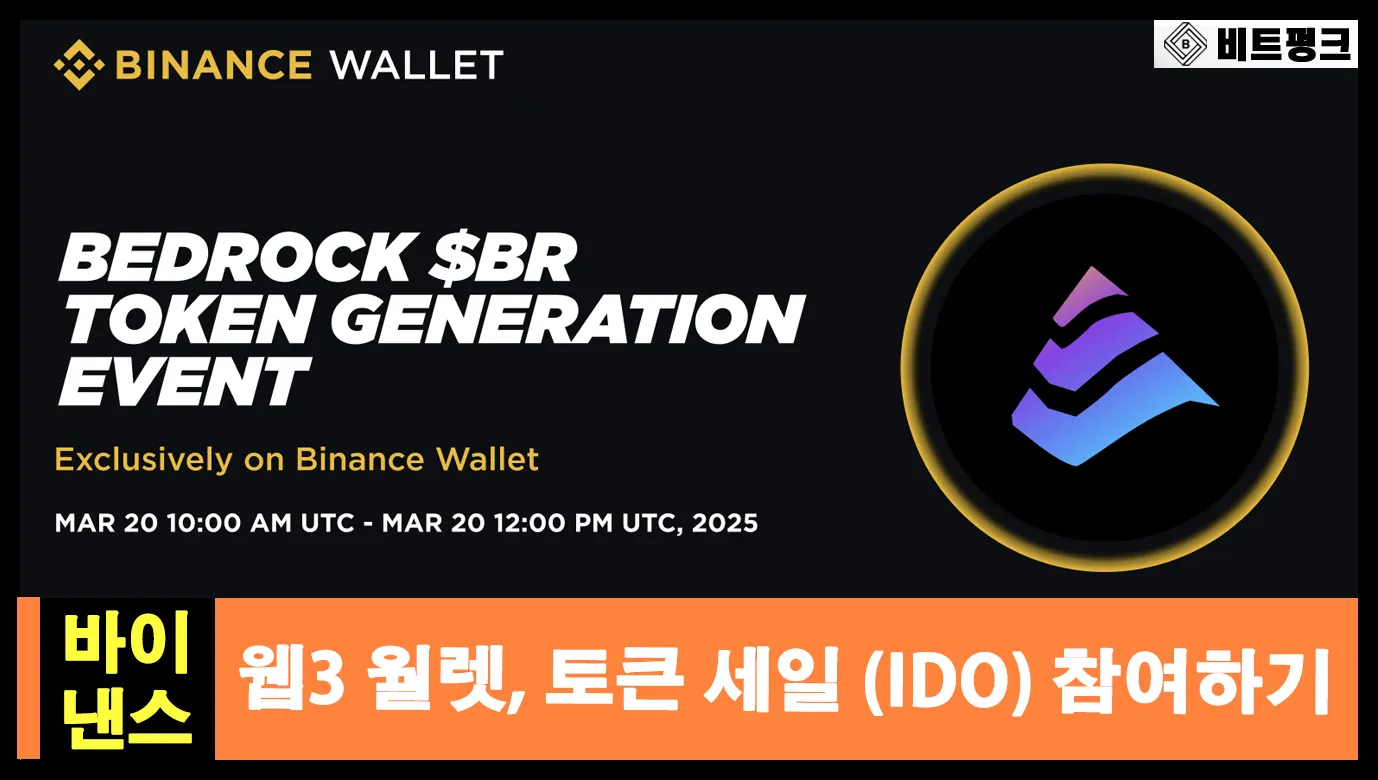
How to Participate in a Binance Web3 IDO
1) Log in to Binance
To take part in a Binance Web3 IDO, you need a Binance account with completed identity verification and a wallet. Once you've signed up for Binance, please log in.
 How to Sign Up for Binance and Get a Lifetime 20% Fee Discount4 min read
2) Go to the Web3 Wallet
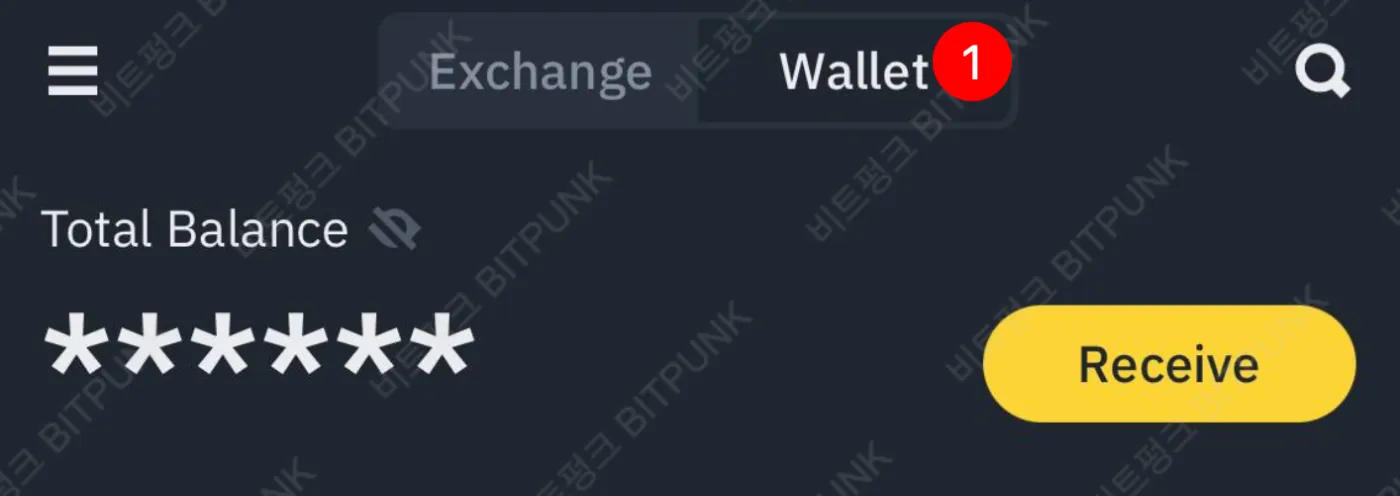
Next, go to [Assets], and you'll see an [Exchange] / [Wallet] toggle at the top. Click [Wallet] here.
3) Sign Up for the IDO
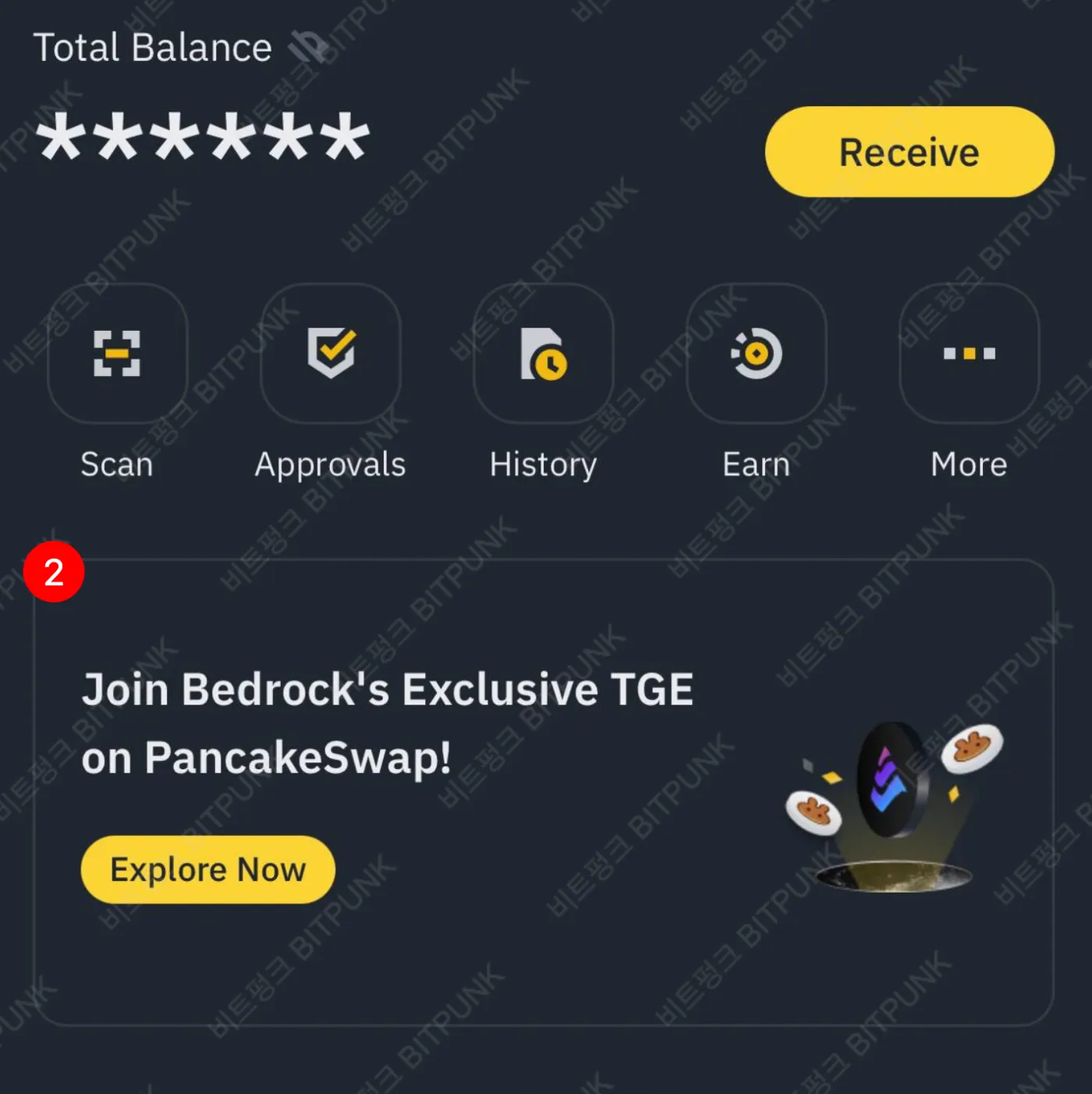
Once you're in [Wallet], you'll see a 'TGE' or 'IDO' banner on the home screen like the one below. Tap the yellow 'Explore Now' button on the banner to go to the IDO token sale page.
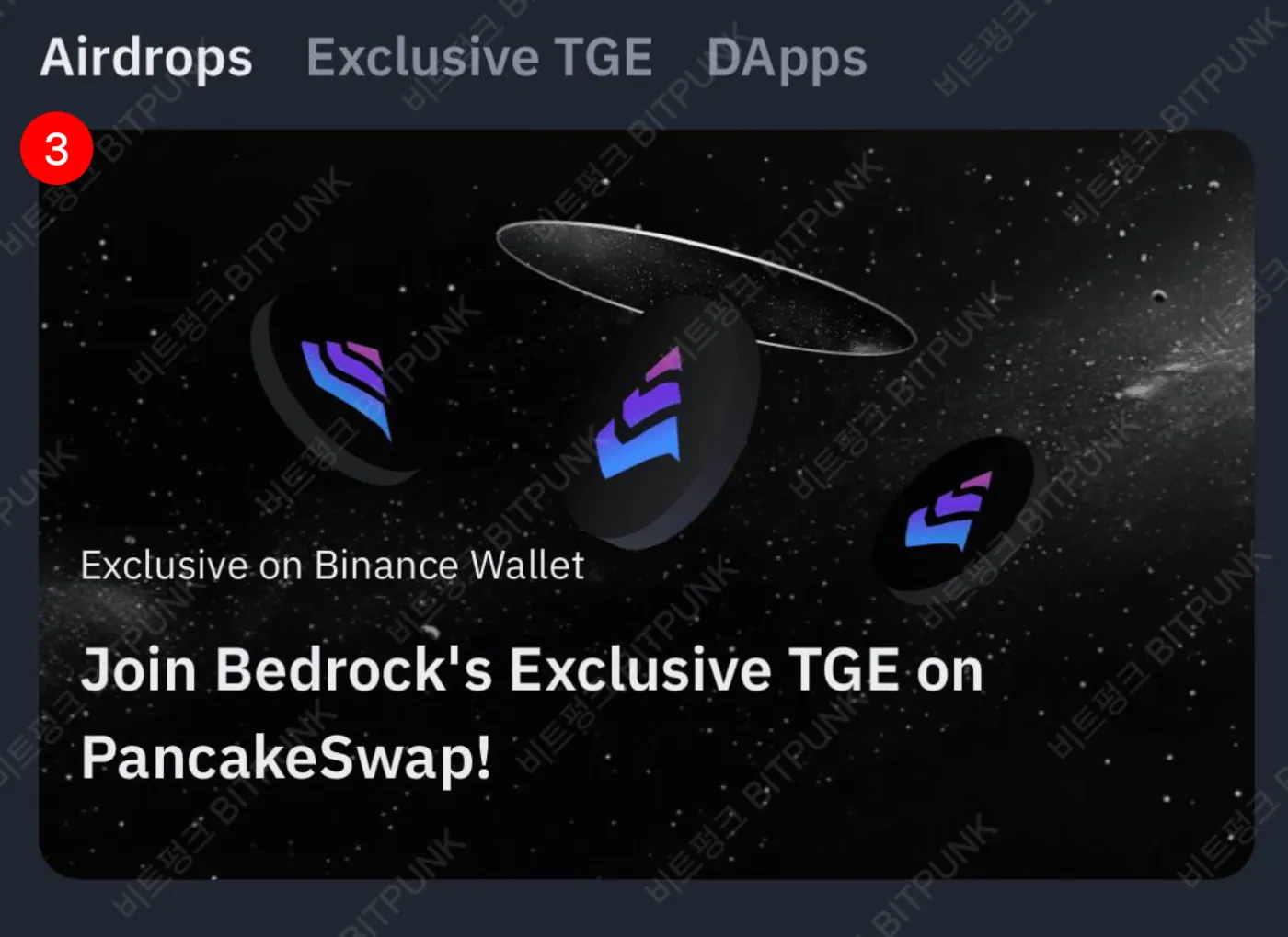
If you don't see the banner, go to [Discover] at the bottom, where you can find the token sale events currently in progress, as shown below. Click the banner.
4) Connect Your Wallet and Subscribe
Once you're on the token sale page, connect your Binance wallet using [Connect Wallet] in the top right. Then, in the interface, enter the maximum BNB amount with [MAX] and tap confirm.
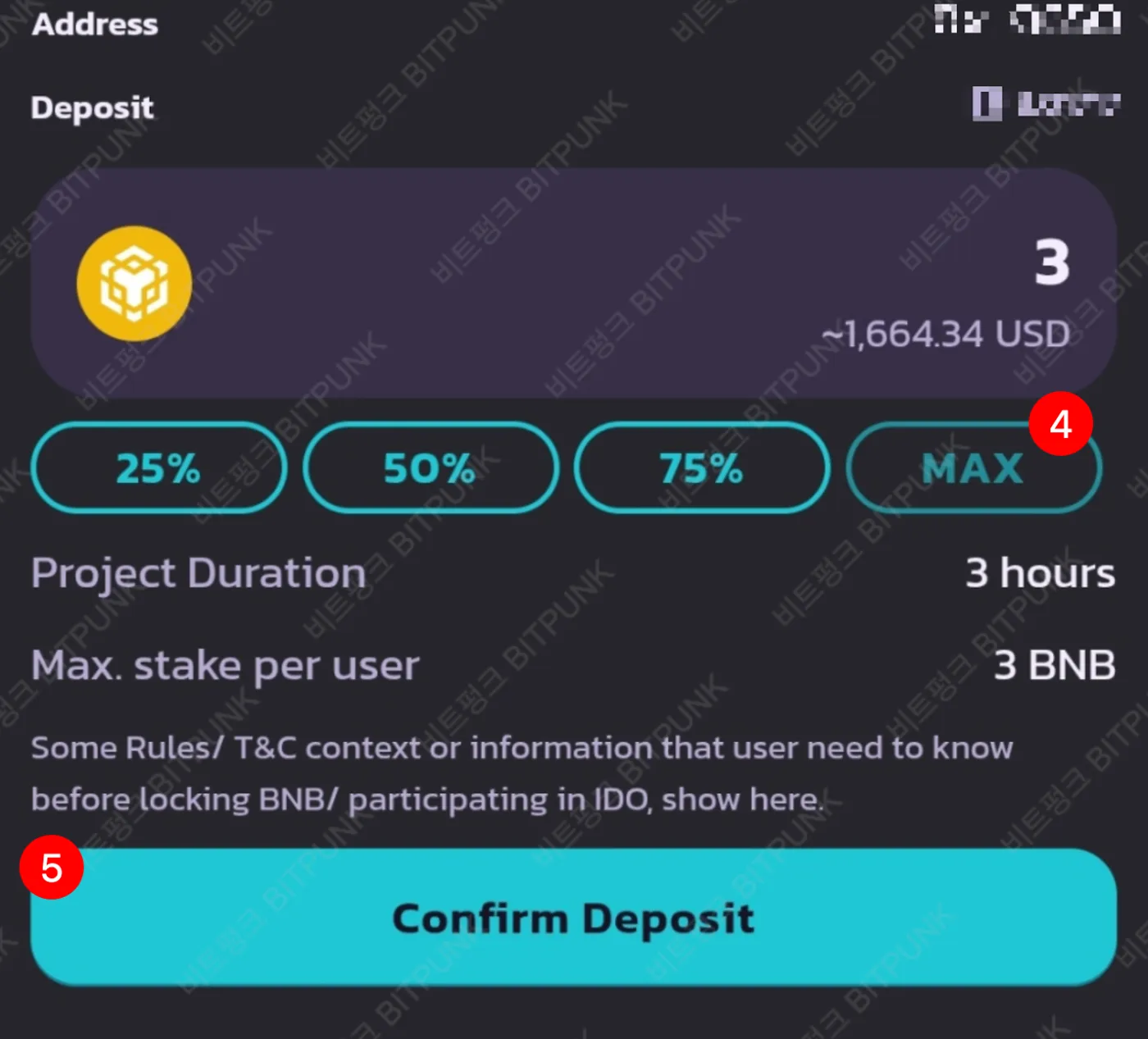
For example, the Bedrock (BR) IDO ran for only 2 hours. If you held 3 BNB in your Binance Keyless Wallet, you could participate at the 'full cap'. Note that you'll need a little extra for gas fees, so it's a good idea to deposit around 3.01 BNB into your wallet at the start.
5) Claim and Trade Your Tokens
To receive your tokens after the IDO ends, you need to visit the sale page once more and claim them. After that, you can trade the tokens by swapping on Binance Wallet or a DEX such as PancakeSwap.
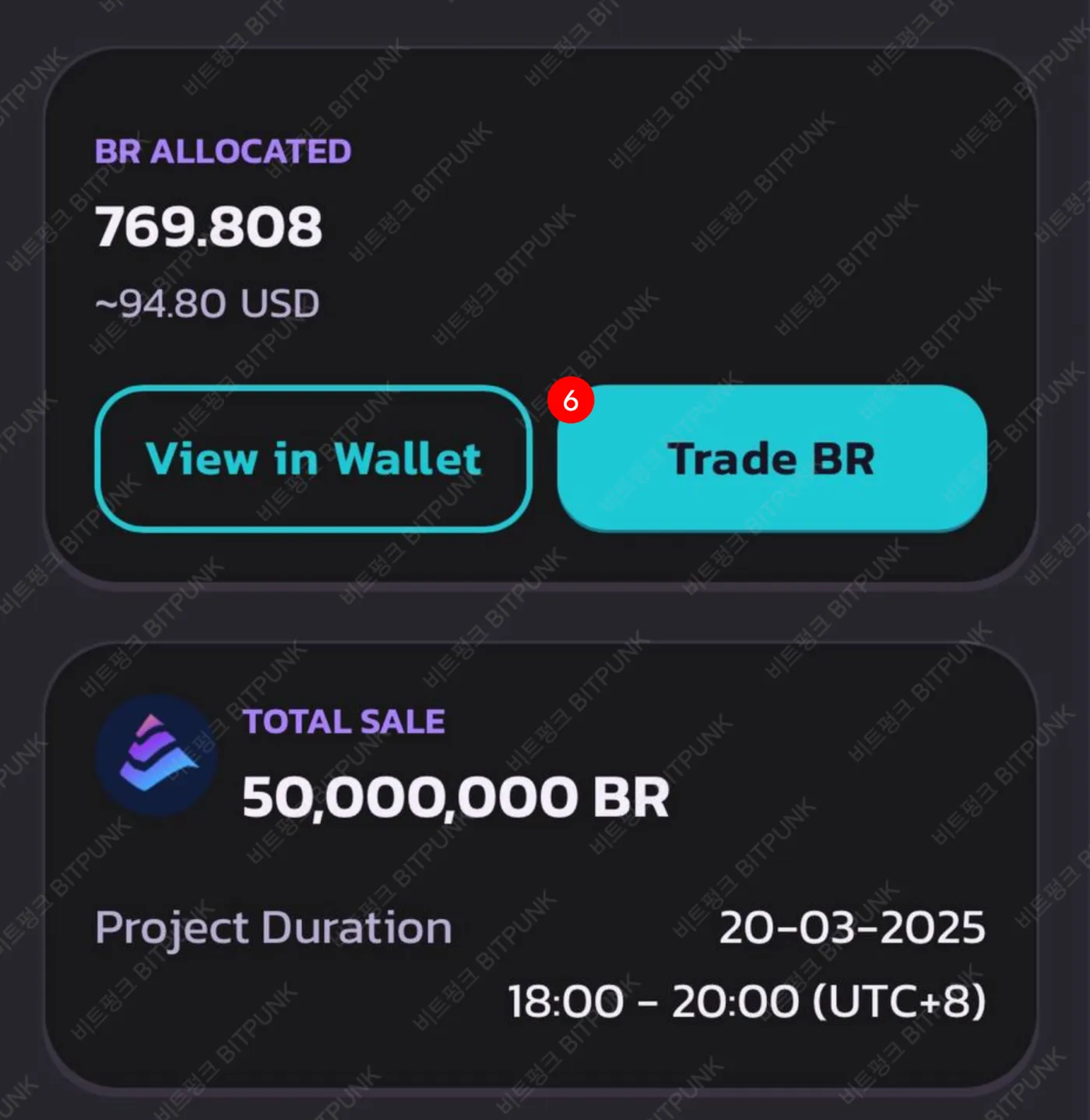
My Binance Wallet IDO Profit Results
My first Binance Wallet IDO was MyShell, and there weren't many participants back then. I subscribed with 3 BNB and made a profit of roughly KRW 700,000. After that, I also subscribed to Bubblemaps with 3 BNB. Right after the IDO ended, my Bubblemaps tokens were worth about KRW 100,000, but I sold them after the Binance listing and ended up with about KRW 150,000.
And today's Bedrock was also a 3 BNB subscription, and I expect a profit of somewhere between KRW 100,000 and 150,000. It's still before the official TGE, so I plan to sell slowly once it lists on Binance.
Wrapping Up
Unfortunately, you used to be able to join Binance Wallet IDOs with multiple accounts, but that's now been blocked, and in some cases you have to complete 'identity and face verification'. It seems exchanges are cracking down on multiple accounts these days. If you've been doing this on behalf of family or friends, I think you'll now need to teach them how to do it themselves.
Anyway, Binance Wallet Web3 IDOs are still a honey pot for now, so I hope you make good use of them. You should be able to get at least around KRW 100,000. Also note that you can only participate through the Binance Web3 Wallet, so it's a good idea to create a Keyless Wallet and back it up in advance. If you're worried about BNB dropping in price, you can also use hedging or a loan. Good luck, everyone~